This site uses cookies to enhance your user experience. By clicking any link on this site you are giving your consent to our cookie policy. Read more
Reject
Accept All
hoopla Digital

hoopla Digital

4.7
Advertisement

Information

  • Category: Books
  • Price: free
  • Age Rating: 14+
  • Rating:
    4.7
  • Developer: Midwest Tape LLC
  • Version: 4.81
Advertisement
Screenshot 1
Screenshot 2
Screenshot 3
Screenshot 4
Screenshot 5
Screenshot 6
Screenshot 7
Screenshot 8
Screenshot 9
Screenshot 10
Screenshot 11
Screenshot 12
Screenshot 13
Screenshot 14
Screenshot 15
Screenshot 16
Screenshot 17
Screenshot 18
Screenshot 19
Screenshot 20
Screenshot 21
Screenshot 22
Screenshot 23
Screenshot 24
Screenshot 25
Screenshot 26
Screenshot 27

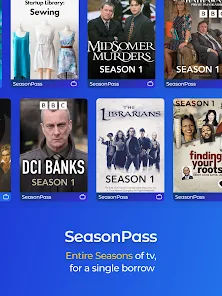
Users of the digital media service Hoopla Digital can check out digital movies, music, ebooks, and audiobooks from their nearby public libraries. Users can access a variety of content on their PCs, cellphones, tablets, or streaming devices with hoopla Digital. Users must be enrolled with their local library and have a current library card in order to use hoopla Digital. They can access the hoopla Digital website or mobile app after registering and begin borrowing content. Customers of libraries can easily access digital media from their neighborhood libraries via Hoopla Digital.
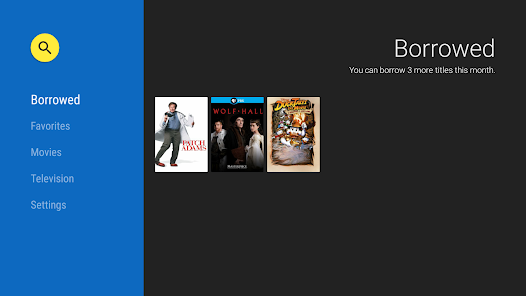
What is hoopla Digital

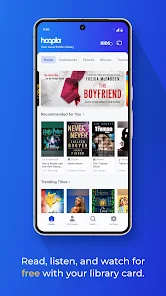
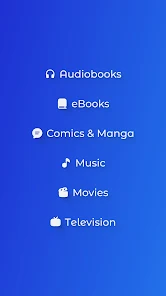
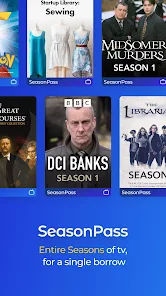
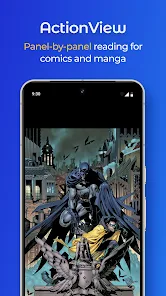
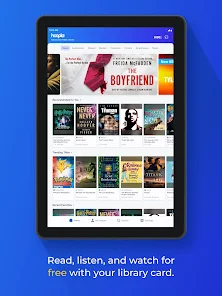
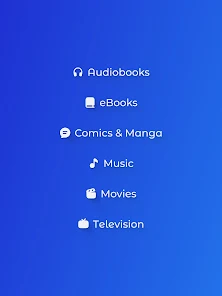
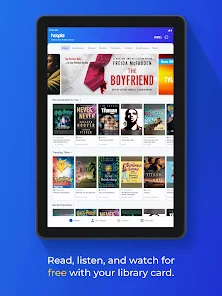
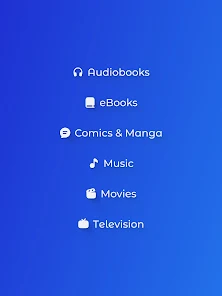
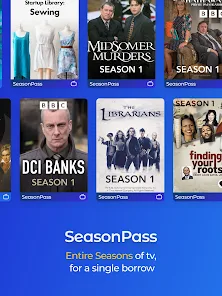
Hoopla Digital is a digital media platform that offers users access to digital content, such as ebooks, audiobooks, comics, music, movies, and TV shows. It is a popular service among libraries, as it allows library patrons to borrow digital content for free with their library card. The service works on a variety of devices, including smartphones, tablets, and computers.
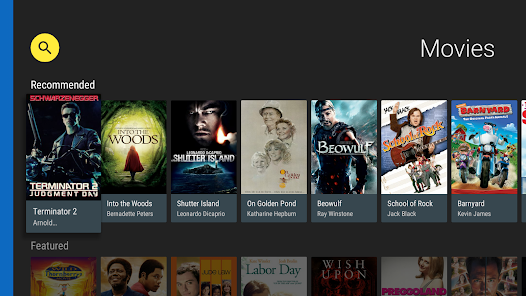
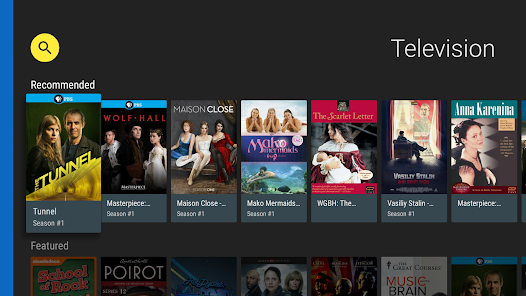
Many people are unaware of their local public library. However, one streaming service is inspiring people to value their local libraries once more.
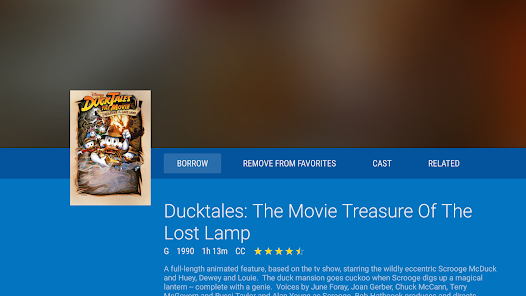
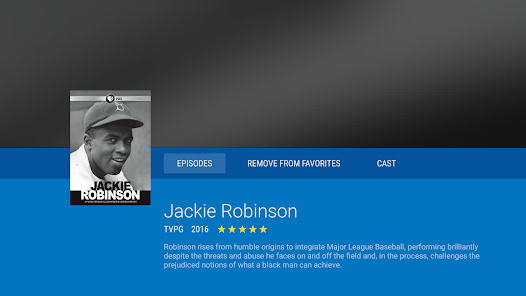
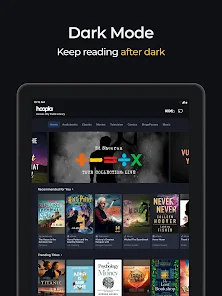
A library card is required to download the Hoopla Digital app, also referred to as Hoopla, which is only accessible to residents of the US and Canada. Users can watch films and television programs, listen to music and audiobooks, and read comic books and ebooks using this app. The best thing is that it is supported by libraries, thus using it on computers, TVs, and mobile devices is totally free.

According to Hoopla, there are hundreds of thousands of titles available that are just waiting to be appreciated, and more are being added daily. The number of venues for the service have increased since its 2013 debut to around 6,000. Inform the staff that you are interested if your local library is not one of them.)


Features of hoopla Digital

Hoopla Digital is a digital media service that allows users to borrow movies, music, audiobooks, ebooks, and more from their local public library. Some features of hoopla Digital include:

1、Access to a wide range of media, including popular movies, TV shows, music, audiobooks, and ebooks

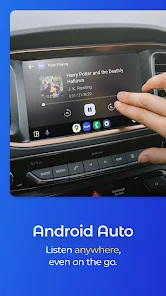
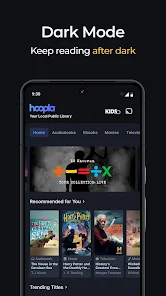
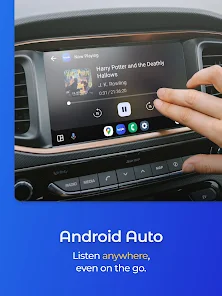
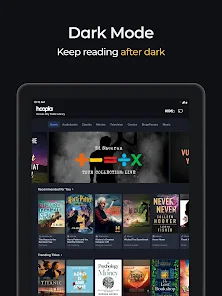
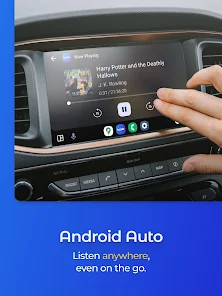
2、Easy-to-use app for streaming and downloading content on a variety of devices, including smartphones, tablets, and computers

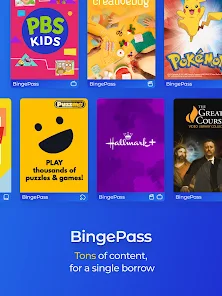
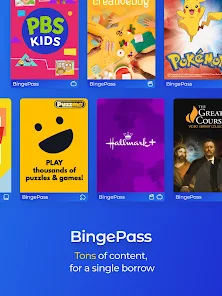
3、Ability to borrow and enjoy content instantly, without having to wait for items to become available

4、A personalized recommendations feature that suggests content based on the user's borrowing history

5、Integration with public library systems, allowing users to borrow and access content using their library card

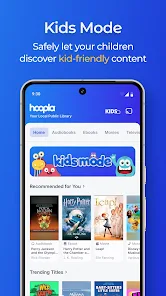
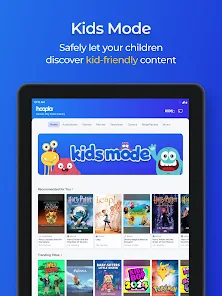
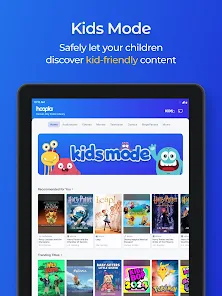
6、Multiple user profiles, allowing family members to create their own accounts and access content using the same library card.

Overall, hoopla Digital offers users a convenient and easy way to access a wide range of digital media from their local public library.


How to use hoopla Digital

To use hoopla Digital, you must first make sure that your local library offers the service. Not all libraries offer hoopla Digital, so you should contact your local library to find out if it is available. If your library does offer hoopla Digital, you will need to have a valid library card and be registered with the library in order to access the service.

Once you are registered with your library and have a valid library card, you can access hoopla Digital in the following ways:

1、Visit the hoopla Digital website (www.hoopladigital.com) and log in with your library card number and PIN.

2、Download the hoopla Digital mobile app from the App Store or Google Play and log in with your library card number and PIN.

3、Use your library's website or mobile app to access hoopla Digital. Many libraries have a dedicated hoopla Digital section on their website or app where you can log in and access the service.

Once you are logged in to hoopla Digital, you can browse the available content and borrow items by clicking on the "Borrow" button. You can also search for specific items using the search bar at the top of the page. Borrowed items will be automatically returned at the end of the lending period, and you can borrow up to a certain number of items per month, depending on your library's lending policies.


The final cut

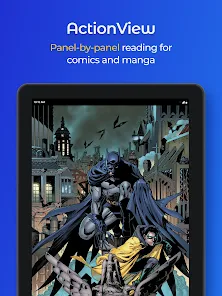
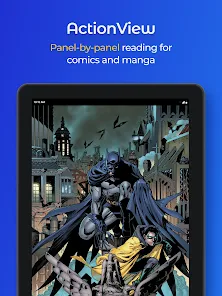
Hoopla Digital is your best option if you're constantly looking for new books to read. Comic book fans and readers of traditional books won't ever run out of stories thanks to the regular addition of new titles.

Hoopla Digital is your best option if you're constantly looking for new books to read. Comic book fans and readers of traditional books won't ever run out of stories thanks to the regular addition of new titles.

Check out the whole list of the best free streaming services here. Hoopla was named our top ad-free streaming service.

We have a YouTube channel, did you know that? Weekly Cord Cutting recap programs and a live Q&A session are only available on our YouTube channel.

For more news, advice, and reviews, follow us on Twitter and Facebook. Do you require technical assistance with cable cutting? To get assistance, join our Facebook group for cord-cutting tech support.

Pros
  • Straightforward to use and offers good quality streaming.
  • Media can be downloaded accessed offline.
Cons
  • Page turning is sometimes temperamental.
  • The app is not compatible with eReaders.
Advertisement

FAQ

Access hoopla Digital on your computer via the website.

In addition to the app, hoopla Digital can be accessed through its website on a computer, providing another way to browse and borrow digital content.

Browse the extensive collection of eBooks, audiobooks, and more.

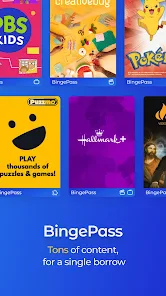
Users can explore a wide range of digital content, including eBooks, audiobooks, comics, music, and movies, all available for borrowing through the app or website.

Click "Borrow" to check out the selected item.

To borrow a title, simply click the "Borrow" button, which allows you to check out the item for a specified lending period, usually without any waitlists.

Create an account using your email and library card.

To use hoopla Digital, you need to create an account by providing your email address and library card number, linking your library's resources to your profile.

Download the hoopla Digital app from your app store.

The hoopla Digital app can be downloaded from popular app stores like Apple App Store or Google Play Store, enabling users to access their library's digital content on mobile devices.

Advertisement