This site uses cookies to enhance your user experience. By clicking any link on this site you are giving your consent to our cookie policy. Read more
Reject
Accept All

Advertiser and Editorial Disclosures

Twitch: Live Streaming

Twitch: Live Streaming

verified

Twitch Interactive, Inc.

4.0
Rating
100,000,000+ Downloads
29.7.1 Version
  • category

    Category: Entertainment

  • price

    Price: free

  • age rating

    Age Rating: Teen

  • rating

    Rating: 4.0

  • available on

    Available on: /

  • updated on

    Updated on: Jul 7, 2026

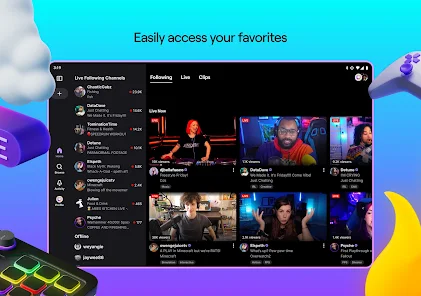
Screenshot 1
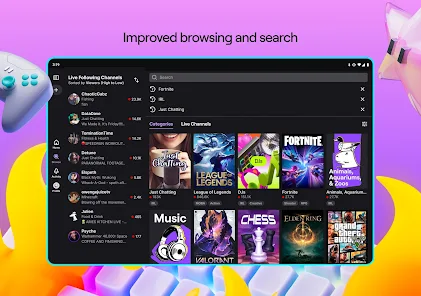
Screenshot 2
Screenshot 3
Screenshot 4
Screenshot 5
Screenshot 6
Screenshot 7
Screenshot 8
Screenshot 9
Screenshot 10
Screenshot 11
Screenshot 12
Screenshot 13
Screenshot 14
Screenshot 15
Screenshot 16
Screenshot 17
Screenshot 18
Screenshot 19
Screenshot 20
Advertisement

Features & Highlights

Customizable Stream Layouts

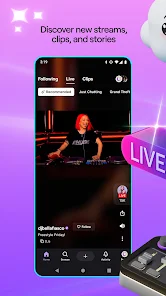
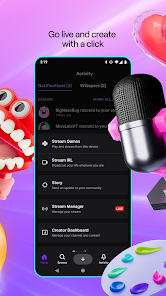
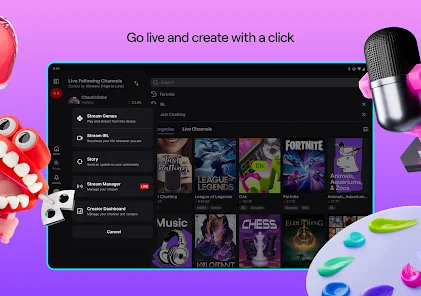
Twitch offers a variety of customizable stream layouts that let creators personalize their broadcasts to reflect their unique style. Streamers can add overlays, alerts, and widgets, making their streams visually appealing and engaging, which helps attract and retain viewers.

Live Chat Interaction

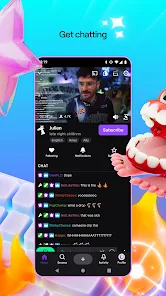
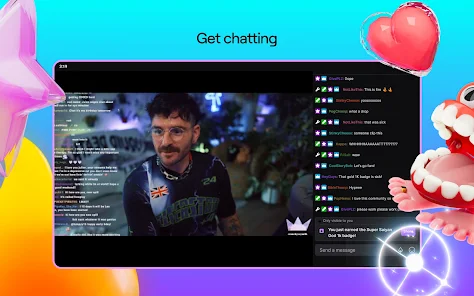
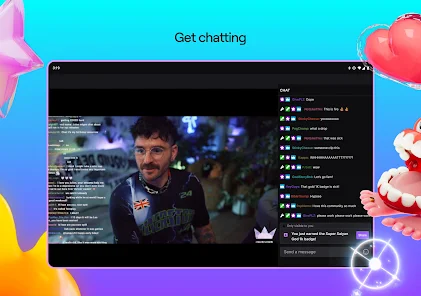
Engage with your audience in real-time through Twitch's live chat feature, enabling seamless communication between streamers and viewers. This interactive element fosters a sense of community, allowing fans to ask questions, share reactions, and build connections during live broadcasts, enhancing the overall viewing experience.

Multi-Platform Accessibility

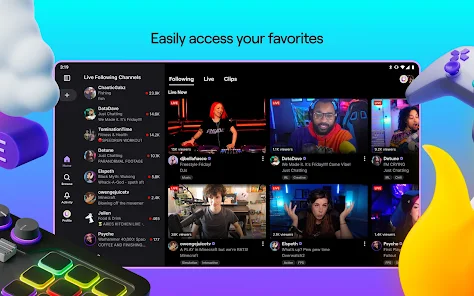
Stream on Twitch from various devices including desktops, consoles, and mobile devices, ensuring flexibility for both streamers and viewers. This multi-platform approach allows users to enjoy content anytime, anywhere, making it easier than ever to connect with favorite streamers and discover new ones.

Vibrant Community Features

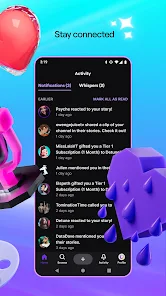
Twitch is not just about streaming; it’s about community. With features like follower notifications, subscriptions, and channel points, streamers can cultivate loyal followings while fans can support their favorite creators, participate in exclusive events, and enjoy a more interactive viewing experience.

Advertisement

Pros & Cons

Pros
  • Engage with your audience in real-time through interactive chat.
  • Reach a global community of diverse viewers and creators.
  • Monetize your passion through subscriptions and donations.
  • Showcase your gaming skills and creativity to gain recognition.
  • Access tools and resources to enhance your streaming experience.
Cons
  • High competition makes it difficult for new streamers to gain visibility
  • Monetization can be challenging, requiring substantial viewer engagement
  • Content moderation issues can lead to toxic environments for users

Real Experience Using Twitch: Live Streaming

Application Scenarios

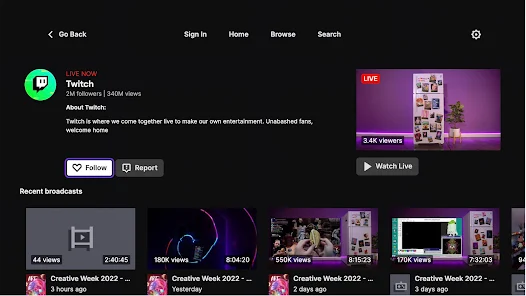
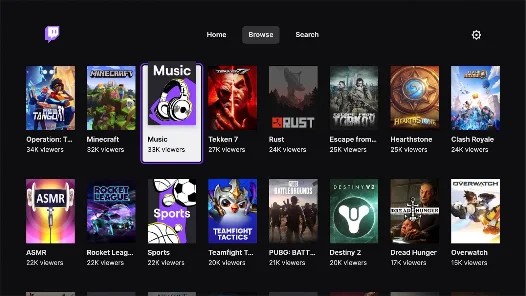
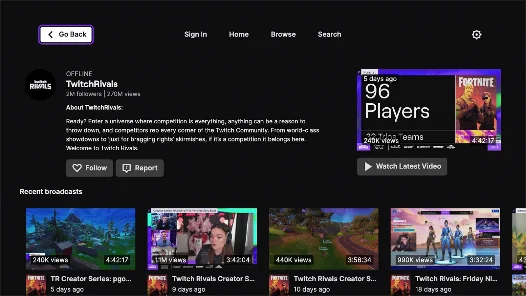
Twitch: Live Streaming is a versatile platform that caters to a wide variety of users. Gamers often find it to be an essential tool for broadcasting their gameplay to a global audience, creating interactive environments where viewers can engage through chat. Beyond gaming, Twitch has expanded into other realms, including art, music, and cooking streams. This makes it a go-to application for content creators of all genres looking to share their passions live. With community events, eSports tournaments, and even educational streams, Twitch serves as a hub for both entertainment and learning. Whether you're a casual viewer or a dedicated streamer, the app provides endless opportunities to connect with like-minded individuals.

User Experience

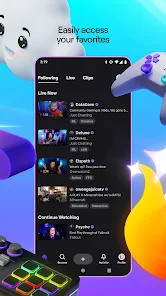
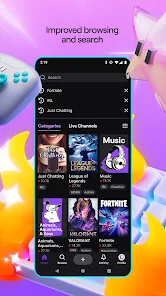
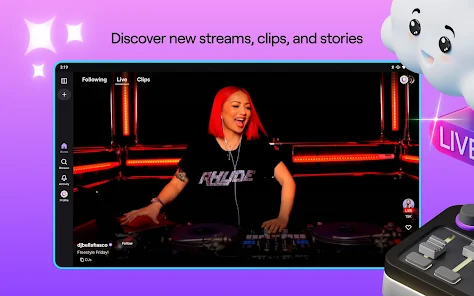
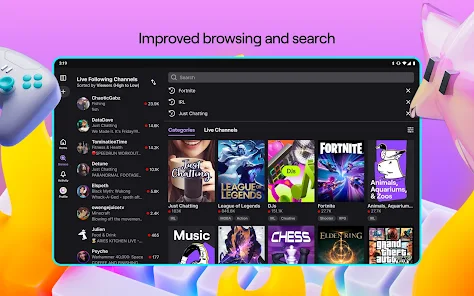
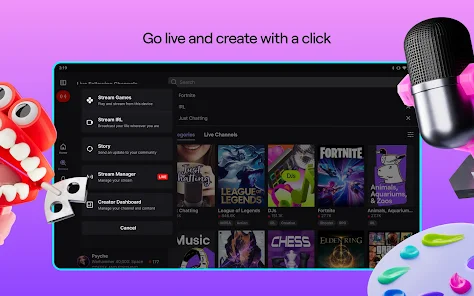
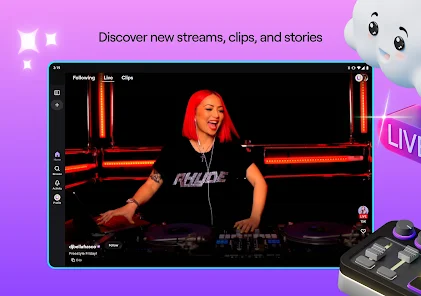
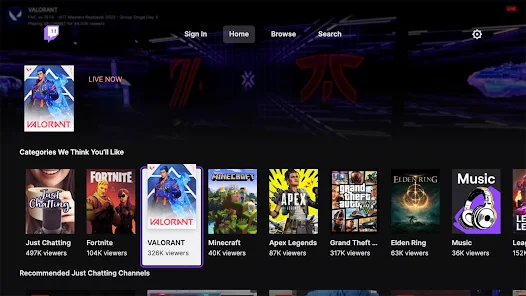
The user interface of Twitch is designed for ease of use, making navigation straightforward for both newcomers and seasoned users. Streamers can set up their channels in a matter of minutes, customizing profiles with banners and logos to reflect their personal brand. The chat feature enhances the interactive experience, allowing real-time communication between streamers and viewers. However, some users have reported occasional lag during streams, particularly in high-traffic channels. Despite this, the overall experience remains engaging, with features like subscriptions, donations, and emotes enriching the community interaction. The discovery algorithm also helps users find new content tailored to their interests, ensuring that the streaming experience is both personalized and dynamic.

Pricing

Twitch is free to download and use, which makes it accessible to anyone interested in streaming or watching live content. While basic features are available at no cost, Twitch also offers a subscription model for viewers who want to support their favorite streamers. Subscriptions come with benefits like ad-free viewing, exclusive emotes, and chat privileges. Additionally, Twitch Prime offers premium features for Amazon Prime members, including free monthly subscriptions to channels. While the app is free, users should be aware of potential costs associated with in-app purchases and subscriptions, which can enhance their overall experience but are not mandatory.

Updates & Support

Twitch regularly rolls out updates to improve functionality and user experience. These updates often include new features, bug fixes, and enhancements tailored to community feedback. Users can expect periodic improvements that keep the app running smoothly and introduce innovative tools for content creation. Customer support is accessible through the app and website, offering resources like FAQs and community forums for immediate assistance. Although response times can vary, Twitch is committed to addressing user concerns and continuously improving the platform. This dedication to user experience, combined with an ever-evolving feature set, ensures that Twitch remains a leading choice in the live streaming space.

verified Security & Privacy Review

The security and privacy of users on Twitch: Live Streaming are taken seriously, with several measures in place to protect personal information. Twitch utilizes encryption protocols to secure data transmission, ensuring that user interactions remain confidential. The app requires certain permissions, including access to the device's camera and microphone for streaming and chat functionalities. Users are informed about these permissions, and consent is required before activation. Twitch's privacy policy outlines how user data is collected, used, and shared. Information such as account details, viewing habits, and interactions may be stored to enhance user experience and provide personalized content. Users have control over their privacy settings, allowing them to manage their visibility and data sharing preferences with other users. While Twitch makes efforts to safeguard user data, it is important for users to remain vigilant and practice good security habits, such as using strong passwords and enabling two-factor authentication. Overall, Twitch demonstrates a commitment to user privacy and data protection, but users should always be aware of the information they share on the platform.
Advertisement

User Reviews

  • the phantomboy90
    2026/01/31

    Love the app, being able to get drops through watching some cool gamers. just not a fan of the 3 minute ads, I understand needing them to help. but for those who don't have the ability to buy the subscription on mobile, maybe do banner advertisement instead. After the ads end, the stream freezes and you have to refresh the stream cause it makes the viewers get left behind.

  • ZaCloud StriFair
    2026/06/23

    The app won't play video or audio (frozen/loading), tho chat works. Sometimes 5-15 minutes later vid & audio will play, but be 1+ min behind the chat (even tho on PC there's only 4 second delay). Sometimes audio only works in the background. I can't even properly report "video/audio totally frozen" in-app because there's no option for that. Best I can do is say they're both stuttering. Tried updating, clearing cache, restarting phone, lowering resolution, etc. Nothing worked. EDIT: Still broken.

  • Da ns
    2026/06/07

    With the exorbitant price they charge for turbo, you'd think they could manage a half functioning app. Sometimes, for some unknown reason, the app will refuse to load, until magically fixing itself a few days later. God forbid you try to troubleshoot. If you reinstall and sign out, you're just not getting back in for a few days. A minor annoyance that repeats itself every few weeks. It would be worse if I was paying over $15 a month for a slow and buggy mess.

  • Nirban
    2026/06/15

    Since the latest update, streams are no longer running at 60 FPS on my Samsung Galaxy A11 tablet. From mobile browser it's working fine. In addition, changing the video resolution through Stream Manager has no effect, even when adjusted manually. This seems to be a widespread issue affecting Android devices in general.

  • Edward Hurst
    2026/06/07

    App has gone down the tubes. Since One UI 8.5 dropped, the app does not know how to handle stream performance properly and 720p+ lags like crazy. It's not a connection issue, your CPU jumps to 100% even when it's supposed to be hardware accelerated, and stutters like mad and overheats. Notifications randomly don't work, so when my stream streak broke due to lack of being notified, the notif to revive it by watching a VOD did not appear either, and support team refused to fix it manually.

Review Source: Google Play store public user reviews.

FAQ

1

Can I submit suggestions or feedback to Twitch: Live Streaming?

Yes, users can submit suggestions or feedback to Twitch through their help center or community forums to help improve the platform.

2

Does Twitch: Live Streaming collect my personal data?

Yes, Twitch: Live Streaming collects personal data such as user account information, viewing habits, and interaction data to enhance user experience and for advertising purposes.

3

Does Twitch: Live Streaming support offline use?

No, Twitch: Live Streaming does not support offline use as it requires an internet connection to access live streams and video content.

4

How do I cancel my Twitch: Live Streaming subscription?

To cancel your Twitch subscription, you can go to your account settings, navigate to the subscriptions section, and follow the prompts to cancel.

5

How much does a subscription to Twitch: Live Streaming cost?

Subscriptions on Twitch can vary, but they typically start at $4.99 per month for the basic tier, with additional tiers offering more features at higher prices.

How to use Twitch: Live Streaming

1

Can I change my login information for my Twitch account?

Yes, you can change your login information in the account settings under "Security and Privacy."

2

How can I activate my Twitch account after signing up?

To activate your account, check your email for the activation link sent by Twitch and follow the instructions provided.

3

How can I check the status of my Twitch account activation?

You can check your account activation status by attempting to log in or by contacting customer service for help.

4

How do I contact customer service for help with my Twitch account?

You can reach Twitch customer service through the support page on their website or via the help section in your account settings.

5

How do I reactivate my Twitch account if it was deactivated?

To reactivate your Twitch account, log in and follow the prompts, or contact customer service if you're having trouble.

What's New

Bug fixes, stability fixes, and app optimizations

Editor's Choice