This site uses cookies to enhance your user experience. By clicking any link on this site you are giving your consent to our cookie policy. Read more
Reject
Accept All

Advertiser and Editorial Disclosures

Tayasui Sketches

Tayasui Sketches

verified

Tayasui Sketches

3.8
Rating
10,000,000+ Downloads
1.5.41 Version
  • category

    Category: Graphics & Design

  • price

    Price: free

  • age rating

    Age Rating: Everyone

  • rating

    Rating: 3.8

  • available on

    Available on: /

  • updated on

    Updated on: Oct 16, 2025

Screenshot 1
Screenshot 2
Screenshot 3
Screenshot 4
Screenshot 5
Screenshot 6
Screenshot 7
Screenshot 8
Screenshot 9
Screenshot 10
Screenshot 11
Screenshot 12
Screenshot 13
Screenshot 14
Screenshot 15
Screenshot 16
Screenshot 17
Screenshot 18
Screenshot 19
Screenshot 20
Screenshot 21
Advertisement

Features & Highlights

Intuitive Interface

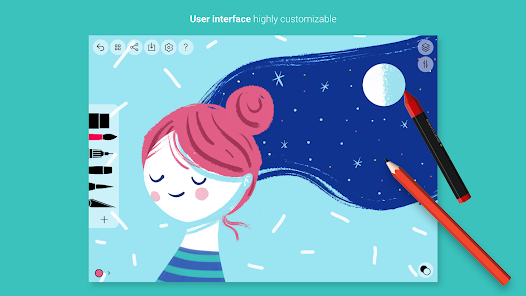
Tayasui Sketches boasts a user-friendly interface that makes it easy for artists of all skill levels to jump right in. With its clean design and accessible tools, you can focus on your creativity without getting lost in complicated menus or settings.

Layer Management

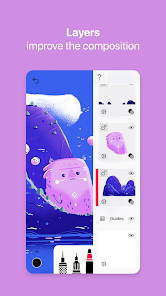
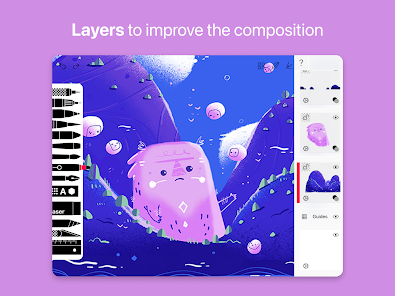
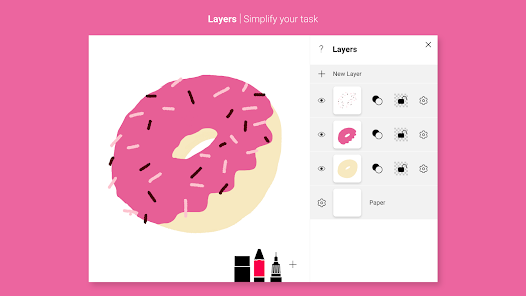
The app features a robust layer management system, enabling you to work on different elements of your art separately. This flexibility allows for more complex compositions and easy adjustments, making it simple to refine your work without compromising the entire piece.

Realistic Brushes

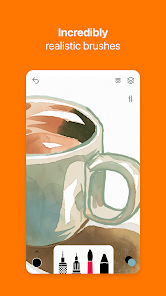
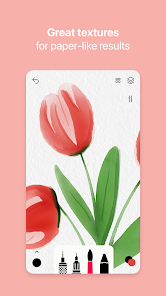
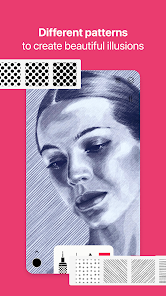
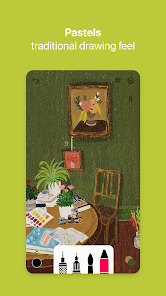
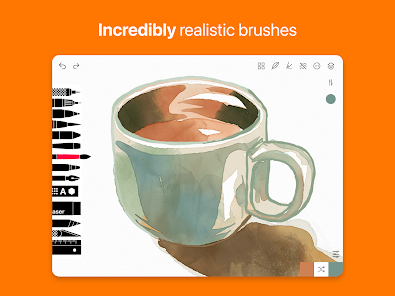
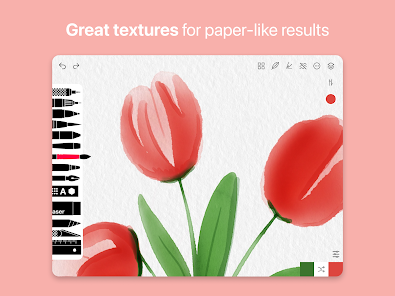
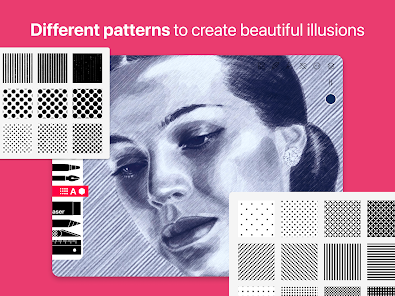
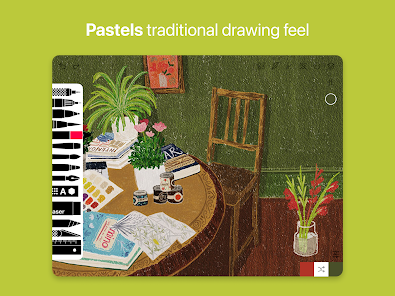
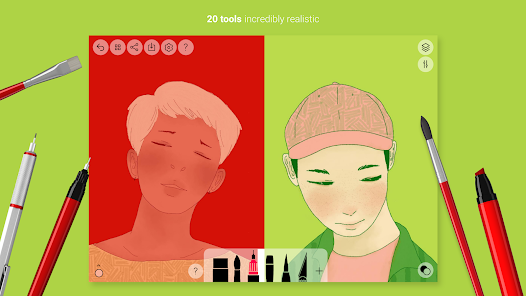
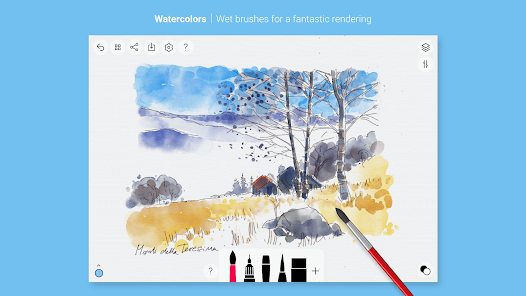
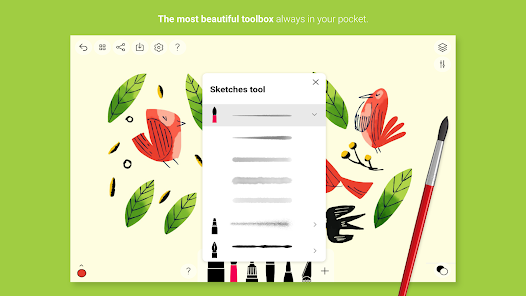
Experience a variety of realistic brushes that mimic traditional art techniques, such as watercolor, oil, and pencil. Each brush offers unique textures and effects, allowing you to create stunning artwork that feels organic and authentic, enhancing your artistic expression.

Versatile Export Options

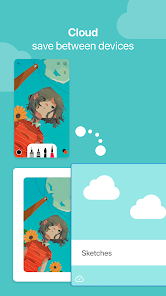
Tayasui Sketches offers multiple export options, allowing you to save your creations in various formats or share them directly to social media. Whether you want to showcase your art online or print it, the app ensures your work looks its best in any format.

Advertisement

Pros & Cons

Pros
  • User-friendly interface makes drawing accessible for all skill levels.
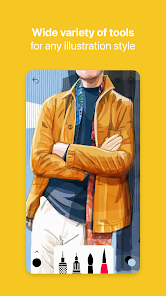
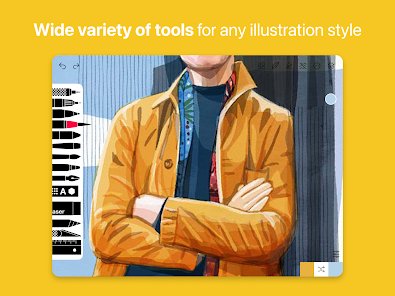
  • A variety of realistic brushes and tools enhance creativity.
  • Seamless layering allows for intricate designs and easy edits.
  • Regular updates ensure new features and improvements are consistently added.
  • Export options enable sharing artwork easily across platforms.
Cons
  • Limited brush customization can restrict creative expression.
  • Lacks advanced features found in professional drawing software.
  • Occasional performance issues can hinder user experience on older devices.

Real Experience Using Tayasui Sketches

Application Scenarios

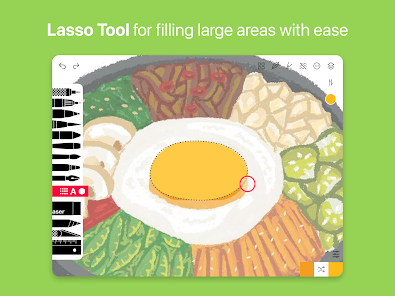
Tayasui Sketches is an ideal application for a wide range of users, from professional artists to hobbyists and students. The app shines in scenarios such as digital sketching, painting, and even graphic design. Artists can take advantage of its versatile tools to create detailed illustrations, while students might use it for visual note-taking or creating engaging presentations. The app's intuitive interface makes it accessible for beginners, allowing them to explore their creativity without feeling overwhelmed. Additionally, Tayasui Sketches is perfect for anyone who enjoys doodling or journaling, providing a canvas that fits in their pocket for spontaneous inspiration. Whether you’re on a train, in a café, or relaxing at home, this app is designed to be a portable creative studio.

User Experience

The user experience on Tayasui Sketches is remarkably smooth and enjoyable. The app features a clean, minimalist design that prioritizes the drawing experience, minimizing distractions. Users can easily navigate through various tools and settings with a simple swipe or tap. The responsive brushes and pencils mimic real-life drawing tools, making the transition from traditional to digital art seamless. Additionally, the layering system allows artists to work on complex projects without the fear of ruining their work. The ability to export creations in high resolution means that users can share their artwork on social media or print them with ease. Overall, the combination of simplicity and powerful features ensures that users of all skill levels can produce stunning artwork effortlessly.

Pricing

Tayasui Sketches offers a freemium model, allowing users to download the app for free with access to basic features. However, to unlock the full potential of the app, users can opt for a one-time in-app purchase for the Pro version. The Pro version provides access to a wider array of brushes, advanced tools, and additional features that enhance the creative process. The pricing is competitive compared to similar apps on the market, making it an attractive option for both casual doodlers and serious artists. With the value provided in the Pro version, many users find that the investment is well worth it for the enhanced capabilities and tools.

Updates & Support

Tayasui Sketches is well-supported with regular updates that introduce new features, brushes, and improvements based on user feedback. The development team is responsive to user needs, ensuring that the app evolves with its community. Users can easily access help and support through the app, with a dedicated FAQ section and customer service options available. Community engagement is also a significant aspect of the app, with users encouraged to share their artwork and tips through social media platforms. This active support system fosters a sense of community among users, enhancing the overall experience of using Tayasui Sketches.

verified Security & Privacy Review

Security & Privacy Review Tayasui Sketches prioritizes user privacy and data security, implementing robust measures to protect sensitive information. The app does not require users to create an account, minimizing the amount of personal data collected. This approach allows users to create and save their artwork without the need for extensive personal information. In terms of permissions, Tayasui Sketches requests access to the device's storage, which is necessary for saving and retrieving sketches. However, it does not seek unnecessary permissions that might compromise user privacy. Users can manage these permissions through their device settings, providing an additional layer of control. The app employs encryption protocols to safeguard any data stored on the user's device, ensuring that sketches remain secure from unauthorized access. While Tayasui Sketches does not share user data with third parties, users should remain vigilant about their device security to prevent any potential breaches. Overall, Tayasui Sketches demonstrates a commitment to maintaining user privacy and security, making it a trustworthy choice for digital artists.
Advertisement

User Reviews

  • Gwynmina
    2026/04/23

    I really truly like the simplicity and brush selection of this app as someone who wanted something realistic ish to get into digital drawing from traditional, but I'm not sure if it's because my tablet is about 6 or 7 years old, or if they stopped updating the app for older devices, or both, but the saved project files are off calibration with my pen when I open them, and adding just one layer will allow the app down even more and I get the too many layers warning. I wish this app was better.

  • Robin Woodard
    2026/03/09

    This app used to be great, but it has a new bug that severely diminishes the value of the app. It will compeletly erase your drawings when you enter them. I've also had it erase a drawing without me needing to enter it. It also forces all layers to visible if you leave the app and come back to your drawing. I'm really sad because this is my main digital art app, my only one, but now I have to go looking for another.

  • カミラ
    2026/01/08

    It keeps me very busy, and is very entertaining. One thing though, I would love more brushes and ect. I don't want to pay a lot for that. Another thing is I don't know about others but, when I'm done I like to screenshot it to give my friends drawings, it deletes my drawing. Today I made a very beautiful mushroom house but it got deleted. And I didn't do anything, I tried to screenshot it then it suddenly glitched and when it cleared, my mushroom house was gone.

  • Alice
    2026/06/29

    I used to really love drawing in this app, mainly on my tablet, but also on my phone. I had not used it for a while only to come back to almost every brush and tool that used to be free is now behind a paywall. Safe to say I'll probably save the artwork, delete the app, and then go looking for a different app to replace this one.

  • Tracy Curry
    2024/03/12

    Editing: Ive since found annoying glitches ... Little marks that appear on the canvas and even if you somehow remove them, they come back. Otherwise, it would have been my new favorite digital art app. 🙁 As an android user, I hadn't previously found a simple but functional digital art app. This one is easy to use, includes simple instructions to get you started. Pro has plenty of features for someone starting in digital art without being too much. Love the watercolor effects. PLZ FIX GLITCHES!

Review Source: Google Play store public user reviews.

FAQ

1

Can I submit suggestions or feedback to Tayasui Sketches?

Yes, users can submit suggestions or feedback to Tayasui Sketches through their support channels or directly within the app, helping to improve future updates and features.

2

Does Tayasui Sketches collect my personal data?

Tayasui Sketches is committed to user privacy and does not collect personal data unless necessary for app functionality or user support. Always refer to the app's privacy policy for specific details.

3

Does Tayasui Sketches support offline use?

Yes, Tayasui Sketches supports offline use, allowing users to create and edit their artwork without needing an internet connection.

4

How do I cancel my Tayasui Sketches subscription?

To cancel your Tayasui Sketches subscription, you can manage your subscription settings through the app store where you purchased it, either on iOS or Android. Follow the prompts to cancel.

5

How much does a subscription to Tayasui Sketches cost?

The subscription cost for Tayasui Sketches may vary by region and is typically offered as a monthly or annual plan. Check the app store for current pricing details.

How to use Tayasui Sketches

1

Can I activate my account on Tayasui Sketches without a customer number?

Yes, you can activate your account using your email address. If you experience difficulties, please contact customer service for help.

2

Can I change my login details for Tayasui Sketches?

Yes, you can change your login details in the settings section of the app. If you need assistance, contact customer service for help.

3

How can I contact customer service for Tayasui Sketches?

You can reach our customer service via the support section in the app or through our website's contact form. We aim to respond within 24 hours.

4

How can I reach customer service if I have a billing issue?

For billing issues, please contact customer service through the app or our website, and provide your customer number for a quicker resolution.

5

How do I activate my Tayasui Sketches subscription?

To activate your subscription, log in to your account and follow the prompts in the subscription section. For support, contact customer service.

What's New

Bug fix and improvements 🎉

Editor's Choice