This site uses cookies to enhance your user experience. By clicking any link on this site you are giving your consent to our cookie policy. Read more
Reject
Accept All

Advertiser and Editorial Disclosures

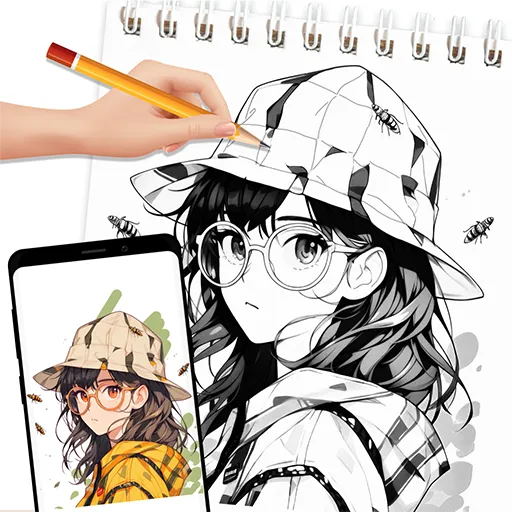
AR Drawing: Sketch, Art, Trace

AR Drawing: Sketch, Art, Trace

verified

Color App Team

3.3
Rating
/ Downloads
1.2.8 Version
  • category

    Category: Art & Design

  • price

    Price: 0

  • age rating

    Age Rating: Everyone

  • rating

    Rating: 3.3

  • available on

    Available on: /

  • updated on

    Updated on: Jun 19, 2026

Screenshot 1
Screenshot 2
Screenshot 3
Screenshot 4
Screenshot 5
Screenshot 6
Advertisement

Features & Highlights

Augmented Reality Support

Experience the magic of augmented reality as you draw in a 3D space, allowing your creativity to come alive. This feature enables you to visualize your art in real-world environments, making it easier to create stunning pieces that blend seamlessly with your surroundings.

Customizable Brushes

Unlock your artistic potential with customizable brushes that cater to your unique style. Whether you prefer a fine liner or a broad paintbrush, you can adjust size, opacity, and texture to achieve the perfect look for your artwork, enhancing your creative expression.

Intuitive Sketching Tools

With a variety of intuitive sketching tools at your fingertips, you can easily create detailed illustrations or simple doodles. The user-friendly interface ensures that both beginners and seasoned artists can enjoy a smooth drawing experience without any steep learning curve.

Trace and Import Images

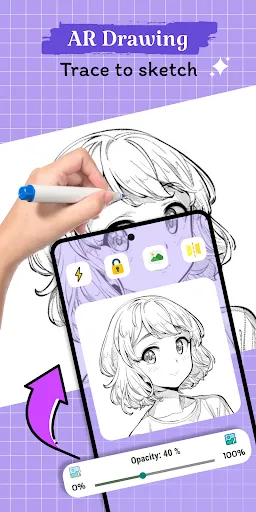
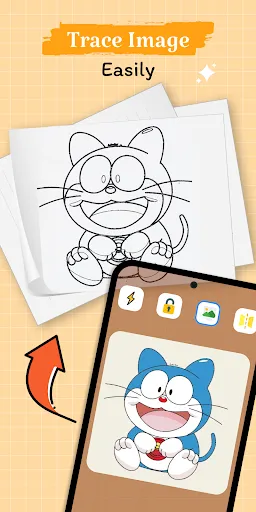
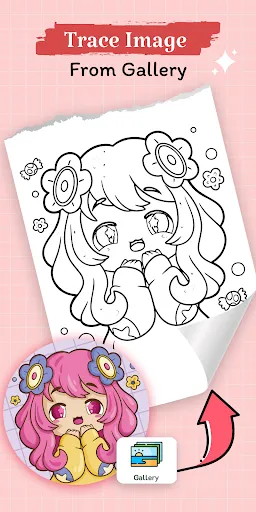
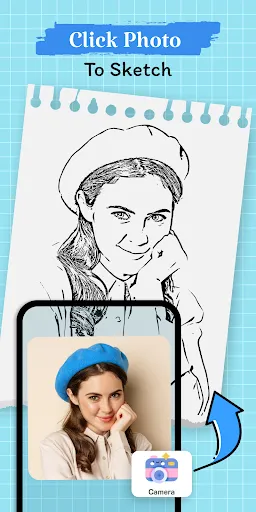
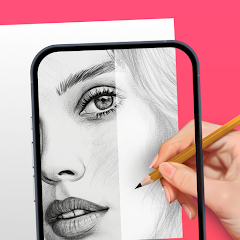
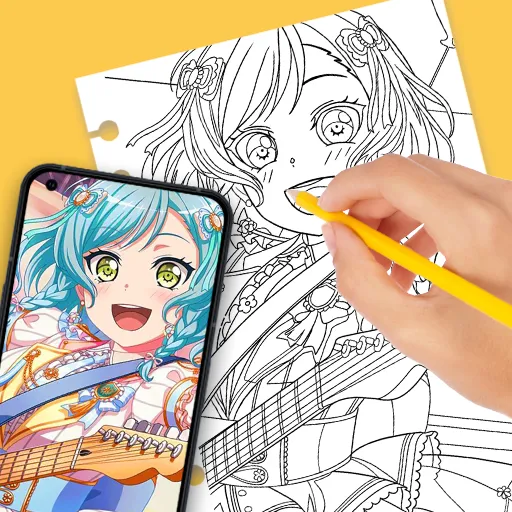
Easily trace over images or import your own photos to kickstart your artistic journey. This feature allows you to build on existing designs or use them as inspiration, making it simple to bring your imaginative visions to life with just a few taps.

Advertisement

Pros & Cons

Pros
  • Enhances creativity by allowing users to visualize drawings in real-world environments.
  • Supports precise tracing, making it easier to replicate complex designs.
  • Offers interactive features that engage users and improve their drawing skills.
  • Provides instant feedback, enabling quick adjustments and refinements to artwork.
  • Facilitates collaboration, allowing multiple users to draw and share ideas seamlessly.
Cons
  • Limited precision can lead to inaccurate representations of designs.
  • Requires a compatible device, limiting accessibility for all users.
  • May cause eye strain due to prolonged screen use during drawing sessions.

Real Experience Using AR Drawing: Sketch, Art, Trace

Application Scenarios

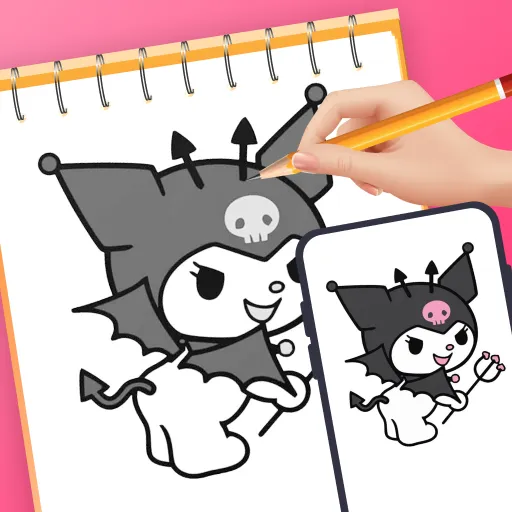
AR Drawing: Sketch, Art, Trace is designed to enhance creativity and facilitate artistic expression across various settings. Whether you are an aspiring artist looking to refine your skills or a professional seeking a new medium for your work, this app caters to all levels of expertise. The augmented reality feature allows users to project their drawings onto real-world surfaces, transforming any environment into a canvas. This makes it ideal for outdoor sketching, art classes, or even casual doodling at home. The app can also be used in educational scenarios, where teachers can guide students in real-time, helping them understand proportions and perspectives. Additionally, it serves as a great tool for designers who need to visualize concepts in a real-world context, enabling them to experiment with colors and shapes before committing to physical materials.

User Experience

The user experience of AR Drawing is intuitive and engaging. Upon launching the app, users are greeted with a clean interface that emphasizes ease of use. The onboarding process is streamlined, allowing even the least tech-savvy individuals to get started quickly. Users can select from various brushes, colors, and tools, providing ample options to personalize their creations. The augmented reality feature works seamlessly, with the app accurately detecting surfaces and allowing for smooth scaling and positioning of drawings. The ability to undo and redo strokes enhances the creative process, giving users the freedom to experiment without the fear of making permanent mistakes. Furthermore, the app supports sharing capabilities, enabling users to showcase their art on social media or collaborate with others through the cloud. Overall, the experience is enriched by the combination of traditional drawing techniques with modern technology.

Pricing

AR Drawing: Sketch, Art, Trace offers a flexible pricing model that accommodates a wide range of users. The app is available for free with basic features, allowing users to test its capabilities before committing to a purchase. For those looking for enhanced functionality, a premium subscription is available, which unlocks advanced tools, exclusive brushes, and additional storage for saving projects. The pricing is competitive compared to other similar apps in the market, making it an attractive option for both casual creators and serious artists. Users can choose between monthly and annual subscription plans, allowing for flexibility based on their individual needs and usage frequency.

Updates & Support

The developers of AR Drawing are committed to continuous improvement, regularly releasing updates that enhance functionality and fix bugs. Users can expect new features and tools to be introduced based on community feedback, which fosters a sense of collaboration between the developers and the user base. Support is readily available through the app, with a dedicated help center and responsive customer service team. Users can submit inquiries, report issues, and get assistance quickly, ensuring that any problems are addressed promptly. Additionally, the app includes tutorial videos and FAQs, making it easier for users to navigate its features and make the most of their artistic journey.

verified Security & Privacy Review

Security & Privacy Review The AR Drawing: Sketch, Art, Trace app prioritizes user security and privacy through a transparent approach to data handling. The app collects minimal personal information, primarily for functionality and user experience enhancement. Users are advised to review the privacy policy to understand the specific data collected and how it is utilized. In terms of permissions, the app requires access to the device's camera and storage to enable augmented reality features and save art creations. These permissions are essential for the app's core functionality but may raise concerns for privacy-conscious users. The app does not request unnecessary permissions, which is a positive aspect regarding user trust. Data is transmitted securely, and the app implements industry-standard encryption protocols to protect user information. However, users should remain vigilant and only share information they are comfortable with. Overall, AR Drawing: Sketch, Art, Trace demonstrates a commitment to user privacy while providing engaging features, making it a reliable choice for creative expression in augmented reality.
Advertisement

User Reviews

  • Josiah Estrada
    2026/05/18

    You press one button, there's bound to be an ad. You want to import your own image for free - don't think so; throws a subscription at your face unwillingly so, can't skip it or anything. Yes there's a free option but so what if you don't want to make an option? I don't know honestly. Heard of this off Instagram thought it would be cool to use, ended up getting a headache. No thanks.

  • Julie McClain
    2026/05/27

    The app works fairly well, and tried the PRO version using trial. I decided to go with a different app that worked better for me, and cancelled the trial immediately (confirmed too). However, 3 days later I was billed, and was told that it's Google Play issue since that's the platform used. I just thought that was 'odd', in over 10 years that's never happened thru Play Store...just sayin'

  • Amber
    2026/01/19

    The audacity to ask the user to immediately pay for a subscription, or start a free trial (which is through your Google account, which allows the app to have access to your saved payment, so you can be charged for the full amount if you forget to cancel before the trial is over) before they can even see how and if the app even works is absolutely WILD. Like damn, I can't even test it for five minutes before you're begging me for money? Absolutely not. More like zero stars 👎👎👎

  • Joshua “Danger is my middle name” Lilly
    2026/05/07

    Used for 5 min. and thought it was super cool while checking out the app itself but because I didn't want to pay for something I hadn't tried or had seen all of what had to be offered: I was asked to choose a subscription every time I clicked an image and after another 5 min.; every time I touched the screen an ad played. Bombarding people who are trying to determine if they want to spend any money on something isn't the way to convince them to.

  • asd asd
    2026/06/15

    this sucks bro i'm not bad at drawing, actually pretty good, but i was testing out these apps to see if they really are that good, but this app genuinely is so bad, you can't even import an image it puts "pay me im money hungry" on your face doesnt even let you do that, and it is genuinely so annoying click anything and an ad pops up, and its not even like the other ones i've tried that atleast let you import an image by making you watch an ad, no this one FORCES you to buy. don't install this.

Review Source: Google Play store public user reviews.

FAQ

1

Can I submit suggestions or feedback to AR Drawing: Sketch, Art, Trace?

Yes, users are encouraged to submit suggestions or feedback through the app's support feature or by contacting the developers via their official website or social media channels.

2

Does AR Drawing: Sketch, Art, Trace collect my personal data?

AR Drawing: Sketch, Art, Trace may collect personal data in accordance with its privacy policy, but users can review and manage their data preferences within the app settings.

3

Does AR Drawing: Sketch, Art, Trace support offline use?

Yes, AR Drawing: Sketch, Art, Trace supports offline use, allowing users to create and edit their artwork without an internet connection.

4

How do I cancel my AR Drawing: Sketch, Art, Trace subscription?

Users can cancel their subscription to AR Drawing: Sketch, Art, Trace through their account settings in the app store where the app was purchased, following the standard cancellation process for that platform.
5

How much does a subscription to AR Drawing: Sketch, Art, Trace cost?

The subscription cost for AR Drawing: Sketch, Art, Trace varies depending on the plan selected, with options for monthly or yearly subscriptions available.

How to use AR Drawing: Sketch, Art, Trace

1

Can I log in to AR Drawing using my social media account?

Yes, you can log in using your social media accounts if you linked them during registration. If you face issues, contact Customer Service for help.

2

How can I contact Customer Service for help with AR Drawing?

You can reach our Customer Service via the support section in the app or email us at support

3

How can I reset my password if I can’t log in?

Use the "Forgot Password" link on the login page to reset your password. If you still need help, please reach out to Customer Service.

4

How can I update my Customer Number in the app?

Customer Numbers cannot be updated. If you have further questions, please contact Customer Service for guidance.

5

How do I activate my account for AR Drawing?

To activate your account, click the activation link sent to your email after registration. If you didn't receive it, check your spam folder or contact Customer Service.

Editor's Choice