This site uses cookies to enhance your user experience. By clicking any link on this site you are giving your consent to our cookie policy. Read more
Reject
Accept All

Advertiser and Editorial Disclosures

Canva: Design, Art & AI Editor

Canva: Design, Art & AI Editor

verified

Canva

4.8
Rating
500,000,000+ Downloads
2.367.0 Version
  • category

    Category: Art & Design

  • price

    Price: free

  • age rating

    Age Rating: 10+

  • rating

    Rating: 4.8

  • available on

    Available on: /

  • updated on

    Updated on: Jul 7, 2026

Screenshot 1
Screenshot 2
Screenshot 3
Screenshot 4
Screenshot 5
Screenshot 6
Screenshot 7
Screenshot 8
Screenshot 9
Screenshot 10
Screenshot 11
Screenshot 12
Screenshot 13
Screenshot 14
Screenshot 15
Screenshot 16
Screenshot 17
Screenshot 18
Screenshot 19
Screenshot 20
Screenshot 21
Screenshot 22
Screenshot 23
Screenshot 24
Screenshot 25
Screenshot 26
Screenshot 27
Screenshot 28
Screenshot 29
Screenshot 30
Screenshot 31
Screenshot 32
Advertisement

Features & Highlights

Extensive Template Library

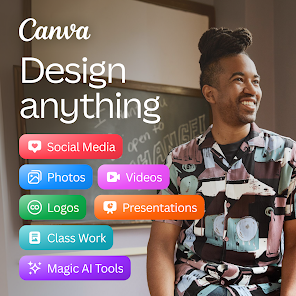
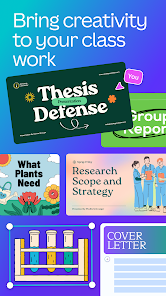
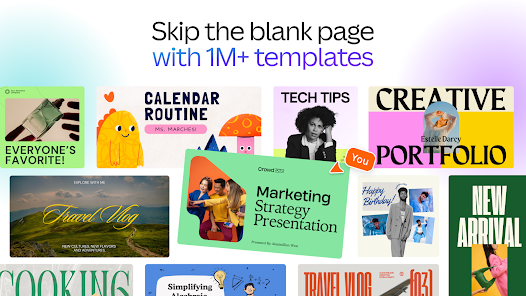
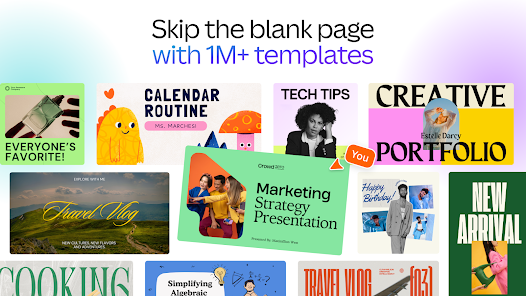
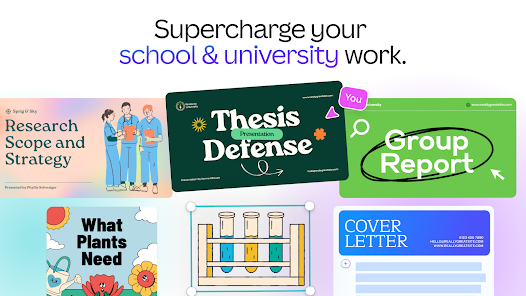
With thousands of professionally designed templates at your fingertips, Canva makes it easy to start any project. Whether you're creating social media posts, presentations, or marketing materials, you'll find a design that suits your needs perfectly.

One-Click Resizing

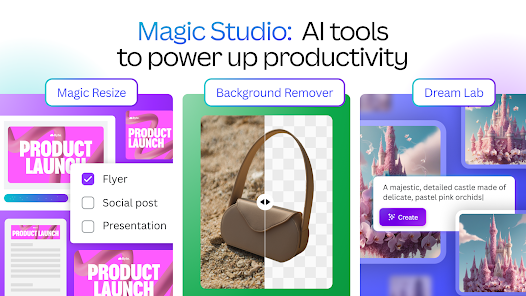
The one-click resizing feature allows users to adapt their designs to different formats instantly. This capability saves time and ensures that your visuals look great across various platforms, from Instagram stories to business presentations.

Real-Time Collaboration

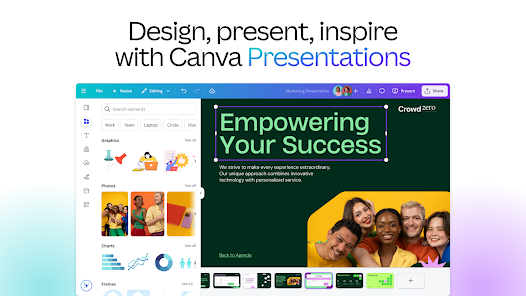
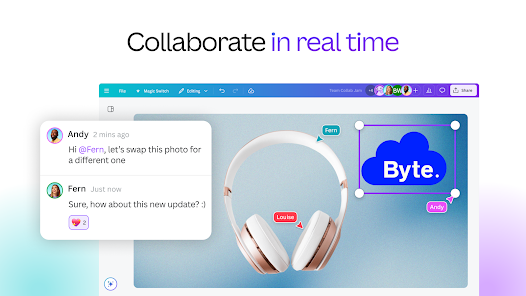
Canva enables real-time collaboration, allowing multiple users to work on projects simultaneously. This feature is perfect for teams, as it streamlines feedback and edits, making the design process more efficient and enjoyable for everyone involved.

Smart AI Tools

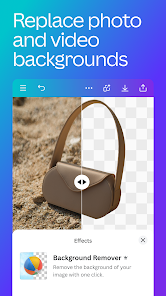
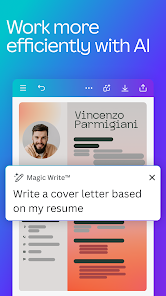
Canva's AI tools simplify the design process, allowing users to automatically enhance photos and videos with just a click. This feature leverages advanced algorithms to optimize images, ensuring that even beginners can create stunning visuals effortlessly.

Advertisement

Pros & Cons

Pros
  • Canva offers a user-friendly interface for easy design creation.
  • Access thousands of templates to kickstart your projects.
  • Collaborative features allow teams to work seamlessly on designs.
  • AI tools enhance creativity with smart suggestions and automation.
  • Versatile formats suit various needs, from social media to presentations.
Cons
  • Limited customization options can restrict unique design creativity.
  • Collaboration features can be cumbersome for larger teams.
  • Subscription costs can add up for premium features.

Real Experience Using Canva: Design, Art & AI Editor

Application Scenarios

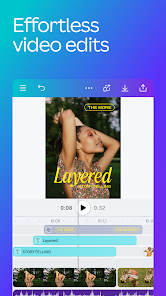
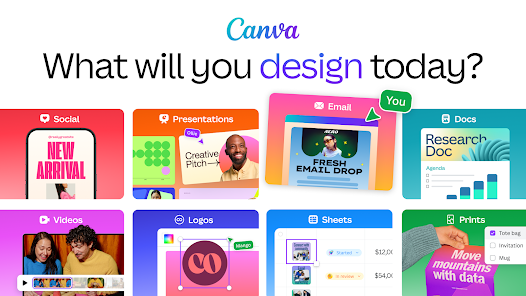
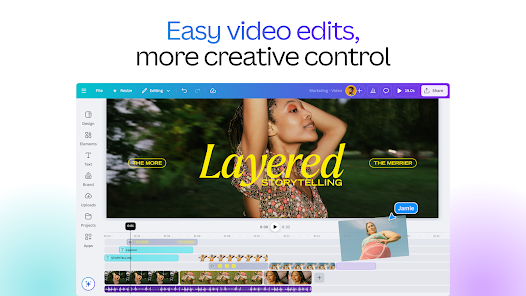
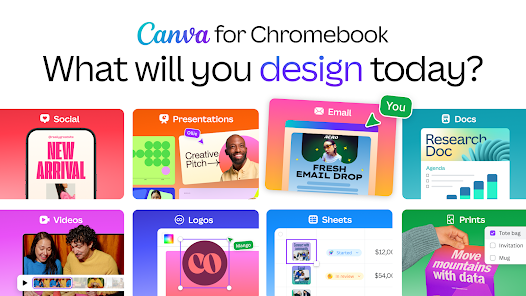
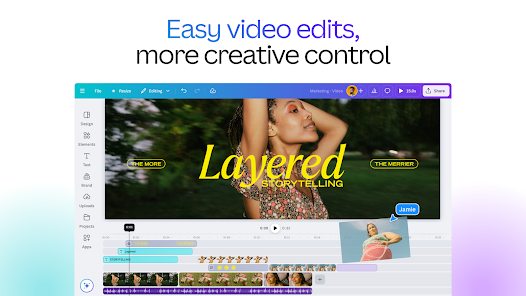
Canva: AI Photo & Video Editor is a versatile tool designed for various creative needs, making it suitable for users ranging from amateur designers to professional marketers. Whether you are creating social media posts, marketing materials, or personal projects like invitations and photo collages, Canva provides an intuitive interface that simplifies the design process. The app is particularly useful for small business owners who need to produce high-quality content quickly without the need for extensive graphic design skills. Users can easily access a plethora of templates tailored for different platforms, ensuring that their designs are optimized for engagement and visibility. Furthermore, the app’s video editing capabilities allow users to create compelling video content, making it ideal for those looking to enhance their online presence through dynamic visuals.

User Experience

The user experience in Canva is characterized by its user-friendly interface, which allows for easy navigation and design creation. The drag-and-drop functionality simplifies the process of adding images, text, and elements to your projects. Additionally, the AI-powered features help users generate design suggestions and automate repetitive tasks, saving time and enhancing creativity. The wealth of stock images, icons, and fonts available within the app ensures that users have access to a rich library of resources. Many users appreciate the collaborative features, allowing teams to work together in real-time, which is particularly beneficial for group projects and businesses. Despite its many positive aspects, some users may find that the learning curve can be steep for more advanced features, but the extensive tutorials and guides available help mitigate this issue.

Pricing

Canva offers a freemium model, which means users can access a wide range of features and templates without any cost, making it an attractive option for casual users. However, for those looking for enhanced functionalities such as premium templates, advanced editing tools, and a larger storage capacity, Canva Pro is available at a reasonable monthly or annual subscription fee. The pricing is competitive compared to other design platforms, and the value offered in terms of resources and tools justifies the investment for serious creators and businesses. Additionally, Canva often runs promotions, making it more accessible for users who want to test out the premium features before committing.

Updates & Support

Canva is committed to continuous improvement, regularly releasing updates that enhance the user experience and introduce new features. The development team actively listens to user feedback, which is reflected in the app’s evolving capabilities. Moreover, Canva provides comprehensive support options, including a detailed help center, video tutorials, and community forums where users can seek assistance and share tips. For premium users, dedicated support ensures quicker resolutions to any issues they may encounter. Overall, the proactive approach to updates and support contributes to a positive user experience, allowing creators to stay focused on their projects without being hindered by technical difficulties.

verified Security & Privacy Review

Canva: AI Photo & Video Editor prioritizes user security and privacy, implementing robust measures to safeguard personal information. The app employs encryption protocols to protect data during transmission and storage, ensuring that sensitive user information remains secure against unauthorized access. The app's privacy policy outlines its data handling practices, specifying the types of information collected, including user-generated content, account details, and usage patterns. Canva assures users that their data is used primarily for enhancing user experience and providing personalized services, with transparency regarding third-party sharing. Permissions required by the app are clearly stated during installation, allowing users to control access to their device's camera, photos, and storage. Users can manage these permissions within their device settings, providing an additional layer of privacy control. Regular updates and security patches further enhance the app's resilience against potential threats. Overall, Canva demonstrates a commitment to protecting user privacy while delivering a feature-rich editing experience.
Advertisement

Compare APP

User Reviews

  • Perdita J. Samuel-Lopez
    2026/07/01

    I love this app and use it very often to make cover pages for my journal, make collages, and organize photos for albums. I love the variety of icons/pictures/elements that are available for free, however it takes forever sometimes to scroll through premium elements to see the free ones. There used to be a filter option to only show free elements, please being it back!

  • David Moorer
    2026/07/01

    ok. this used to be a good app. now every single thing is an inconvenience. no free form. can't get lines to match and stupid elements link to other elements they shouldn't. idk what y'all did but you need to go back to the drawing board. I can't even do what I used to do. this is very annoying. I could do better than this with Microsoft word!!!! change back please it's getting ridiculous.

  • Boogie Underground Media
    2026/06/02

    I don't know if I've dealt with a more buggy program than this. Sometimes you can scale a picture in a layer, sometimes you can't, sometimes your layers lock together. you have to upload pictures to do certain commands but the problem is that sometimes it takes a while. slight movements can pop the work into pages,or other odd stuff, which isn't bad except that the undo command doesn't always work! I won't list other problems due to space but this program takes the fun out of creating.

  • Rikki Morgan
    2026/04/16

    Your app absolutely frustrates me most of the time! When it gets it right, it is awesome. But most of the time it doesn't! I will specifically word for word tell it what I want and it still adds things, even when stating only the color. Always tries to adjust color to and I don't want that, I want it to contrast from the product, to stand out. I have a small business, press on nails, and i want just the nails and the background and the biggest no no, it keeps trying to add hands and fingers!

  • Jordan Nguyen
    2026/06/30

    I love Canva, but the new version is way to complicated and is frustrating to work with and it took me like 20 minutes to figure out how to even "overlay" a picture i uploaded. I REALLY prefer the old version where you could just upload your picture and it doesn't snap to fit the page automatically. This version disrupts how I work and is too complicated for me.

Review Source: Google Play store public user reviews.

FAQ

1

Can I submit suggestions or feedback to Canva: AI Photo & Video Editor?

Yes, users can submit suggestions or feedback through the app's support section or website, where they can share their ideas to help improve the app's functionality.

2

Does Canva: AI Photo & Video Editor collect my personal data?

Yes, Canva: AI Photo & Video Editor may collect personal data such as user account information and usage data to enhance user experience and improve the app, in accordance with their privacy policy.

3

Does Canva: AI Photo & Video Editor support offline use?

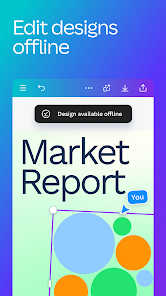
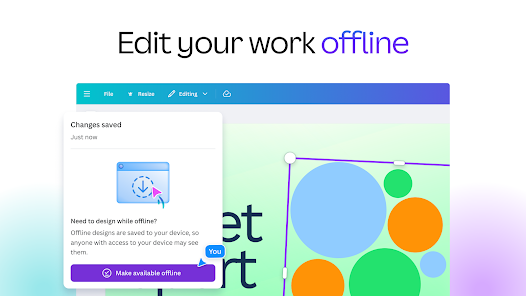
Yes, Canva: AI Photo & Video Editor allows users to access certain features offline, but internet connectivity is required for full functionality and access to online resources.

4

How do I cancel my Canva: AI Photo & Video Editor subscription?

To cancel your subscription, you can go to your account settings within the app or website, navigate to the billing section, and follow the prompts to cancel your subscription.

5

How much does a subscription to Canva: AI Photo & Video Editor cost?

The subscription cost for Canva: AI Photo & Video Editor varies depending on the plan chosen, with options for monthly or annual billing, typically starting at a competitive price for individuals and teams.

How to use Canva: Design, Art & AI Editor

1

Can I log in to my Canva account on multiple devices?

Yes, you can log in to your Canva account on multiple devices using the same email and password. Just ensure you're logged out from any devices you no longer use.

2

How can I activate my Canva account after signing up?

To activate your Canva account, click the confirmation link in the email you received after signing up. If you didn’t receive the email, check your spam folder or contact customer service.

3

How can I contact customer service for help with my Canva account?

You can reach customer service through the Help Center on our website or by emailing support

4

How do I activate my Canva subscription after purchase?

After purchasing a subscription, you should automatically receive an activation email. Click the link provided to activate. If you need help, contact customer service.

5

I forgot my customer number. How can I retrieve it?

You can find your customer number in the account settings under "Profile." If you need further assistance, contact customer service.

What's New

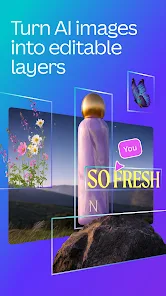
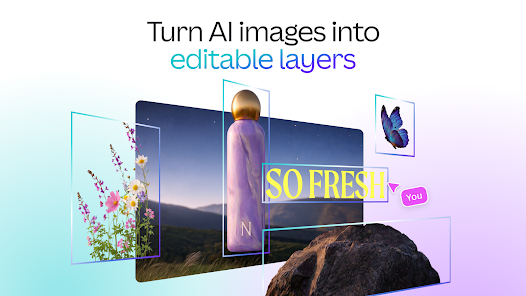
• NEW Canva Offline: Stay creative even without internet. Make any design available for offline editing, and changes will auto sync once you're back online.• NEW Magic Layers: Split any flat design into editable layers. Try it on generated images you want to edit.• NEW templates: Get inspiration from our new Winnie the Pooh and Devil Wears Prada 2 collections.Need help? Visit canva.com/helpHappy designing!
Editor's Choice