This site uses cookies to enhance your user experience. By clicking any link on this site you are giving your consent to our cookie policy. Read more
Reject
Accept All

Advertiser and Editorial Disclosures

AR Draw Sketch & Paint

AR Draw Sketch & Paint

verified

Cheer Up Studio

4.3
Rating
/ Downloads
1.1.3 Version
  • category

    Category: Art & Design

  • price

    Price: 0

  • age rating

    Age Rating: Everyone

  • rating

    Rating: 4.3

  • available on

    Available on: /

  • updated on

    Updated on: Jun 30, 2026

Screenshot 1
Screenshot 2
Screenshot 3
Screenshot 4
Screenshot 5
Screenshot 6
Screenshot 7
Screenshot 8
Advertisement

Features & Highlights

Augmented Reality Canvas

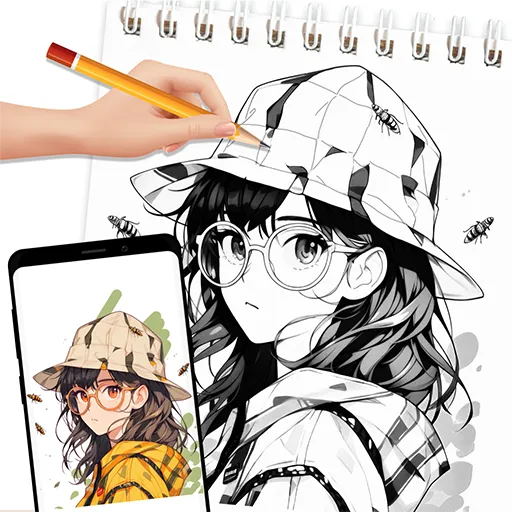
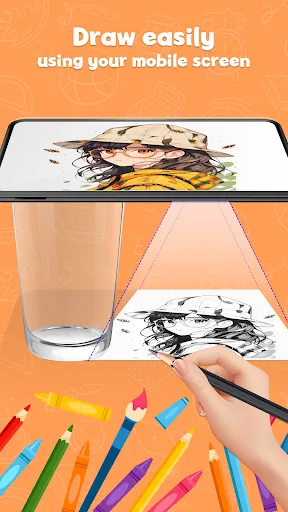
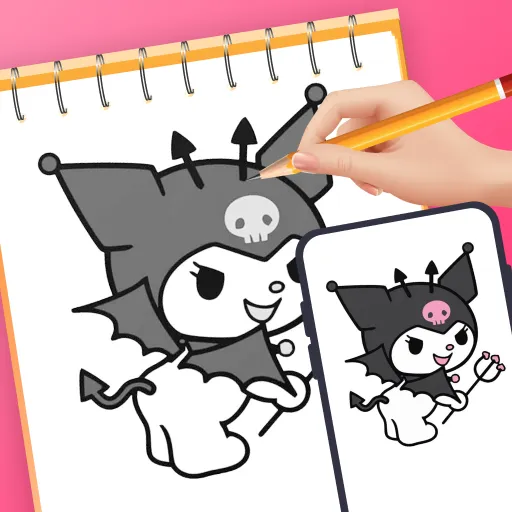
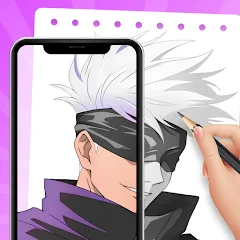
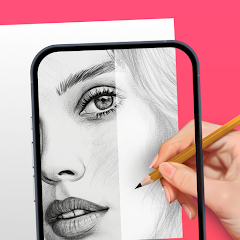
Experience your creativity in a whole new dimension with the Augmented Reality Canvas feature. It allows you to project your sketches and paintings into your real-world environment, making your artistic expressions feel more immersive and interactive than ever before. Let your imagination run wild as you blend digital art with reality.

Collaboration Features

Connect with friends and fellow artists through the app’s collaboration features. You can share your projects in real-time, allowing for joint creativity and feedback right within the augmented space. This makes it a great platform for brainstorming and enhancing your artwork together, no matter where you are.

Intuitive Drawing Tools

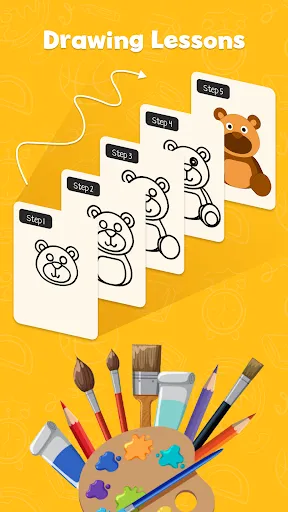
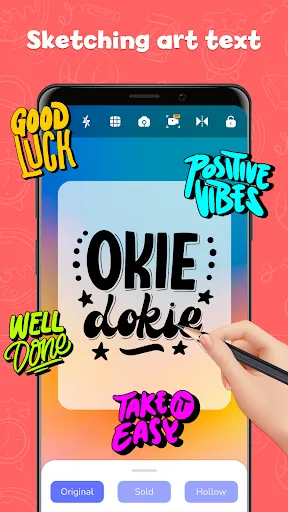
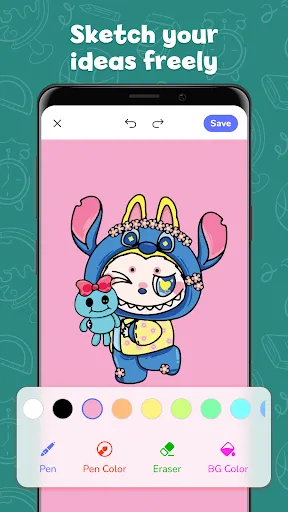
AR Draw Sketch & Paint offers a wide range of intuitive drawing tools designed for artists of all skill levels. From brushes and pens to custom color palettes, you can easily create stunning artwork with just a few taps. These tools are user-friendly, ensuring that your creative flow is never interrupted.

User-Friendly Interface

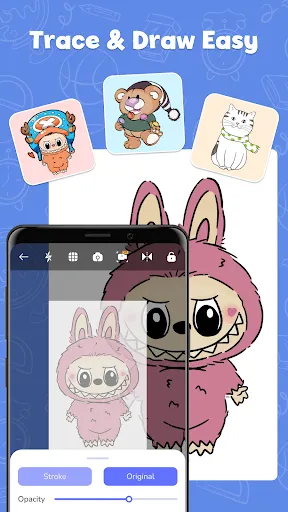
The app boasts a user-friendly interface that makes navigation a breeze. With clearly labeled icons and an organized layout, even beginners will find it easy to start creating right away. Plus, the seamless integration of AR elements adds a fun twist to the overall experience, keeping you engaged.

Advertisement

Pros & Cons

Pros
  • Enhances creativity by allowing users to visualize their ideas in real space.
  • User-friendly interface makes it accessible for artists of all skill levels.
  • Offers a variety of tools for detailed and dynamic artwork creation.
  • Real-time collaboration with friends fosters a shared artistic experience.
  • Augmented reality features bring drawings to life in an engaging way.
Cons
  • Limited features compared to professional drawing applications can hinder creativity.
  • The app may experience performance issues on older devices, affecting usability.
  • In-app purchases can be costly, limiting access to premium tools and features.

Real Experience Using AR Draw Sketch & Paint

Real Experience Application Scenarios

AR Draw Sketch & Paint is a versatile application that caters to a wide spectrum of users, from budding artists to professional illustrators. Whether you are sketching in a park, painting in your studio, or doodling at a café, this app seamlessly integrates augmented reality into your creative process. One of the standout features is its ability to overlay your sketches onto the real world, allowing you to visualize your art in a physical space. This is particularly useful for interior designers or architects looking to present their ideas in a more interactive manner. Additionally, the app supports collaborative projects, making it ideal for groups of artists who want to brainstorm ideas together in real-time. Educational institutions can also benefit from this app, as it provides a hands-on approach to teaching art and design principles.

User Experience

The user experience of AR Draw Sketch & Paint is intuitive and engaging. Upon launching the app, users are greeted with a clean interface that is easy to navigate. The toolset is comprehensive yet not overwhelming, allowing users to focus on their creativity rather than struggling with complicated controls. The app offers various brushes, colors, and textures, which can be customized to suit individual preferences. Furthermore, the augmented reality feature enhances the drawing experience, making it feel immersive. Users have reported that the precision of the AR overlay is impressive, allowing for meticulous detailing. The app also includes tutorial options for both beginners and advanced users, ensuring that everyone can maximize its potential. Overall, the app provides a satisfying and fluid creative environment.

Pricing

AR Draw Sketch & Paint adopts a freemium pricing model that makes it accessible to all users. The basic version of the app is free and offers a good range of features for casual users. However, for those seeking to unlock the full potential of the app, there are premium features available through subscription plans. These include advanced brushes, additional textures, and enhanced collaboration tools. The pricing is competitive compared to similar applications in the market, and users often find that the value offered justifies the cost. There is also a one-time purchase option for users who prefer not to commit to a subscription, allowing for flexibility in how they choose to access premium features.

Updates & Support

The developers of AR Draw Sketch & Paint are proactive in providing regular updates that enhance functionality and introduce new features. Users can expect improvements to performance, bug fixes, and the addition of new brushes and tools with each update. The support system in place is commendable, with a dedicated help center that offers FAQs, tutorials, and troubleshooting assistance. Users can also contact the support team directly for personalized help, ensuring that any issues are resolved quickly. Community engagement through forums and social media channels allows users to share their experiences and tips, fostering a vibrant community around the app.

verified Security & Privacy Review

Security & Privacy Review The AR Draw Sketch & Paint app prioritizes user security and privacy with a clear commitment to safeguarding personal information. The app implements robust encryption protocols to protect user data during transmission, ensuring that sensitive information remains confidential. Upon installation, users are informed about the permissions required for optimal functionality. The app requests access to the camera and storage, which are essential for its augmented reality features and saving artwork. Users have the option to grant or deny these permissions, allowing for a customizable experience based on individual privacy preferences. The app’s privacy policy outlines its data handling practices, emphasizing that personal data is not sold or shared with third parties without explicit consent. Additionally, the app regularly undergoes security audits to identify and rectify potential vulnerabilities, reinforcing its commitment to user safety. Overall, AR Draw Sketch & Paint demonstrates a responsible approach to security and privacy, providing users with the tools to enjoy creative expression while maintaining control over their personal information.
Advertisement

User Reviews

  • Nati S
    2026/06/21

    Listen, is there an ad around every corner? - yes, but does it get the job done - YES. When your're struggling to get the proportions right on something i always come back to this app. Yes, there may be alot of ads, but its how they make their money, and im willing to watch them so i can draw what i want. Other than that, pretty good app.

  • Kelly Lozano
    2025/02/03

    This app is wonderful! I love the outcomes of the drawings I made and they are so many to choose from. Even if I'm not the best at drawing, this changed my life. The only problem is the amount of ads it has, everytime I click the app after the loading it always starts with ads. The app is great, just the ads are so annoying. I wouldn't recommend this app if your not patient enough or your on a rush. Other than that, I so recommend it for those who can deal with it.

  • Leca
    2025/05/04

    This app is okay. After I read a couple of reviews I was doubting this app, people were saying I had a chance that for only one drawing I would get 20-30 ads! Which is not true. There is a lot of ads which I think they should fix. Also I read a review saying "The ads on the screen get in the way" but there is a down button to get rid of the ad. Yay! But this app only receives a 3 because some of the ads can be very inappropriate and little kids might be playing this game! Also way to many Ads!

  • Ellie Barth
    2025/03/10

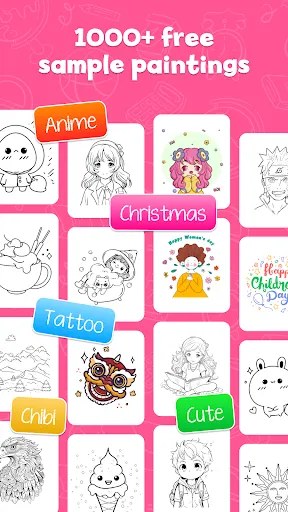
    This app is fun! The ads are fine, and the drawings are nice. I don't like the organization though. Example: they put Amity Blight from The Owl House in the Chibi category when they should have put her in the Fanart category. They probably did this because the categories are vague, but then again, not a big deal. I did have a hard time uploading a digital drawing I made myself. It would crash every time I tried using it; it might be a user error, but It's still a good game! Would recommend!

  • Kay Chu
    2024/10/06

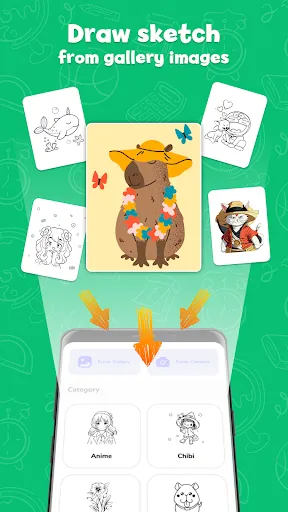
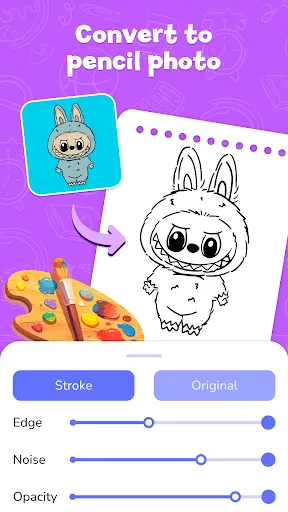
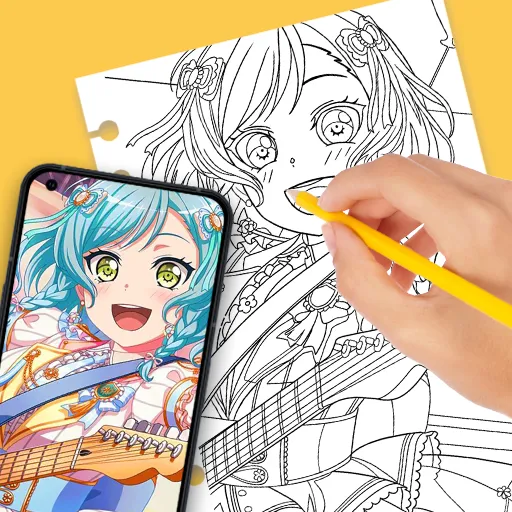
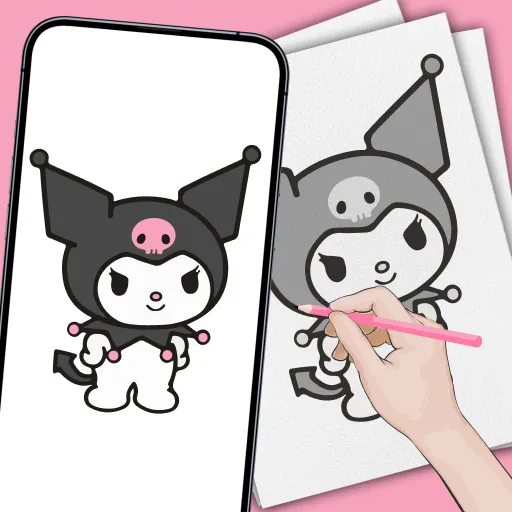
    AR Drawing, YOU changed my whole life! I'm not so good at drawing, and I sometimes I really want to draw something, but it ends up looking weird! But now, I can draw anything I want to! Choose what you want to draw, then trace! If you don't find what you want, search up a picture on Google and add it! Also, you can take a picture of something and add it too! And guess what, it actually works so well! My drawings came out perfect! You can change the opacity AND size, etc. Definitely try it, NOW!!

Review Source: Google Play store public user reviews.

FAQ

1

Can I submit suggestions or feedback to AR Draw Sketch & Paint?

Yes, users can submit suggestions or feedback through the app’s support section or official website to help improve future updates.

2

Does AR Draw Sketch & Paint collect my personal data?

The app has a privacy policy that outlines any data collection practices, and it only collects necessary data to enhance user experience.

3

Does AR Draw Sketch & Paint support offline use?

Yes, AR Draw Sketch & Paint can be used offline, allowing users to create without needing an internet connection.

4

How do I cancel my AR Draw Sketch & Paint subscription?

You can cancel your subscription through your device's app store settings, following the instructions provided for managing subscriptions.

5

How much does a subscription to AR Draw Sketch & Paint cost?

Subscription costs for AR Draw Sketch & Paint may vary, typically offering monthly and annual plans that provide access to premium features.

How to use AR Draw Sketch & Paint

1

Can I change my customer number?

Customer numbers are unique and cannot be changed. If you have concerns, please contact customer service for further assistance.
2

Can I log in using social media accounts?

Yes, you can log in using your social media accounts if you linked them during registration. If you encounter issues, please contact customer service.

3

How can I reset my account activation link?

If you need a new activation link, please contact customer service, and they will assist you in generating a new one.

4

How do I activate my account for AR Draw Sketch & Paint?

To activate your account, click the activation link sent to your email after registration. If you didn’t receive it, please check your spam folder.

5

How do I contact customer service for AR Draw Sketch & Paint?

You can reach customer service through the support section in the app or visit our website for assistance.

What's New

Version 1.9.64 - 25/06/2026 - Improve performance- Fix bugs

Editor's Choice