This site uses cookies to enhance your user experience. By clicking any link on this site you are giving your consent to our cookie policy. Read more
Reject
Accept All

Advertiser and Editorial Disclosures

SD Maid 1 - System Cleaner

SD Maid 1 - System Cleaner

verified

darken

4.1
Rating
10,000,000+ Downloads
/ Version
  • category

    Category: Tools

  • price

    Price: free

  • age rating

    Age Rating: Everyone

  • rating

    Rating: 4.1

  • available on

    Available on: /

  • updated on

    Updated on: Dec 23, 2023

Screenshot 1
Screenshot 2
Screenshot 3
Screenshot 4
Screenshot 5
Screenshot 6
Screenshot 7
Screenshot 8
Screenshot 9
Screenshot 10
Screenshot 11
Screenshot 12
Screenshot 13
Screenshot 14
Screenshot 15
Screenshot 16
Screenshot 17
Screenshot 18
Screenshot 19
Screenshot 20
Screenshot 21
Screenshot 22
Screenshot 23
Screenshot 24
Advertisement

Features & Highlights

App Cleaner

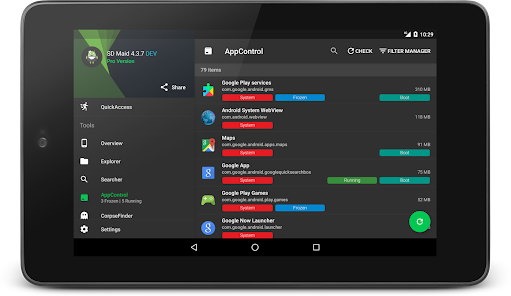
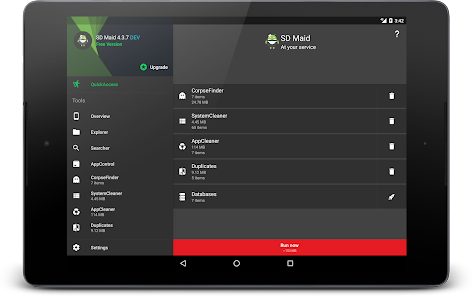
The App Cleaner feature intelligently identifies unnecessary files and residual data left behind by uninstalled applications. By removing these remnants, users can reclaim precious storage space while maintaining a smooth and efficient device experience, making it a must-have tool for any Android user.

Database Management

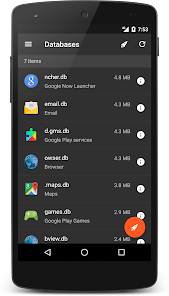
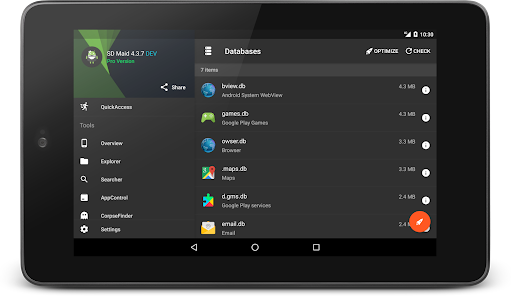
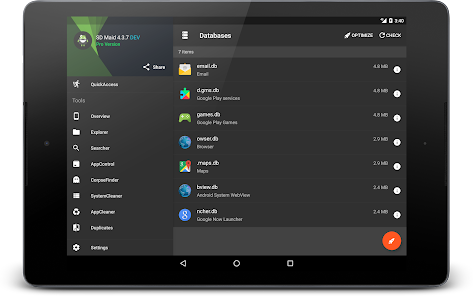
With its Database Management feature, SD Maid 1 helps users optimize and clean up database files from various applications. By regularly maintaining these databases, users can enhance their app performance and speed, leading to a more responsive and enjoyable user experience.

File Management

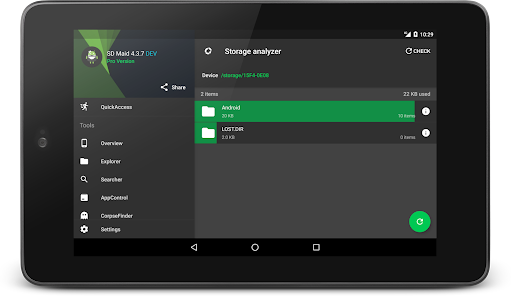
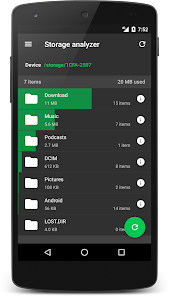
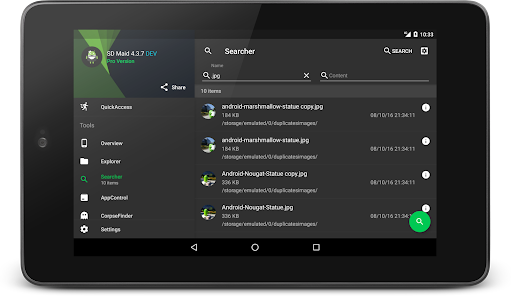
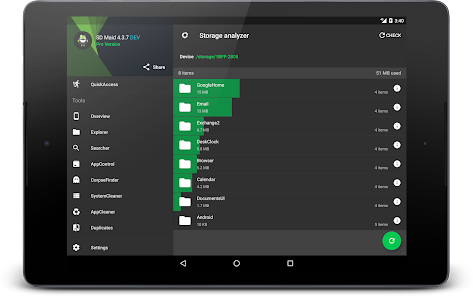
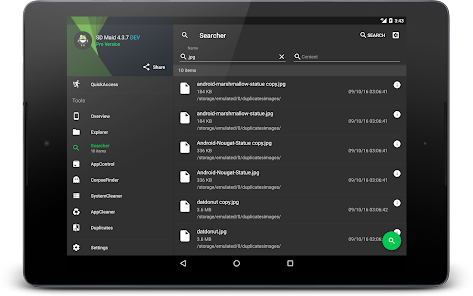
SD Maid 1 offers a robust file management system that allows users to effortlessly navigate through their device's storage. With features like file search and organization, users can easily locate and manage files, ensuring that their device remains clutter-free and optimized for performance.

System Monitoring

SD Maid 1 continuously monitors your device's storage health and performance, providing real-time insights and recommendations. This proactive approach helps users stay aware of their device's state, allowing for timely interventions and ensuring optimal operation without any slowdowns.

Advertisement

Pros & Cons

Pros
  • Efficiently clears unnecessary files to free up storage space.
  • Enhances device performance by optimizing system resources.
  • User-friendly interface makes navigation simple and intuitive.
  • Scheduled cleaning ensures your system stays optimized automatically.
  • Comprehensive scans identify and remove hidden junk files.
Cons
  • Limited effectiveness on newer Android versions, leading to incomplete cleaning.
  • User interface may feel outdated and less intuitive for some.
  • Potential risk of deleting essential system files without proper caution.

Real Experience Using SD Maid 1 - System Cleaner

Real Experience Application Scenarios

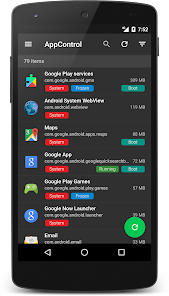
SD Maid 1 - System Cleaner is designed to optimize your Android device's performance by removing unwanted files and managing storage effectively. Users can benefit from this app in various scenarios, such as when their device is running low on storage space, when they notice sluggish performance due to clutter, or when they want to ensure their device operates smoothly after uninstalling applications. The app's powerful scanning capabilities help identify residual files and caches left behind by apps, which are often overlooked. Whether you're a casual user or someone who frequently installs and uninstalls apps, SD Maid can streamline your device management and enhance overall performance.

User Experience

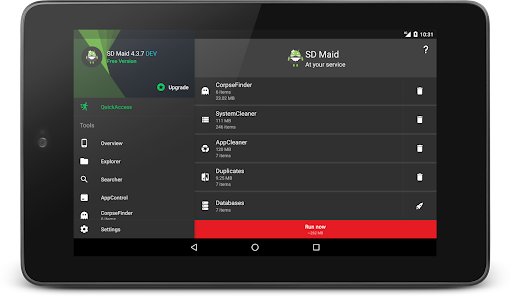
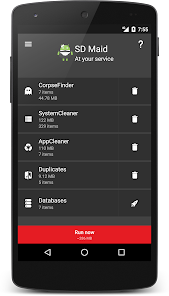
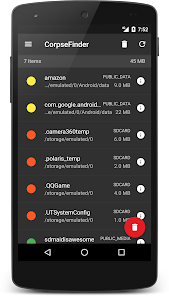
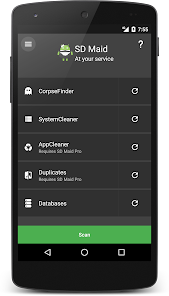
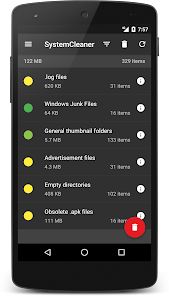
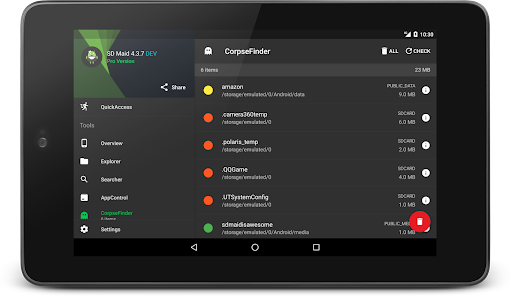
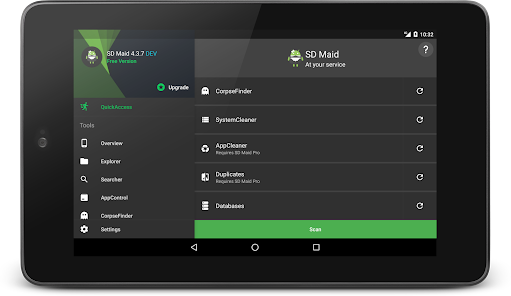
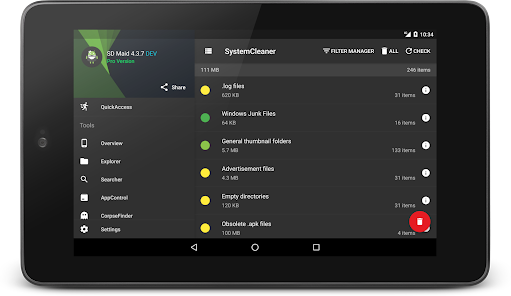
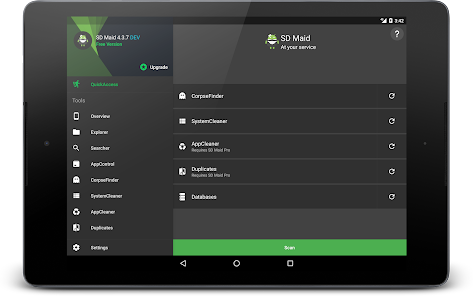
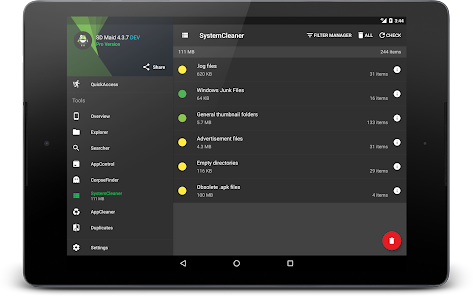
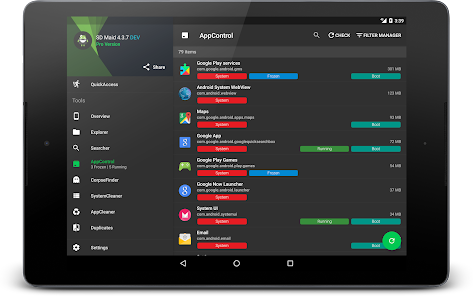
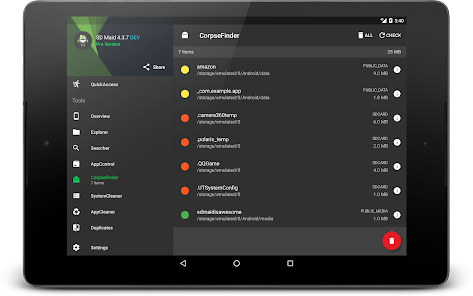
The user experience with SD Maid is largely positive, thanks to its intuitive interface and user-friendly navigation. Upon launching the app, users are greeted with a clean layout that makes it easy to access its various features. The scanning process is quick and efficient, allowing users to see a breakdown of files that can be removed or optimized. Additionally, the app provides detailed information about each item, helping users make informed decisions about what to delete. SD Maid's various tools, including the "CorpseFinder" for leftover files and the "SystemCleaner" for cache management, are effective in delivering tangible results. Most users report a noticeable improvement in their device's speed and responsiveness after using the app. However, some users express a desire for more advanced features or customization options to tailor the cleaning process to their specific needs.

Pricing

SD Maid offers a free version with basic functionalities, which is suitable for casual users looking to perform occasional clean-ups. For those who want to unlock the full potential of the app, the Pro version is available at a reasonable one-time purchase price. This Pro version includes additional features, such as scheduled cleaning and advanced tool options, which can significantly enhance the cleaning process. The pricing strategy is competitive compared to similar applications in the market, making it a worthwhile investment for users who prioritize device maintenance and performance optimization.

Updates & Support

SD Maid is regularly updated to ensure compatibility with the latest Android versions and to introduce new features based on user feedback. The development team is responsive to user concerns, providing timely patches and improvements. Users can access support through the app's help section, which includes FAQs and troubleshooting tips. Additionally, the active community surrounding SD Maid often shares solutions and tips, further enhancing the support experience. Overall, the combination of regular updates and dedicated support contributes to a positive user experience, ensuring that SD Maid remains a reliable tool for Android device management.

verified Security & Privacy Review

Security & Privacy Review SD Maid 1 - System Cleaner prioritizes user privacy and data security by adhering to stringent privacy practices. The app does not collect personal data, ensuring that user information remains confidential. This commitment to privacy is evident in its minimal permissions requirements, which primarily include access to storage for cleaning purposes. Users can rest assured that the app does not request unnecessary permissions that could compromise their data. Furthermore, SD Maid employs effective measures to handle any residual files and data securely. The app allows users to manually choose what to delete, providing greater control over their information. Regular updates and community feedback contribute to the app's security enhancements, addressing vulnerabilities promptly. Overall, SD Maid 1 demonstrates a solid understanding of the importance of user privacy and data protection in its functionality and design.
Advertisement

User Reviews

  • A Google user
    2019/11/16

    I bought the pro version years ago just to support the devs because they made one of the most perfect apps the play-store has ever seen! I didn't feel like trying to go through the hassle of restoring my license because I actually used a different screen name at that time, I was much nicer back then. Plus, this is some of the best money you'll spend on keeping your Android device file system uncluttered and they give you the free version which pretty much does everything you need so buy it!

  • A Google user
    2019/05/27

    Excellent app for clearing up space when you're running low. Finds and deletes duplicates, removes leftover files from uninstalled apps, helps you track down what's taking up the most space, and a lot more! I can't recommend the pro version highly enough. I have used this on my wife's phone a couple times at important moments where she wanted to take a video but didn't have enough free space on her phone.

  • Jonathan Trujillo
    2021/03/31

    Works great! Saves so much space, but have to completely force stop every once in a while for it to delete EVERYTHING it is supposed to. Also it is very important to not let it run in the background once you're done! since it waste alot of ram and battery. Still a great app though 👍... But it does have some room for improvement, keep up the great work 😃

  • Jess Wigley
    2022/07/23

    Easy to use, incredibly helpful, and actually works. I've gotten locked out of being able to clear cache and apps from my phone normally due to how little space I had left. Once I bought the paid full version of the app, I allowed it access, scheduled a clean, and now it does it for me. When I first installed, it would take me from 2 gbs free to 5-6 free. With paid full version, I have 14gbs free. Absolutely adore this app. Also, no annoying ads, and the maid graphic is cute!

  • Donovan Lavinder
    2021/12/12

    Does what it says on tin. If you're familiar with CCleaner on Windows, this is basically a clone of it, only it's specifically for Android phones (and well, any devices running Android OS as it have general support for both ARM and x86). I have been using this app for over a decade, it does do its job very well, keeps generations of phones free of junks.

Review Source: Google Play store public user reviews.

FAQ

1

Can I submit suggestions or feedback to SD Maid 1 - System Cleaner?

Yes, users can submit suggestions or feedback directly through the app or via the official website to help improve future updates.

2

Does SD Maid 1 - System Cleaner collect my personal data?

SD Maid 1 - System Cleaner prioritizes user privacy and does not collect personal data without consent.

3

Does SD Maid 1 - System Cleaner support offline use?

Yes, SD Maid 1 - System Cleaner can be used offline, allowing users to clean their devices without an internet connection.

4

How do I cancel my SD Maid 1 - System Cleaner subscription?

To cancel your subscription, you can go to your app store settings and manage your subscriptions from there.

5

How much does a subscription to SD Maid 1 - System Cleaner cost?

The subscription cost for SD Maid 1 - System Cleaner varies by region, typically offering monthly and yearly plans at competitive rates.

How to use SD Maid 1 - System Cleaner

1

Can I access SD Maid without logging in?

Yes, you can use SD Maid's basic features without logging in, but some advanced options require an account.

2

Can I change my customer number after account activation?

No, customer numbers cannot be changed after activation. Please contact customer service if you have concerns.

3

How can I contact customer service for SD Maid?

You can reach our customer service through the app's support section or by visiting our website for further assistance.

4

How do I activate my account after purchase?

After purchase, follow the activation link sent to your email to activate your SD Maid account.

5

How do I log in to my SD Maid account?

To log in, open the app, enter your credentials, and tap the login button to access your account.

What's New

v5.6.3• Prevent issues rooted Android 14+ devices

Editor's Choice