

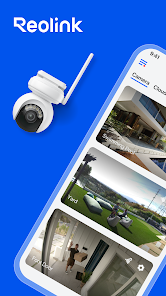
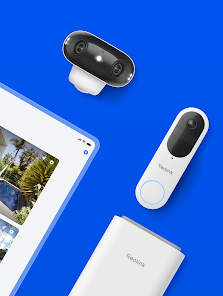
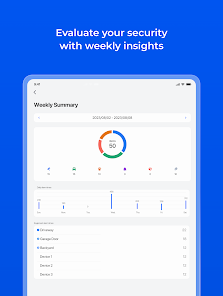
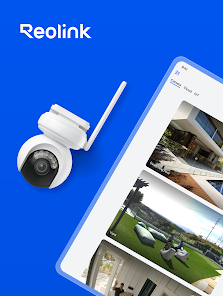
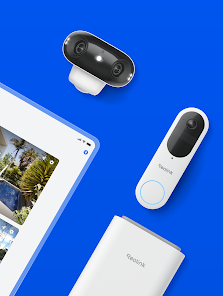
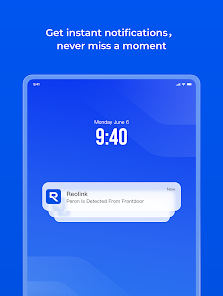
Reolink App is a simply-used surveillance app for security cameras. It let you get access into your IP cameras and NVRs on portable devices locally or remotely. You may monitor and watch live streaming video of your home, company or apartment from any location whenver you want. It let you effortlessly reach peace of mind. More importantly, unlike other video surveillance software such as Blue Iris or iSpy, Reolink free IP camera software is freely charged with no monthly subscription fees or other costs to access certain capabilities.
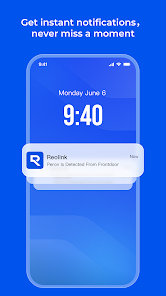
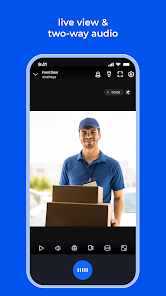
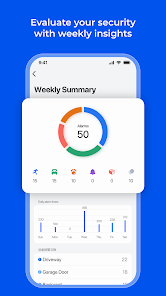
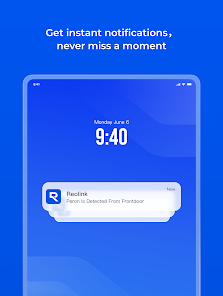
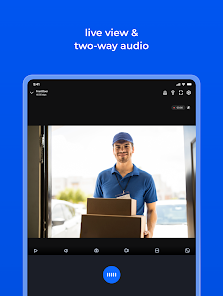
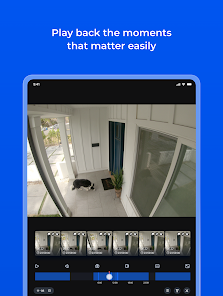
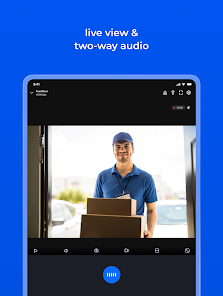
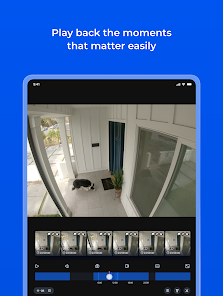
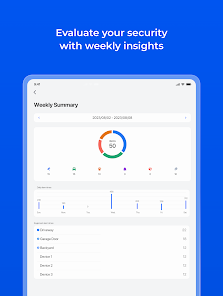
What is Reolink App Reolink is a brand of security cameras and other surveillance equipment. The Reolink app is a mobile application that allows users to remotely access and control their Reolink cameras from their smartphone or tablet. With the app, users can view live video streams from their cameras, record footage, take snapshots, and adjust the camera's settings. The app is available for both Android and iOS devices. Features of Reolink App The Reolink app is a mobile application that allows users to remotely access and control their Reolink cameras. Some of the key features of the Reolink app include: Live view: The app allows users to view live video streams from their Reolink cameras. Motion detection and alerts: The app can be configured to detect motion and send notifications to the user's device. Two-way audio: The app allows users to communicate with people or pets near the camera using the built-in microphone and speaker. Playback and download: The app allows users to playback and download recorded footage from their cameras. Remote control: The app allows users to remotely control the camera's pan, tilt, and zoom functions. Customizable settings: The app allows users to adjust the camera's settings, such as resolution, frame rate, and video quality. Multi-camera support: The app supports multiple Reolink cameras, allowing users to access and control all their cameras from a single interface. Note: The exact features of the Reolink app may vary depending on the model of the Reolink camera. Check the app's description in the App Store or Google Play Store for detailed information on the app's features. How to Use Reolink App Reolink app is for remotely accessing and controlling Reolink cameras. To use the Reolink app, follow these steps: Install the app on your device from the App Store (iOS) or Google Play Store (Android). Open the app and tap the "Add Device" button. Follow the on-screen instructions to add your Reolink camera to the app. This may involve scanning a QR code on the camera or entering the camera's IP address. Once the camera is added to the app, you can tap on its thumbnail to view the live video stream. You can use the on-screen controls to pan, tilt, or zoom the camera. You can also use the microphone and speaker to communicate with people near the camera. You can tap the "Record" button to start recording footage from the camera. The recorded footage will be saved to your device. You can access the app's settings to customize the camera's settings, such as resolution, frame rate, and video quality. Note: The exact steps to use the Reolink app may vary depending on your device and the model of the Reolink camera. Check with your camera's documentation for detailed instructions on how to use the app.
 Google Play
  App Store
 Users can view real-time video streams from their cameras directly within the app, enhancing security monitoring.
The app allows users to customize settings such as resolution, frame rate, and recording schedules to suit their needs.
To connect, ensure your camera is powered on and within range of your Wi-Fi network, then follow the app's prompts to establish a connection.
Users must create a new account or log in to an existing one to access their camera settings and live feeds securely.
The Reolink app is available on both iOS and Android platforms, allowing users to manage their cameras conveniently from their smartphones or tablets.