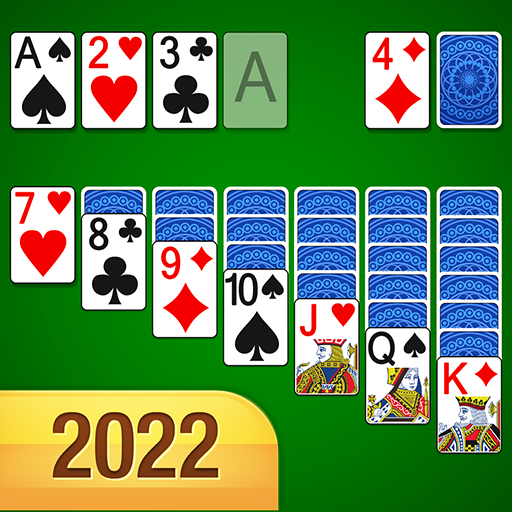



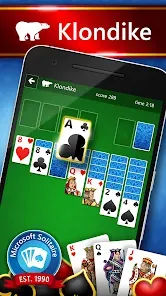
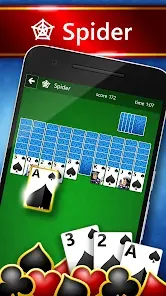
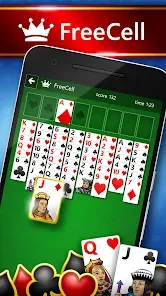

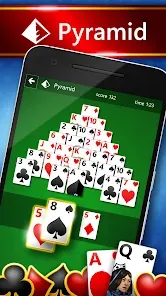

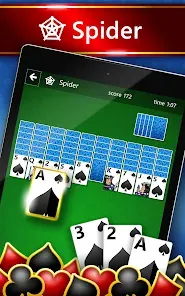
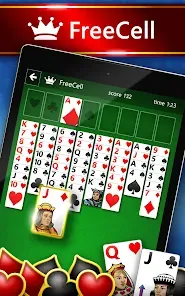
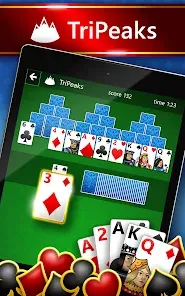
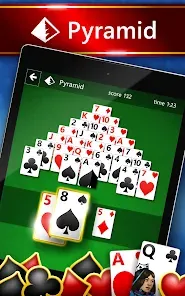



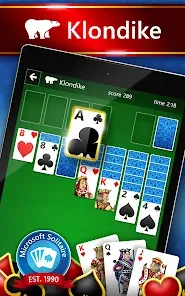
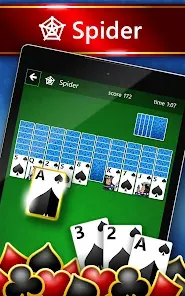
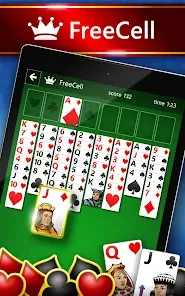
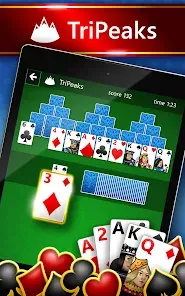
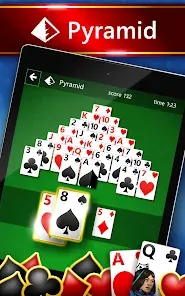


Despite what you may think, Microsoft Solitaire is not a new game. It's been around since the 1990s and was included bundled with every copy of Microsoft Windows. But it wasn't until recently that the game received its own dedicated app... Microsoft Solitaire Collection is a free-to-play mobile game that includes the classic Solitaire, as well as variations like FreeCell, Pyramid, and Spider. You can either play by yourself or compete against others in daily challenges. If you're a fan of Solitaire or are looking for a new mobile game to try out, read on for our review of Microsoft Solitaire Collection.
Features of Microsoft Solitaire Collection App
The Microsoft Solitaire Collection App offers a delightful blend of classic gameplay and modern features, making it a favorite among card game enthusiasts. One of the standout features is the five different game modes available: Klondike, Spider, FreeCell, Pyramid, and TriPeaks. Each mode presents its own unique challenges and strategies, catering to a wide range of skill levels.
Additionally, the app includes daily challenges that encourage players to engage regularly, providing fresh content and rewards for completion. The graphics are visually appealing, with customizable themes and backgrounds that enhance the gaming experience. Furthermore, players can track their progress and achievements through a comprehensive statistics page, allowing them to set personal goals.
The app also integrates social features, allowing users to compete with friends or other players worldwide through leaderboards. Touchscreen compatibility ensures that the gameplay is intuitive and responsive, making it accessible on various devices, including tablets and phones.
How to Use Microsoft Solitaire Collection App
Using the Microsoft Solitaire Collection App is straightforward, making it accessible for both new and seasoned players. First, download and install the app from the Microsoft Store or your device’s app marketplace. Once installed, open the app to view the home screen, which showcases the various game modes available. Simply select your preferred mode to begin playing.
Each game mode has its own set of rules and objectives, so familiarize yourself with the instructions provided within the app. You can also access daily challenges from the main menu, which offer unique tasks to complete for additional rewards. As you play, use the hints or undo features if you find yourself stuck. The app saves your progress automatically, allowing you to pick up right where you left off.
For enhanced enjoyment, consider customizing your themes and backgrounds to create a more personalized gaming experience. Engage with friends through social features, competing on leaderboards to see who can achieve the highest scores. Overall, the app is user-friendly and designed to provide a seamless gaming experience.
Pros & Cons of Microsoft Solitaire Collection App
The Microsoft Solitaire Collection App comes with several advantages that enhance the gaming experience. One of its primary pros is the variety of game modes it offers, ensuring that players never get bored. The app is regularly updated with new challenges and events, keeping the gameplay fresh and engaging. Its visually appealing graphics and customizable themes contribute to a delightful user experience, making it more enjoyable to play.
However, the app is not without its drawbacks. Some players may find the ads disruptive, especially during gameplay, although they can often be removed via in-app purchases. Additionally, while the app is generally intuitive, new players might require some time to fully grasp the nuances of each game mode. Lastly, some users may experience occasional glitches or crashes, though these issues are often addressed through updates.
In summary, the Microsoft Solitaire Collection App strikes a balance between classic card games and modern features, making it a worthwhile choice for anyone looking to enjoy a relaxing gaming experience.
 Google Play
  App Store
 The Microsoft Solitaire Collection is a digital version of the classic card game featuring multiple game modes. It offers a modern twist on traditional Solitaire gameplay.
Yes, you can customize game settings such as difficulty, themes, and card designs for a personalized experience.
Enjoy relaxing gameplay with beautiful graphics and soothing sounds that enhance the overall gaming experience.
Yes, you can connect with friends to compare scores and achievements, adding a social element to the game.
Explore various themes and card designs within the app for added variety and personalization in your gameplay.