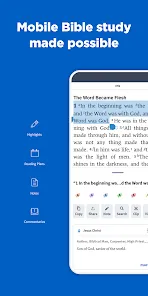
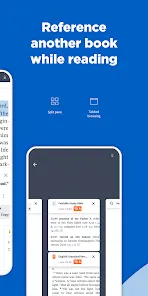
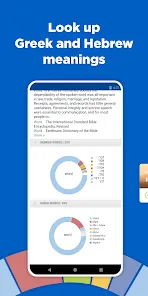

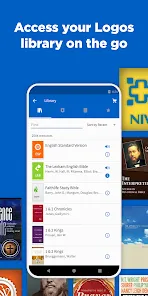
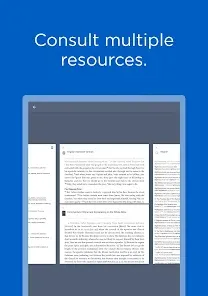
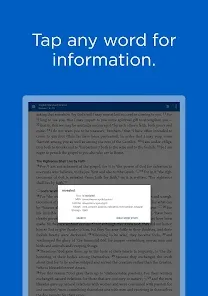
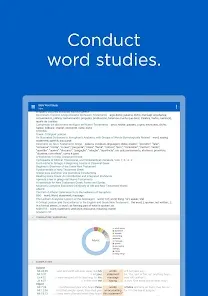
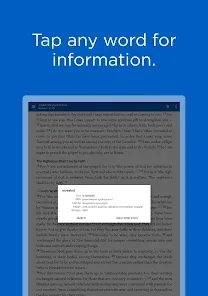
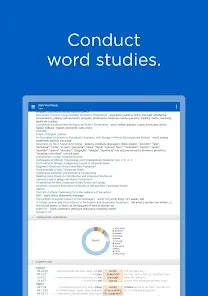
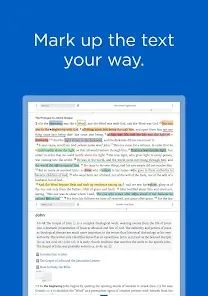
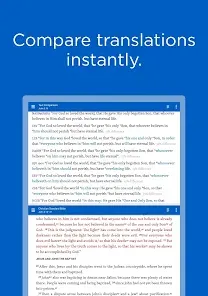
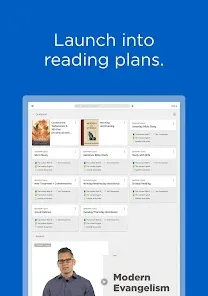
Logos Bible Study App Mobile App is a free Bible study app for iOS and Android devices. It provides users with access to a library of Bible study resources, including commentaries, dictionaries, and devotionals. The app also includes tools for studying the Bible, such as Bible reading plans, Bible search, and highlighting. Additionally, users can access their Logos library on the app, allowing them to access their purchased resources from anywhere.
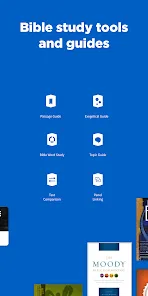
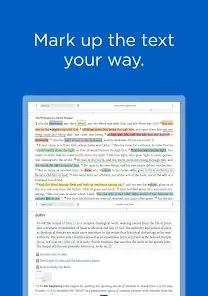
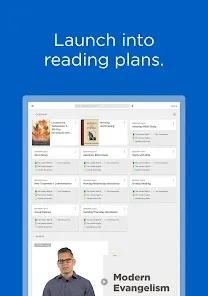
1. Comprehensive Library: Logos Bible Study App provides access to a comprehensive library of Bible study resources, including commentaries, dictionaries, and encyclopedias. 2. Bible Study Tools: Logos Bible Study App includes a variety of Bible study tools, such as Bible search, passage guides, and Bible word studies. 3. Personalization: Logos Bible Study App allows users to customize their study experience by creating their own personal library of resources. 4. Visualizations: Logos Bible Study App includes a variety of visualizations, such as timelines, maps, and charts, to help users better understand the Bible. 5. Mobile Access: Logos Bible Study App is available on both iOS and Android devices, allowing users to access their study resources on the go. 1. Download the Logos Bible Study App from the App Store or Google Play. 2. Open the app and create an account. 3. Select the Bible version you want to use. 4. Select the book, chapter, and verse you want to study. 5. Use the tools available to you to study the passage. 6. Use the search feature to find other passages related to the one you are studying. 7. Use the notes feature to take notes on the passage. 8. Use the highlight feature to highlight important words or phrases. 9. Use the bookmark feature to save passages for future reference. 10. Share your notes and highlights with friends and family. Pros: 1. Easy to use and navigate: The Logos Bible Study App is designed to be user-friendly and intuitive, making it easy to find the information you need quickly. 2. Comprehensive library: The app includes a comprehensive library of Bible translations, commentaries, dictionaries, and other resources. 3. Personalization: You can customize the app to your own preferences, including font size, background color, and more. 4. Search capabilities: The app includes powerful search capabilities, allowing you to quickly find the information you need. 5. Study tools: The app includes a variety of study tools, such as highlighting, note-taking, and bookmarking. Cons: 1. Cost: The Logos Bible Study App is not free, and the cost can be prohibitive for some users. 2. Limited platform support: The app is only available for iOS and Android devices, so users with other platforms are out of luck. 3. Limited features: The app does not include all of the features available in the desktop version of Logos Bible Study. 4. No offline access: The app requires an internet connection to access the library and other features. 5. Limited customization: While the app allows for some customization, it does not offer the same level of customization as the desktop version.Features
How to use Logos Bible Study App?
Pros & Cons
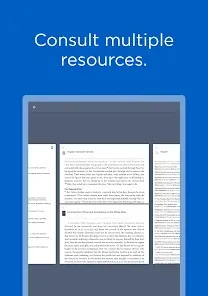
The app provides access to various commentaries and study guides, helping you gain insights from biblical scholars and enhance your comprehension of scripture.
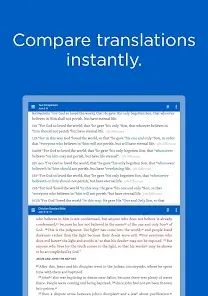
The app allows you to select from various Bible translations, ensuring you can read and study in the version that resonates most with you.
To access personalized features, create a new account or log in with your existing credentials, ensuring your study materials are saved and synced.
The app allows you to customize the interface, adjusting settings and layouts to create a study environment that suits your preferences.
Simply visit your device's app store, search for "Logos Bible Study App," and download it for free to start your journey in biblical study.













 Google Play
  App Store