

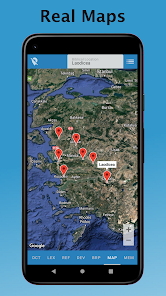
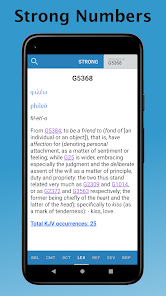
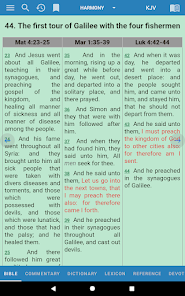
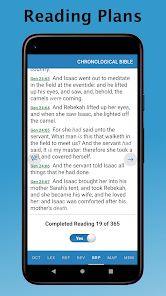
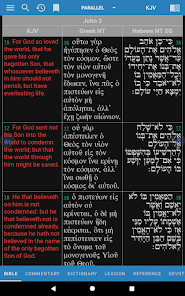
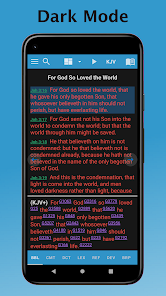
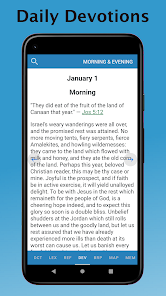
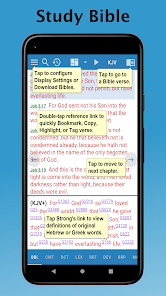
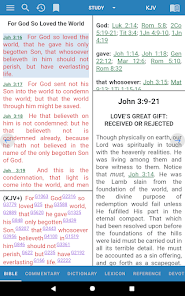
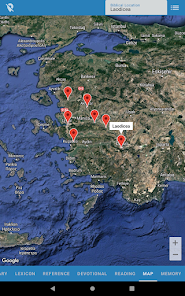
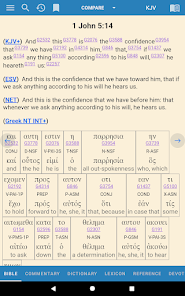
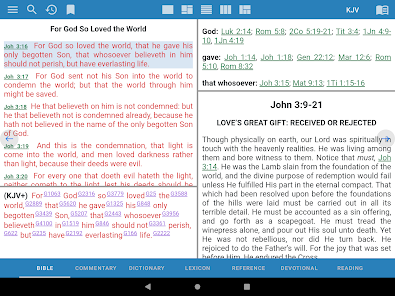
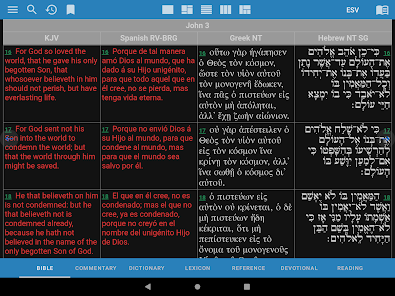
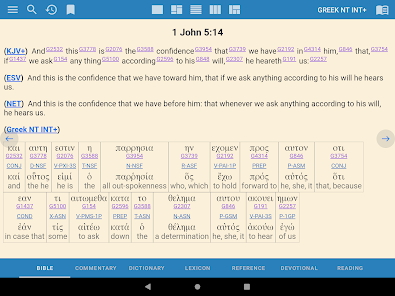
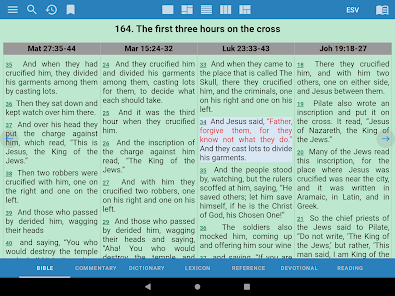
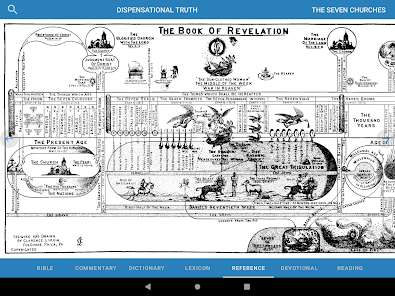
e-Sword is a Bible study software program for Windows computers. It provides users with a wide range of tools and resources for studying the Bible, including a variety of Bible translations, commentaries, dictionaries, and other study aids. The software also offers features such as the ability to create and share notes, highlight and bookmark passages, and customize the interface to suit their preferences. e-Sword is available as a free download from the e-Sword website. However, please note that the software is only compatible with Windows operating systems.
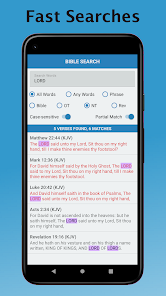
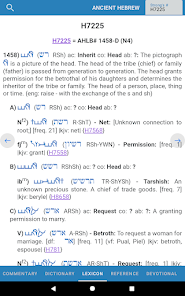
To use e-Sword, you'll need to first download and install the software on your Windows computer. You can do this by visiting the e-Sword website and clicking the "Download" button to download the installer file. Once the installer file is downloaded, you can run it to begin the installation process. Follow the on-screen instructions to complete the installation. Once e-Sword is installed, you can open it from the Start menu or desktop shortcut. When the software opens, you'll be presented with the main interface, which provides access to the various features and resources that the software offers. You can use the navigation bar on the left side of the screen to access different sections of the software, such as the Bible translations, commentaries, and study aids. You can also use the search bar at the top of the screen to quickly find specific passages or keywords. To begin studying the Bible, you can select a Bible translation from the navigation bar on the left and then use the controls at the bottom of the screen to navigate through the text. You can use the tools and resources in the software, such as the commentaries and study aids, to help you understand the meaning and context of the passages that you are reading. You can also use the note-taking and highlighting tools to make notes and mark important passages as you study. e-Sword is a Bible study software program that offers a range of features to help users study and understand the Bible. Some of these features include: 1. Multiple Bible translations: The software offers a variety of Bible translations, including the King James Version, New International Version, and others. 2. Commentaries and study aids: e-Sword provides access to a range of commentaries and study aids, such as dictionaries and concordances, that can help users understand the meaning and context of Biblical passages. 3. Note-taking and highlighting: The software allows users to create and share notes, highlight and bookmark passages, and customize the interface to suit their preferences. 4. Search and cross-reference: e-Sword offers powerful search and cross-reference tools that allow users to quickly find and compare passages across different Bible translations and study aids. 5. User community: The software has a large user community, providing users with the ability to share and learn from other e-Sword users. 6. Regular updates: The software is regularly updated with new features and resources, providing users with new tools and resources to enhance their Bible study. 7. Free download: e-Sword is available as a free download from the e-Sword website.How to use e-Sword
Features of e-Sword

 Access a vast library of Bible translations and resources anytime, anywhere. User-friendly interface simplifies navigation and enhances your study experience. Integrated tools like notes and bookmarks help organize your insights effectively. Customizable features allow personalized study plans to fit your learning style. Regular updates ensure you have the latest resources and features available.
 Limited customization options may hinder personalized study experiences. Some features require additional purchases, increasing overall costs. The interface can be overwhelming for new users unfamiliar with digital tools.
  Google Play
  App Store
 Yes, users are encouraged to submit suggestions or feedback through the app's support section or via the official website, where the developers are open to user input.
e-Sword: Bible Study to Go respects user privacy and does not collect personal data unless explicitly provided for specific features or services.
Yes, e-Sword: Bible Study to Go allows users to download content for offline use, so you can study the Bible without needing an internet connection.
You can cancel your subscription to e-Sword: Bible Study to Go through your device's app store settings by following the cancellation instructions specific to that platform.
A subscription to e-Sword: Bible Study to Go typically varies in price depending on the features and resources selected, so users should check the app store for current pricing.
You can contact Customer Service via their official website or through the app’s support section for assistance.
The Customer Number can typically be found in the app settings or on your purchase receipt.
Activation is usually automatic upon purchase; ensure you are logged in with the same account used for the purchase.
Use the "Forgot Password" feature on the login screen to reset your credentials.