This site uses cookies to enhance your user experience. By clicking any link on this site you are giving your consent to our cookie policy. Read more
Reject
Accept All

Advertiser and Editorial Disclosures

AirDroid

AirDroid

verified

SAND STUDIO

3.8
Rating
50,000,000+ Downloads
4.3.11.1 Version
  • category

    Category: Tools

  • price

    Price: free

  • age rating

    Age Rating: Everyone

  • rating

    Rating: 3.8

  • available on

    Available on: /

  • updated on

    Updated on: May 14, 2026

Screenshot 1
Screenshot 2
Screenshot 3
Screenshot 4
Screenshot 5
Screenshot 6
Screenshot 7
Screenshot 8
Screenshot 9
Screenshot 10
Screenshot 11
Screenshot 12
Screenshot 13
Screenshot 14
Screenshot 15
Screenshot 16
Screenshot 17
Screenshot 18
Screenshot 19
Screenshot 20
Screenshot 21
Screenshot 22
Screenshot 23
Screenshot 24
Advertisement

Features & Highlights

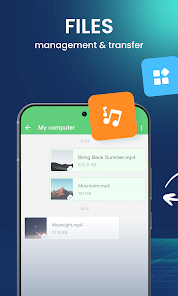
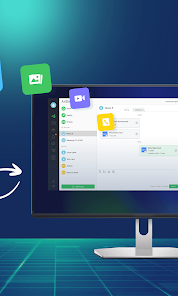
Easy File Transfer

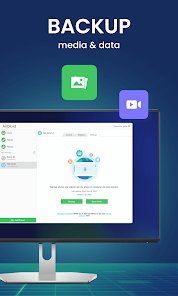
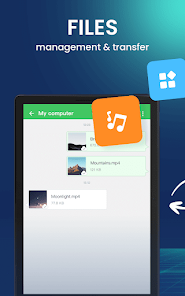
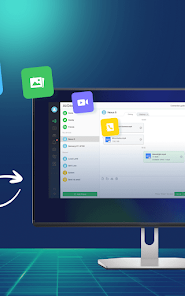
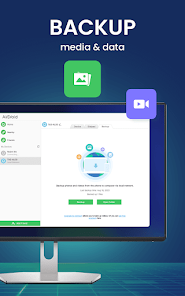
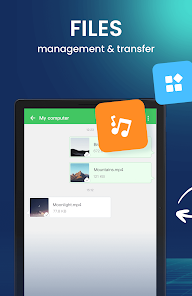
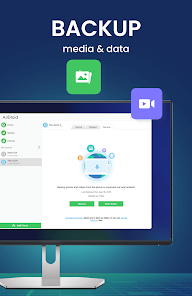
AirDroid simplifies the process of transferring files between your devices, enabling you to move photos, videos, and documents seamlessly. With just a few taps, you can share files across platforms, making it perfect for both personal and professional use without the hassle of cables or complicated setups.

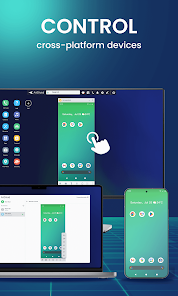
Remote Access Control

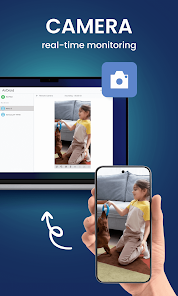
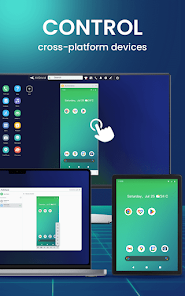
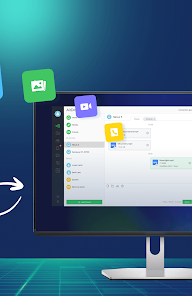
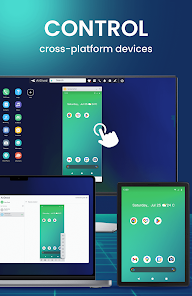
Take control of your Android device from anywhere with AirDroid's remote access feature. You can manage files, view notifications, and even control apps directly from your computer, making it an invaluable tool for multitasking and staying connected while on the go.

SMS & Notification Management

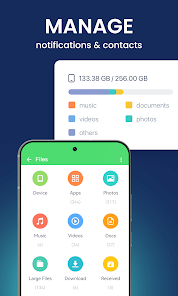
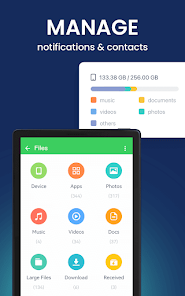
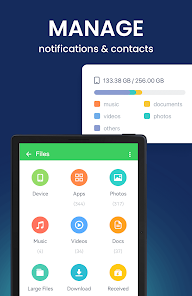
Stay connected without constantly reaching for your phone with AirDroid's SMS and notification management. You can send and receive text messages and manage notifications directly from your computer, ensuring you never miss an important message while you work.

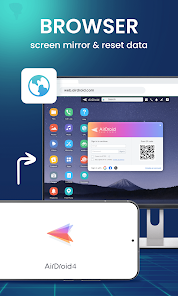
Screen Mirroring

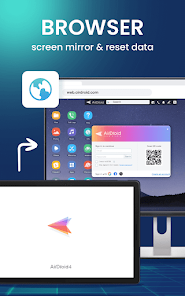
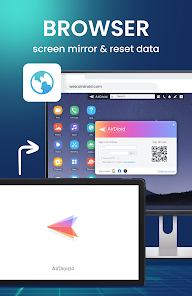
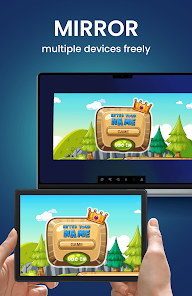
Experience the convenience of screen mirroring with AirDroid, allowing you to display your mobile device's screen on your computer. This feature is great for presentations, gaming, or simply using your apps on a larger display, enhancing your overall productivity and enjoyment.

Advertisement

Pros & Cons

Pros
  • Seamlessly transfer files between devices without USB cables.
  • Access your phone remotely from any computer.
  • Manage notifications and messages directly from your desktop.
  • Share large files quickly and efficiently with friends.
  • Enjoy a user-friendly interface for effortless navigation.
Cons
  • Limited functionality in the free version restricts access to features.
  • Performance can be slow, especially with large file transfers.
  • Security concerns arise due to reliance on third-party servers.

Real Experience Using AirDroid

Application Scenarios

AirDroid: File & Remote Access is designed for a plethora of practical applications, making it an invaluable tool for anyone seeking to enhance their productivity and streamline their workflow. One of the most common scenarios involves file transfer between devices. Whether you need to send documents from your smartphone to your computer or vice versa, AirDroid simplifies this process without the need for cables. The app also shines in scenarios where remote access is required. For instance, if you are working on a project and need to access files on your home computer while at a coffee shop, AirDroid allows you to connect and retrieve those files seamlessly. Additionally, it serves as an excellent solution for managing notifications. Users can view and respond to messages from various applications on their desktop, minimizing the need to switch between devices constantly.

User Experience

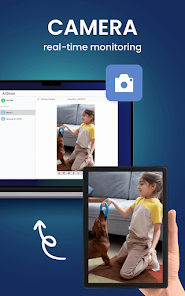
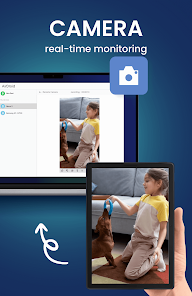
The user experience of AirDroid is commendable, characterized by its intuitive interface and responsive design. Upon launching the app, users are greeted with a clean layout that makes navigation straightforward. The drag-and-drop functionality for file transfers is particularly noteworthy, as it allows users to easily move files without complex steps. The app’s performance is generally smooth, with minimal lag during file transfers, even when handling large files. The integration of various features, such as screen mirroring and remote camera access, adds to the overall experience, empowering users to manage their devices efficiently. However, some users have reported occasional connectivity issues, particularly when using the app over varied network conditions. Nevertheless, the overall usability remains high, making it a popular choice among users.

Pricing

AirDroid operates on a freemium model, allowing users to enjoy basic features at no cost. The free version is quite functional, catering to the needs of casual users who require basic file transfer and remote access capabilities. However, for those seeking enhanced features, such as increased file transfer limits and additional security options, the premium subscription is available. The pricing is competitive, with monthly and annual plans that provide flexibility depending on user preferences. Many users find that the premium features justify the cost, especially for professionals who rely on the app for daily operations.

Updates & Support

AirDroid is committed to continuous improvement, frequently releasing updates to enhance functionality and address user feedback. These updates often include new features, bug fixes, and performance enhancements, ensuring that the app remains relevant and efficient. The support system is robust, with a comprehensive FAQ section and responsive customer service available through various channels. Users can reach out via email or through the app itself for assistance with issues or inquiries. The active community forums also provide an avenue for users to share their experiences and solutions, further enriching the support ecosystem surrounding AirDroid.

verified Security & Privacy Review

AirDroid: File & Remote Access prioritizes user security and privacy with its robust encryption mechanisms. The app employs end-to-end encryption for file transfers, ensuring that users' data remains private and secure during transit. Additionally, AirDroid offers two-factor authentication, providing an extra layer of security against unauthorized access. Regarding permissions, AirDroid requires access to specific device functionalities such as storage, contacts, and location to provide a seamless experience. Users are encouraged to review these permissions and grant only those necessary for their intended use. The app is transparent about its data handling practices, outlining the types of information collected and how it is used in its privacy policy. AirDroid commits to not selling user data to third parties, fostering trust among its user base. Users are also given control over their data, with options to manage, edit, or delete their information within the app. Overall, AirDroid demonstrates a solid commitment to maintaining user privacy and data security.
Advertisement

User Reviews

  • A Google user
    2020/02/06

    Why isn't pricing clearer? The Play Store is like a used car lot and vendors love it. I would like a little more information on pricing other than it will run me between $1.99 and $300. So to find out, I have to install the app configure everything on my Android, PC, wait to find out what I'm going to be charged, is it a one time fee or subscription etc. I don't have time for that. I've test driven this back when. No fond memories. May be better now. Don't know, don't care.

  • Nathan Hand
    2023/04/13

    It's very helpful. However, it shouldn't make you have to upgrade to the Premium Paid Version after only sending a few files or items! You should make it compatible with Free-Users, for however long it takes! Just not any Large Files, without the software upgrade! Re: I will definitely give a 5 star rating if you guys improve or at least least Lengthen the Free Trial Period!

  • A Google user
    2020/04/20

    AirDroid is a pretty good way to broadcat and control your devices remotely. You don't need to do anything drastic to connect your devices, and it's easy to set up (~15 minutes). However, it has about 0.25-0.5 second delay and low quality if you do not have the pro version purchased. Overall, it is an easy way to display your devices and control them, free or purchased.

  • Gargantua Blargg
    2022/01/23

    Update 2: Trying again years later on Android 11. Requires login before I can do anything. Create account on their website. Can't log in with app using same login. OK, create separate login for app. But... can't use that login on website. It's like the two systems don't talk to each other. Failed again. I ended up using a simple SSHD app to access files with zero problems. Update: neutered in Android 8 (Oreo) due to system restrictions. can't mirror screen or control from desktop PC at all without installing special software on the PC. Oh well. Fantastic amount of stuff you can do through a web browser, but I can't get it to stop running itself in the background all the time after I'm done using it and exit the app. I've disabled all automatic features, extras, automatic update, etc. but even when I kill it it keeps re-running a few processes. I already installed it a while back but uninstalled due to this, and will probably be uninstalling it again for the same reason. I only use it occasionally so having it bloat up my system 24/7 isn't worth it. Apparently they acknowledged this issue years ago in their forums and promised a fix, but they've never fixed it. Meh, I'll stick with other apps that provide the features I use.

  • A Google user
    2018/10/15

    I challenge anybody to successfully add a friend using this app. I clicked the add button and entered my wife's email address to "invite" her, and it successfully sent her an invitation email, but it only included a link for her to install AirDroid. It in no way added her to my friends list. She also tried sending me an invitation, but again, the app never added me to her friends list either! I admit it may be operator error, but if so, AirDroid needs to be way more clear and intuitive about how to go about connecting to friends in order to exchange files! Furthermore, I could find nothing about how to do it in the FAQ or help files. Not only will I not pay for a subscription, but I will uninstall this apparently once useful app altogether.

Review Source: Google Play store public user reviews.

FAQ

1

Can I submit suggestions or feedback to AirDroid: File & Remote Access?

Yes, users can submit suggestions or feedback through the app's support section or by contacting the AirDroid team via their official website or social media channels.

2

Does AirDroid: File & Remote Access collect my personal data?

AirDroid: File & Remote Access does collect certain data to enhance user experience, but it has a privacy policy in place to protect users' personal information.

3

Does AirDroid: File & Remote Access support offline use?

AirDroid: File & Remote Access primarily requires an internet connection for its features to function, but certain file management tasks can be performed offline.

4

How do I cancel my AirDroid: File & Remote Access subscription?

You can cancel your AirDroid subscription through the settings in the app or via the app store where you purchased the subscription, following the respective cancellation process.

5

How much does a subscription to AirDroid: File & Remote Access cost?

The subscription cost for AirDroid: File & Remote Access varies based on the plan chosen, with options for monthly, yearly, and lifetime subscriptions typically available.

How to use AirDroid

1

Can I change my email associated with my AirDroid account?

Yes, you can change your email in the account settings. If you need further assistance, reach out to customer support.

2

Can I update my customer number within the app?

You cannot update your customer number directly in the app. Please contact customer service for any changes to your account details.

3

How can I contact customer service for AirDroid?

You can reach our customer service through the support section of our website or the app. We’re here to help!

4

How do I activate my AirDroid account?

To activate your account, simply follow the instructions in the confirmation email sent during registration. If you need assistance, feel free to reach out to customer support.

5

How do I log in to my AirDroid account from a different device?

Use your existing credentials to log in on any device. If you encounter issues, ensure that your account is activated and reaching customer service may help.

What's New

1. Bug fixes and finetunes that improve stability and user experience.

Editor's Choice