This site uses cookies to enhance your user experience. By clicking any link on this site you are giving your consent to our cookie policy. Read more
Reject
Accept All

Advertiser and Editorial Disclosures

Map Coordinates

Map Coordinates

verified

Adrian Sulumberchean

4.3
Rating
5,000,000+ Downloads
5.8.5 Version
  • category

    Category: Navigation

  • price

    Price: free

  • age rating

    Age Rating: Everyone

  • rating

    Rating: 4.3

  • available on

    Available on: /

  • updated on

    Updated on: Dec 11, 2025

Screenshot 1
Screenshot 2
Screenshot 3
Screenshot 4
Screenshot 5
Screenshot 6
Screenshot 7
Screenshot 8
Screenshot 9
Screenshot 10
Screenshot 11
Screenshot 12
Screenshot 13
Screenshot 14
Screenshot 15
Screenshot 16
Screenshot 17
Screenshot 18
Screenshot 19
Screenshot 20
Screenshot 21
Advertisement

Features & Highlights

Custom Markers Creation

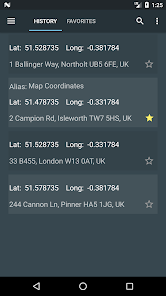
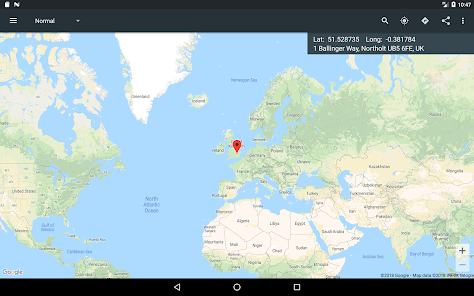
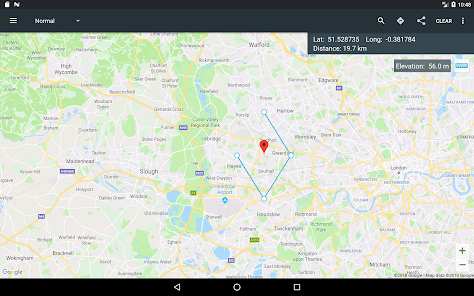
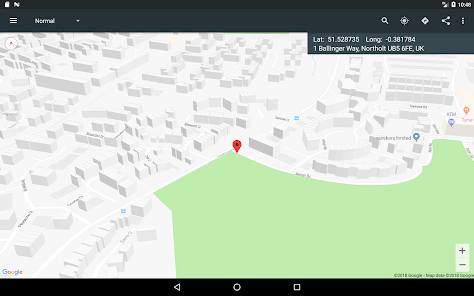
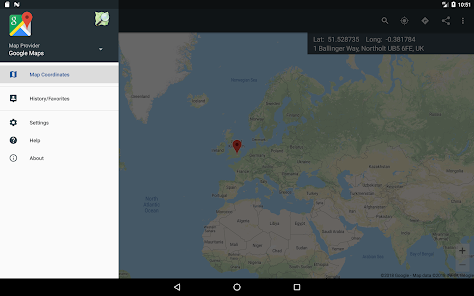
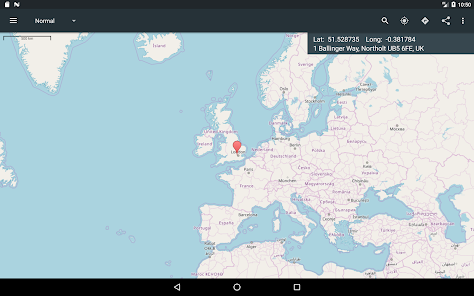
Personalize your navigation experience with custom markers on the map. Map Coordinates allows you to drop pins at specific locations, adding notes or labels as needed. This feature is fantastic for organizing trips, marking important sites, or simply keeping track of places you want to revisit.

Easy Location Sharing

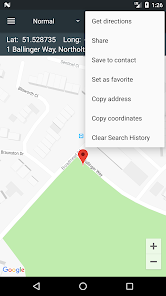
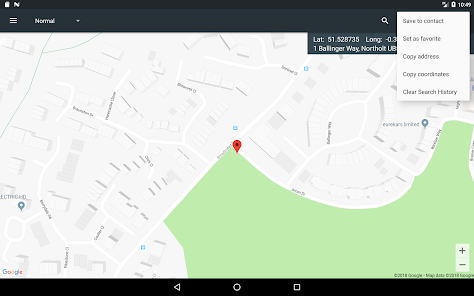
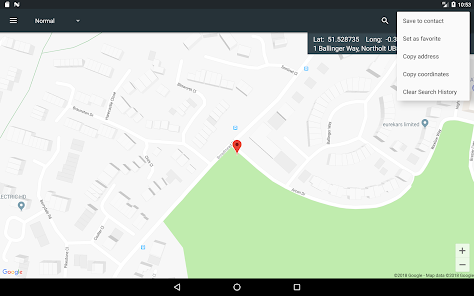
Map Coordinates makes sharing your favorite spots a breeze. With just a few taps, you can send GPS coordinates to friends or family, ensuring they find the exact location without any hassle. This feature is perfect for planning meetups or sharing hidden gems you discover along the way.

Multiple Format Support

Whether you prefer decimal degrees or degrees-minutes-seconds, Map Coordinates has you covered. The app allows you to convert and display coordinates in various formats, catering to diverse user needs and preferences. This flexibility makes it suitable for both casual users and seasoned navigators alike.

User-Friendly Interface

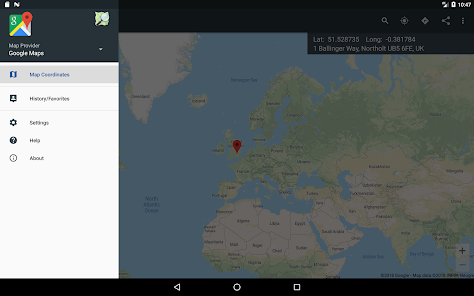
Navigating through Map Coordinates is a smooth experience, thanks to its intuitive design. Users can easily access all functionalities without feeling overwhelmed, making it approachable for everyone, from tech-savvy individuals to those who are less familiar with mapping tools. Enjoy a seamless experience as you explore the app's capabilities.

Advertisement

Pros & Cons

Pros
  • Precise location identification enhances navigation efficiency.
  • Facilitates easy sharing of locations with others.
  • Supports accurate mapping for various applications.
  • Improves emergency response through exact coordinates.
  • Enables seamless integration with GPS technology.
Cons
  • Difficult to interpret without a reference map
  • Limited in conveying real-world context
  • Not user-friendly for non-experts
  • Can lead to precision errors in navigation

Real Experience Using Map Coordinates

Application Scenarios

Map Coordinates serves a variety of users, from casual travelers to professional geographers. Whether you are planning a hiking trip and need to mark scenic viewpoints or a business professional who requires precise location data for mapping purposes, this app caters to all. One common scenario is for outdoor enthusiasts who use the app to log their favorite spots while exploring nature. By saving these coordinates, they can easily revisit those locations or share them with friends and family. Another scenario includes delivery and logistics companies that utilize precise coordinates to streamline their routes, ensuring timely deliveries. Furthermore, educators can use the app to teach students about geography and navigation, making learning interactive and engaging.

User Experience

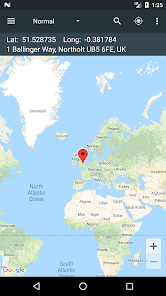
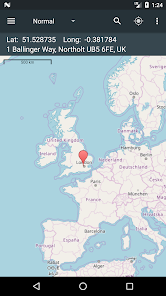
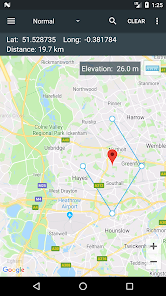
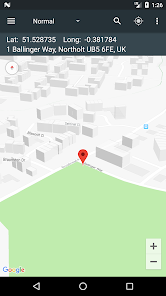
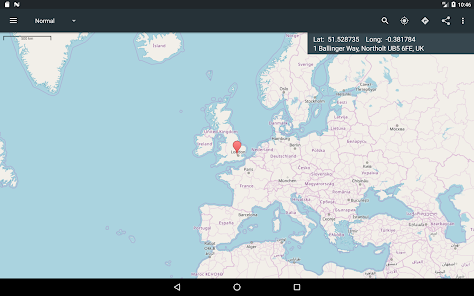
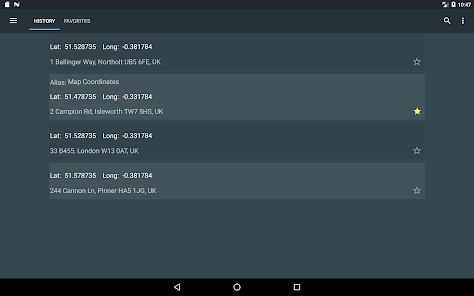
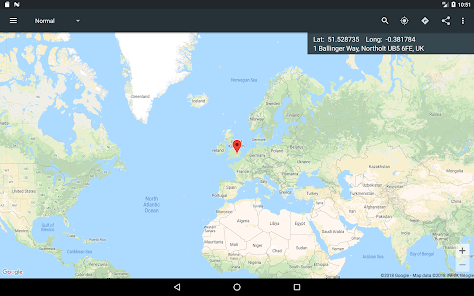
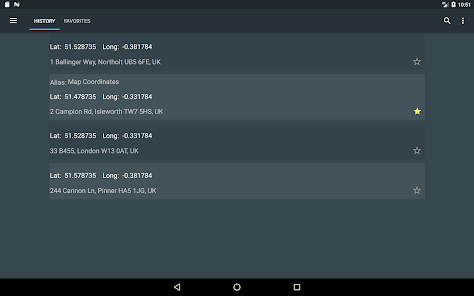
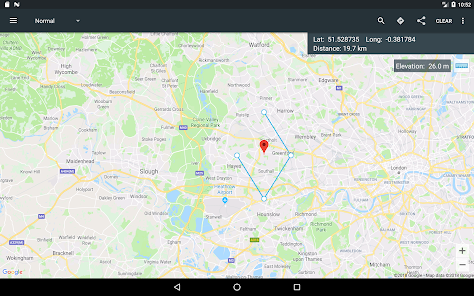
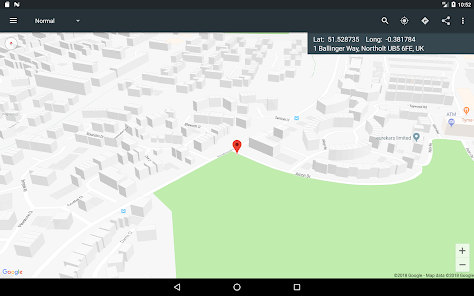
The user experience of Map Coordinates is generally intuitive and user-friendly. Upon opening the app, users are greeted with a clean interface that makes navigation seamless. The map display is responsive, allowing users to zoom in and out easily, while the addition of a simple coordinate input feature makes it straightforward to find or share locations. Users have reported that the app's ability to switch between different map views, such as satellite and terrain, enhances their overall experience. Additionally, the ability to save multiple coordinates and categorize them for easy access is a notable feature. However, some users have noted that the app could benefit from enhanced offline functionality, especially for those venturing into remote areas without cell service.

Pricing

Map Coordinates operates on a freemium model, offering both a free version and a premium subscription. The free version provides essential features that are sufficient for casual users, including basic mapping and coordinate storage capabilities. For those seeking advanced functionalities—such as offline access, unlimited data storage, and ad-free usage—a premium subscription is available at a competitive monthly or annual rate. Users have expressed that the premium features justify the cost, especially for professionals who rely on accurate and reliable mapping tools for their work.

Updates & Support

The developers of Map Coordinates are committed to continuous improvement and regularly release updates that address user feedback and enhance functionality. Recent updates have included performance optimizations and additional mapping features that users have requested. Customer support is readily available through the app, with a dedicated help section that provides FAQs and troubleshooting tips. Users can also reach out via email for personalized assistance. Overall, the commitment to regular updates and responsive support helps maintain user satisfaction and keeps the app relevant in a rapidly evolving digital landscape.

verified Security & Privacy Review

Map Coordinates prioritizes user security and privacy, implementing robust measures to protect sensitive information. The app employs end-to-end encryption for data transmission, ensuring that user locations and coordinates are securely transmitted without interception. Users are clearly informed about the data collected, which primarily includes location data necessary for functionality. The app requests minimal permissions, specifically those required for accurate location tracking. Users have the option to grant or deny location access, and the app functions effectively in both cases, allowing for a more customizable experience. Additionally, Map Coordinates offers users the ability to delete their data at any time, enhancing user control over personal information. Privacy policies are transparent, detailing how user data is utilized and safeguarded. The app does not share user information with third parties, reinforcing a commitment to user confidentiality. Overall, Map Coordinates demonstrates a strong dedication to maintaining user privacy and security, making it a reliable choice for those concerned about their data. Regular updates ensure that security measures evolve in line with emerging threats, further ensuring user trust.
Advertisement

Compare APP

User Reviews

  • Dylan Weeks
    2024/07/16

    Has been an excellent app, have used it every day for the past 8 years, however they just changed their search bar UI and I can no longer toggle back and forth between the app and another app without it erasing what I've typed in to type in latitude and longitude in degrees minutes and seconds. The search bar only now lets you type in address or coordinates instead of custom coordinates like it used to. Can't use the app anymore unless they change their search bar feature back to what it was :(

  • Eric Thompson
    2021/03/26

    Works well and seems smooth. Maybe you can help me with importing files. I The favorites' alias (name) does not show up on the map. Also, I do not see a way to see all of my favorites at one time. Only one shows up at a time. Thanks or your help. Moto X4

  • Tony
    2020/09/26

    I can easily do what this app is all about with Google maps and it's free. This app is not worth the $16 the developer is asking for. I will surely stick with Google Maps than pay your $17 for map coordinates. It's very easy to do folks. Open Google Maps. Drop a red pin to the location and press it again and the coordinates will show up on top.

  • Marvin Cullum
    2024/05/17

    This was off by well over 200 feet. Uninstalled and I can only hope my preferences won't be thrown off like so many of the other apps I uninstall. I fell for this apps sob story about how they make money off ad sales and I allowed some. Now do I have to go in and delete those? Who knows! That leaving behind stuff should be illegal.

  • Charles Benet
    2020/07/29

    Respect the user's settings. If my "settings" say use decimal coordinates, your popup for entering a coordinate should NOT default to degrees and minutes. It should default to decimal degrees. Why for some coordinates do you correctly give the address, but the map is blank? You need a way for users to give you feedback (not via "Rate this app") I like the app but it needs work.

Review Source: Google Play store public user reviews.

FAQ

1

Does Map Coordinates collect my personal data?

Map Coordinates prioritizes user privacy and typically does not collect personal data unless explicitly provided by the user for specific features. Always check the privacy policy for detailed information.

2

Does Map Coordinates offer a free trial or free version?

Yes, Map Coordinates offers a free version with limited features, as well as a free trial of its premium features for users who want to explore the full capabilities of the app.

3

Does Map Coordinates require an internet connection?

While Map Coordinates can function offline for basic coordinate tracking and management, certain features, like map viewing and sharing, may require an internet connection for optimal performance.

4

How can I contact support or send feedback for Map Coordinates?

You can contact support or send feedback through the app's help section, which provides options for direct messaging or email support. Additionally, the website may offer a contact form for inquiries.

5

How do I manage or cancel my Map Coordinates subscription?

You can manage or cancel your Map Coordinates subscription through your account settings within the app or through the app store where you downloaded it. Follow the prompts for subscription management.

How to use Map Coordinates

1

Can I change my account email in the Map Coordinates app?

Yes, go to your account settings within the app and select "Change Email" to update it.

2

How can I contact customer service for the Map Coordinates app?

You can reach customer service by emailing support

3

How do I log in to my account in the Map Coordinates app?

To log in, open the app and enter your registered email and password on the login screen.

4

How do I reset my password for the Map Coordinates app?

Click on "Forgot Password?" on the login screen and follow the instructions to reset your password via email.

5

How do I unsubscribe from the Map Coordinates app?

To unsubscribe, go to your account settings, find the subscription section, and select "Unsubscribe."

What's New

Fixed an issue where screenshots could not be shared when using Offline Maps.

Editor's Choice