


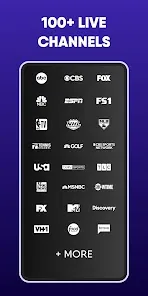
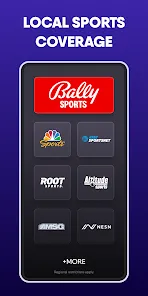
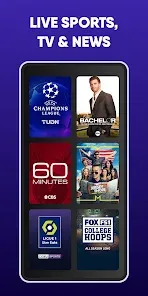
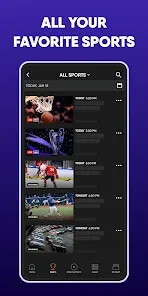
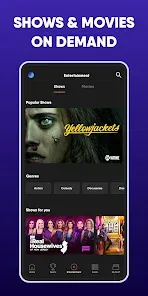
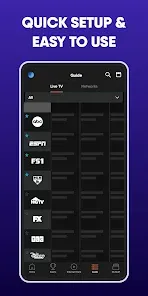
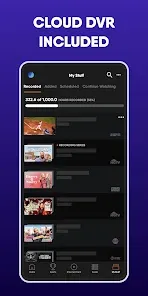

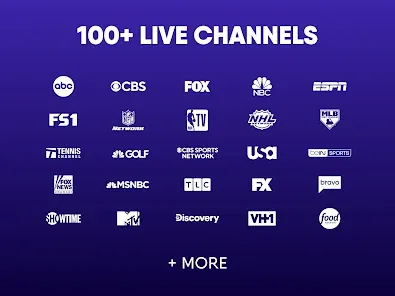
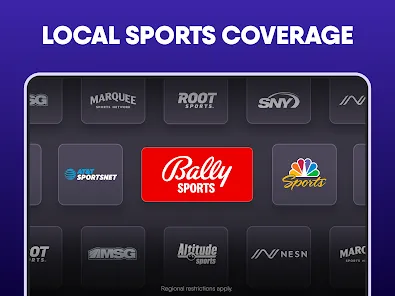
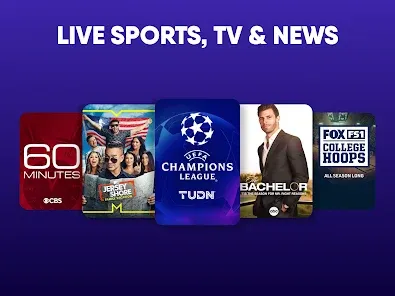
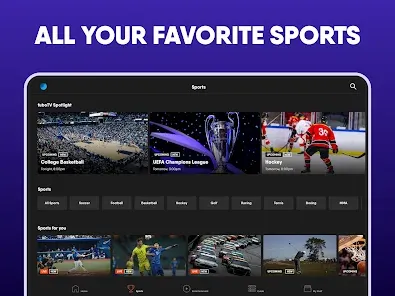
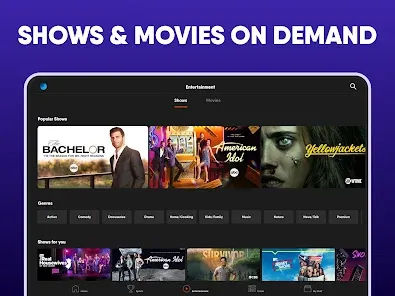
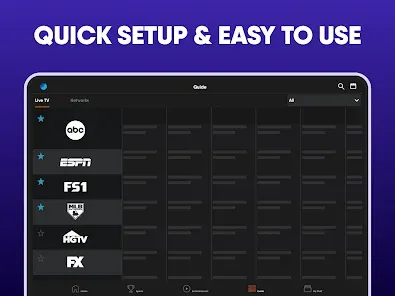
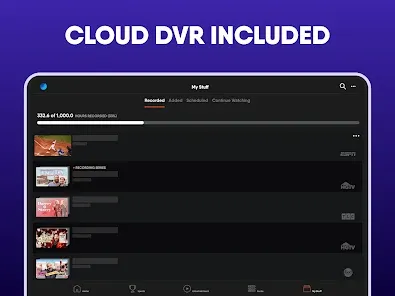

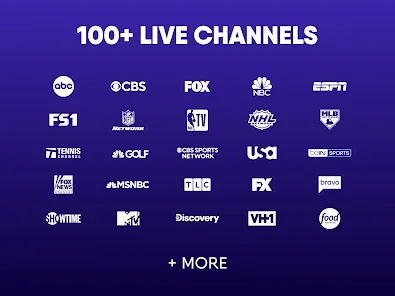
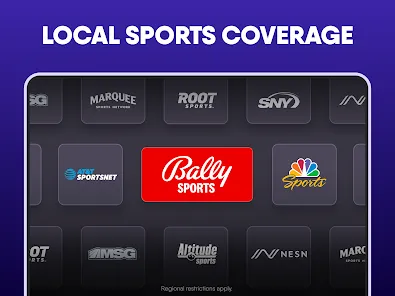
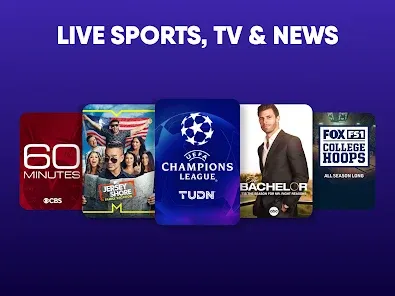
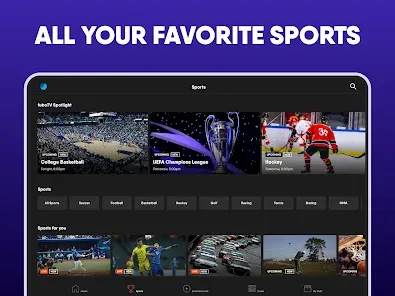
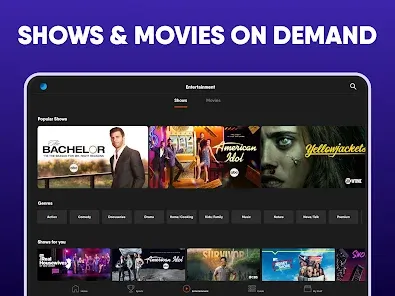
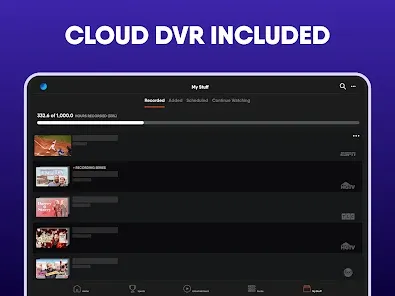

fuboTV is a popular streaming service that offers live and on-demand television content, including sports, news, and entertainment. The fuboTV app is a mobile app that allows users to access their fuboTV subscription on their iOS or Android device. With the app, users can watch live TV, record shows to their cloud DVR, and access a range of on-demand content. The app also offers personalized recommendations, allowing users to discover new content to watch. fuboTV is a live TV streaming service that offers a large selection of sports channels, making it a popular choice among sports fans. Its channel lineup also includes channels for kids, entertainment, lifestyle, and news, providing a well-rounded selection of content. If you are in the market for a new streaming service or looking to cut the cord and get rid of cable TV, fuboTV is a good option to consider. It offers a large selection of channels and a user-friendly app that makes it easy to access and watch live and on-demand content.
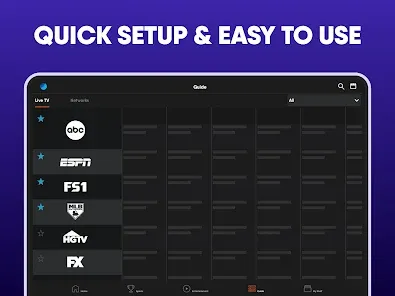
Features Some of the features of the fuboTV app include: -Live and on-demand television content, including sports, news, and entertainment. -Personalized recommendations, allowing users to discover new content to watch. -The ability to record shows to the cloud DVR, allowing users to save content for later viewing. -A range of on-demand content, including movies and TV shows. -Support for multiple devices, allowing users to access their fuboTV subscription on multiple devices, including mobile, tablet, and streaming devices. -Multiple language support, allowing users to use the app in their preferred language. -Easy-to-use navigation, allowing users to quickly find and access the content they want to watch. -Regular updates with new features and content, keeping the app fresh and up-to-date. How to Use fuboTV App FuboTV is a streaming service that is available on multiple platforms, including streaming devices, computer browsers, Smart TVs, mobile devices, tablets, and more. To use fuboTV on your device, it must meet the following requirements: -Streaming devices: All Fire TV devices and Fire TV Edition TVs with Fire TV built in with Android OS 5.0 (Lollipop) or higher. -Computer browsers: Google Chrome, Mozilla Firefox, or Microsoft Edge. -Smart TVs: Select Samsung, LG, Android, and Vizio models. -Mobile devices and tablets: iOS 11.0 or higher, or Android 5.0 (Lollipop) or higher. Note: *The availability of fuboTV on specific models of Smart TVs may vary. Check the fuboTV website for the latest information on supported devices. To use the fuboTV app, follow these steps: -Download the app from the App Store or Google Play Store. -Install the app and open it. -If you already have a fuboTV account, log in using your existing account details. If you don't have an account, create one by following the on-screen instructions. -Once you are logged in, you will be taken to the main screen of the app. Here, you can view a selection of live and on-demand content, as well as personalized recommendations based on your viewing history. -To access the full range of content available on fuboTV, tap on the "Live TV" or "On Demand" buttons in the bottom menu. Here, you can browse through the full range of live and on-demand content available on the app. -To access your cloud DVR, tap on the "DVR" button in the bottom menu. Here, you can view and manage your recorded shows. -To access additional features and settings, tap on the "Menu" icon in the top-left corner of the screen. Here, you can access your account information, change app settings, and more. -To access the full range of features and tools available on fuboTV, consider using the desktop version of the platform. This can be accessed through the fuboTV website. Pros & Cons Pros: Some of the advantages of using the fuboTV app include: -A wide range of live and on-demand television content, including sports, news, and entertainment. -Personalized recommendations, allowing users to discover new content to watch. -The ability to record shows to the cloud DVR, allowing users to save content for later viewing. -Support for multiple devices, allowing users to access their fuboTV subscription on multiple devices. -Multiple language support. -Easy-to-use navigation and user interface. -Regular updates with new features and content. Cons: Some of the disadvantages of using the fuboTV app include: -The app may require a stable and fast internet connection to function properly. -The app may be monetized through subscription fees and in-app purchases, which some users may find expensive or intrusive. -The app may not offer all the features and content available on other streaming services. -The app may be subject to the occasional bug or glitch, which can disrupt the user experience. -The app may require users to have a fuboTV subscription to access its content, which may not be available in all areas.
fuboTV can be accessed on various devices, including smartphones, tablets, and smart TVs, allowing for convenient viewing anywhere.
fuboTV offers a vast library that includes live sports events, popular TV shows, and movies, catering to diverse viewing interests.
Users can create a new account or log in to an existing one to access personalized features and content tailored to their preferences.
fuboTV allows users to tailor their channel lineup, selecting only the channels that interest them for a more personalized viewing experience.
The fuboTV app is available for download on various platforms, including iOS, Android, and smart TVs, allowing users to access content easily.













 Google Play
  App Store