

0
 Google Play
  App Store
 This feature allows users to capture high-quality images and videos from the drone's perspective, often with options for adjusting settings like resolution and frame rate.
Calibration ensures the drone's sensors are accurately aligned, which is crucial for stable flight and precise control, often requiring specific movements or settings adjustments.
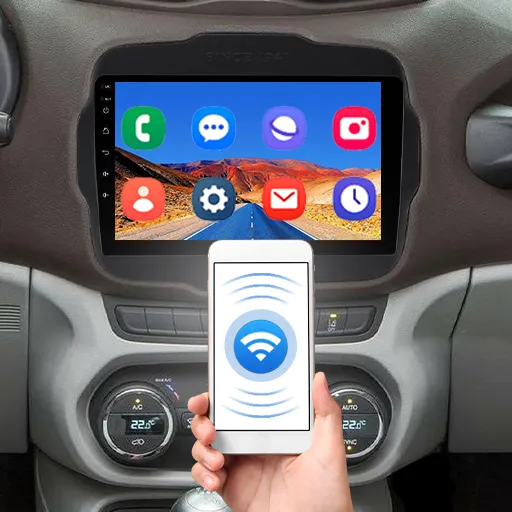
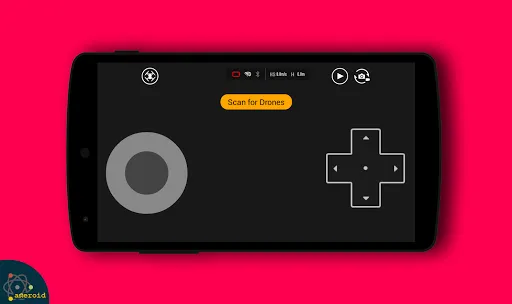
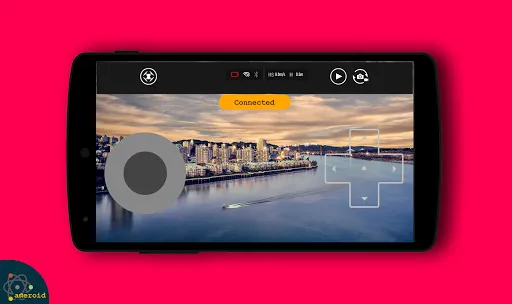
This process involves enabling Bluetooth or Wi-Fi on your device and selecting the drone from the list of available connections to establish a communication link.
Users must register with their email or social media accounts to access personalized features, save settings, and manage their drone's data securely.
This step involves obtaining the official app from an app store, ensuring compatibility with your drone model, and following installation prompts to set it up on your mobile device.