This site uses cookies to enhance your user experience. By clicking any link on this site you are giving your consent to our cookie policy. Read more
Reject
Accept All

Advertiser and Editorial Disclosures

Carplay Android auto sync: bt

Carplay Android auto sync: bt

verified

Apps Dot Apps

4.6
Rating
/ Downloads
1.0.9 Version
  • category

    Category: Libraries & Demo

  • price

    Price: 0

  • age rating

    Age Rating: Everyone

  • rating

    Rating: 4.6

  • available on

    Available on: /

  • updated on

    Updated on: Mar 3, 2026

Screenshot 1
Screenshot 2
Screenshot 3
Screenshot 4
Screenshot 5
Screenshot 6
Screenshot 7
Screenshot 8
Advertisement

Features & Highlights

Customizable Interface

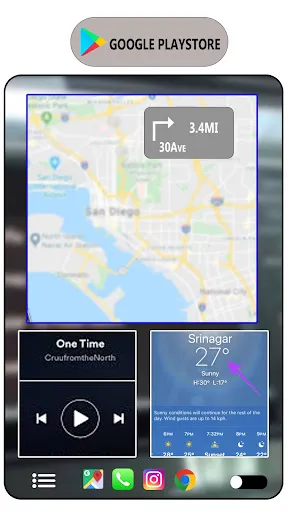
Personalize your driving experience with a customizable interface that lets you arrange and prioritize your most-used apps. This feature ensures that your dashboard remains organized and tailored to your preferences, making it easy to access what you need quickly and efficiently while driving.

Hands-Free Control

With voice commands and steering wheel controls, you can keep your hands on the wheel and your eyes on the road. This feature allows you to make calls, send messages, and control music playback using simple vocal instructions, promoting safer driving habits without sacrificing convenience.

Real-Time Navigation

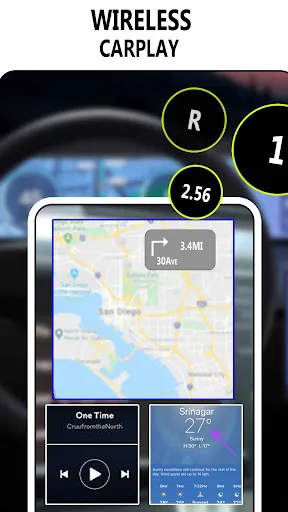
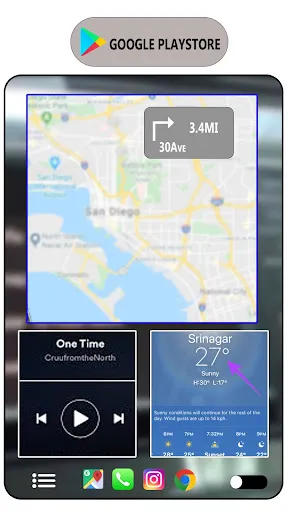
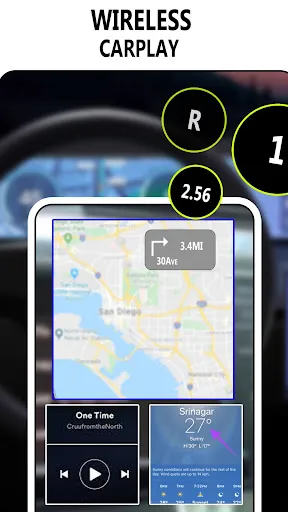
Stay on track with real-time navigation updates, providing you with turn-by-turn directions and traffic alerts directly on your car's display. This feature not only helps you reach your destination more efficiently but also keeps you informed about road conditions, making your journey smoother and more enjoyable.

Seamless Connectivity

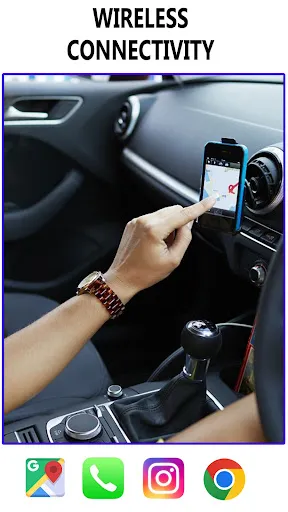
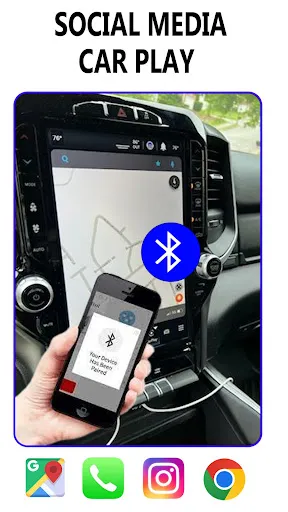
Experience effortless integration with Carplay and Android Auto, allowing you to connect your smartphone to your car's infotainment system with just a single tap. This feature ensures that your favorite apps, navigation, and music are always at your fingertips while you're on the road, enhancing your driving experience.

Advertisement

Pros & Cons

Pros
  • Seamless integration with smartphones enhances driving convenience.
  • Access to navigation apps improves route planning and safety.
  • Hands-free functionality promotes safer driving experiences.
  • Streamlined music and media control keeps entertainment within reach.
  • Instant access to messages ensures you stay connected while driving.
Cons
  • Limited app compatibility restricts user choices for navigation and entertainment.
  • Connection issues can disrupt seamless access to smartphone features.
  • Dependence on phone battery life may hinder long drives and usability.

Real Experience Using Carplay Android auto sync: bt

Real Experience Application Scenarios

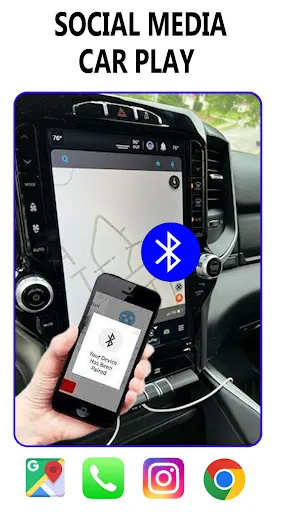
The Carplay Android Auto Sync: BT app offers seamless integration for users who frequently switch between Apple CarPlay and Android Auto. This app is particularly beneficial for individuals who own multiple devices, such as an iPhone and an Android smartphone. Imagine a scenario where you are driving a rental car that only supports Android Auto, but you have your iPhone with you. This app allows you to connect your iPhone to the car's system, providing a consistent experience regardless of the device you’re using. Whether you are navigating through city traffic, streaming your favorite music, or taking hands-free calls, this app ensures that you can access all necessary features without fumbling with cables or complicated setups. Additionally, it is a great solution for tech enthusiasts who appreciate having the best of both ecosystems at their fingertips, enhancing their driving experience significantly.

User Experience

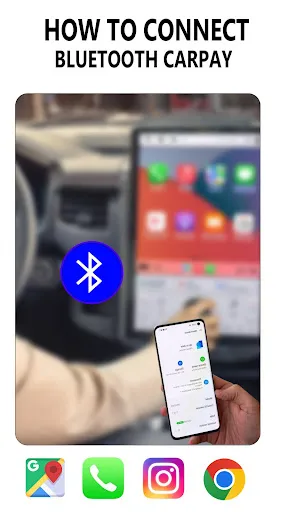
User experience with Carplay Android Auto Sync: BT is generally positive, with many users praising its intuitive interface and ease of use. The app’s design is clean and straightforward, allowing users to navigate through various options without confusion. Setup is a breeze; users can connect their devices with minimal effort, often requiring just a few taps to get started. The app performs well in maintaining stable connections and quickly switching between devices, which is crucial for safe driving. Additionally, users have reported that audio quality remains high, even during streaming or phone calls. However, some may experience occasional connectivity issues, which can be frustrating. Overall, the app effectively bridges the gap between different operating systems, making it a valuable tool for drivers who often find themselves in mixed-device environments.

Pricing

The Carplay Android Auto Sync: BT app is competitively priced, providing excellent value for the functionality it offers. Users can download the app for a nominal fee, which is a one-time purchase that unlocks all features. This pricing model is advantageous compared to subscription-based alternatives, as users will not face ongoing costs. Furthermore, the app occasionally offers promotional discounts, making it even more accessible for potential users. Many users feel that the price is justified given the convenience and flexibility it adds to their driving experience, especially for those who use multiple devices regularly.

Updates & Support

The developers of Carplay Android Auto Sync: BT demonstrate a commitment to improving the app through regular updates. Users can expect new features and performance enhancements that address bugs and improve compatibility with the latest devices. The support team is responsive and helpful, providing assistance through various channels, including email and in-app support. Users have expressed satisfaction with the level of support received, often noting quick response times and effective solutions to their queries. The developers also actively encourage user feedback, which helps them prioritize updates that enhance the overall user experience. This ongoing support and dedication to improvement make the app a reliable choice for drivers looking to maximize their smartphone’s potential in the car.

verified Security & Privacy Review

Security & Privacy Review The "Carplay Android Auto Sync: BT" app places a strong emphasis on user security and privacy. It employs advanced encryption protocols to safeguard data transmitted between devices, ensuring that sensitive information remains protected from unauthorized access. The app requires minimal permissions, primarily focused on Bluetooth connectivity, which helps limit exposure to unnecessary data access. Users are informed about the specific permissions needed for optimal functionality, such as location and contact access, which are clearly outlined during installation. The app does not collect personal data without user consent, adhering to strict privacy practices. Additionally, it does not store user data on external servers, further enhancing security. Regular updates are provided to address potential vulnerabilities, reflecting the developers' commitment to maintaining a secure environment. Overall, "Carplay Android Auto Sync: BT" demonstrates a responsible approach to user privacy and data security, making it a reliable choice for those concerned about their digital footprint in connected vehicles.
Advertisement

User Reviews

  • Abdullah
    2026/06/26

    nice

  • Adrian Knights
    2026/06/28

    Just started; will update later.

  • Chet Schisler
    2026/06/29

    this app does not work for me or in my vehicle

  • Fred Dineley
    2026/06/28

    useless

  • Methayel Mohammed
    2026/06/26

    my car not in list ! jetour

Review Source: Google Play store public user reviews.

How to use Carplay Android auto sync: bt

1

Can I use Carplay without activating my account?

No, you must activate your account to use Carplay features. Please log in to complete the activation.

2

How can I activate my account for Carplay features?

To activate your account, log in using your customer number and follow the prompts to complete the activation process.

3

How can I reset my password if I can’t log in to my account?

Use the "Forgot Password" link on the login page. If you still need help, contact customer service with your customer number.

4

How do I contact customer service for issues with Carplay and Android Auto sync?

You can reach customer service by calling the number listed on our website or through the support section of your app.

5

How do I find my customer number for account assistance?

Your customer number can be found in your account settings after you log in. If you need help, contact customer service.


Editor's Choice