


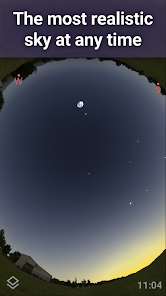
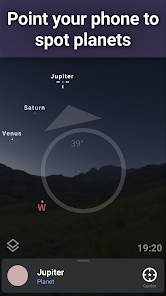
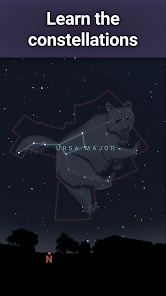
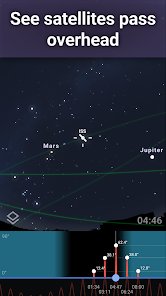
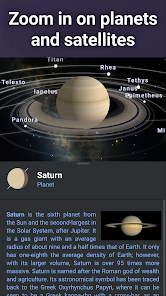
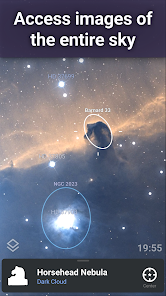
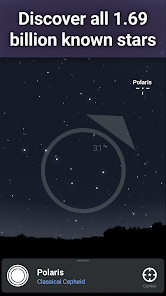
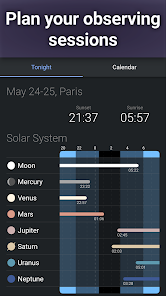
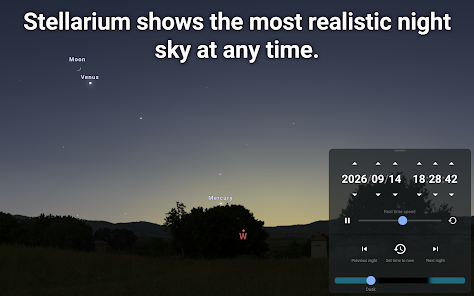
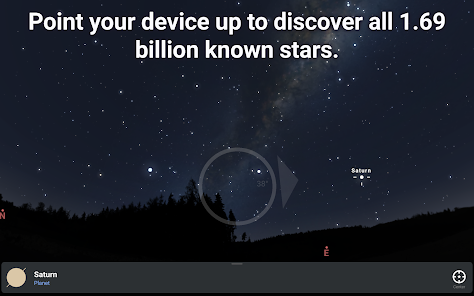
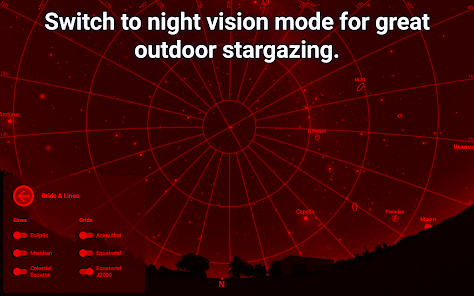
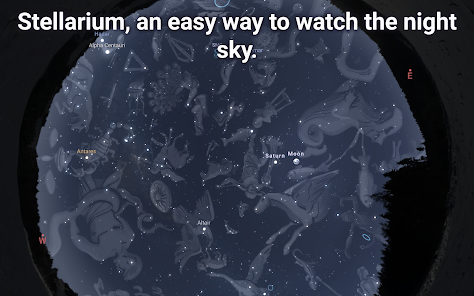
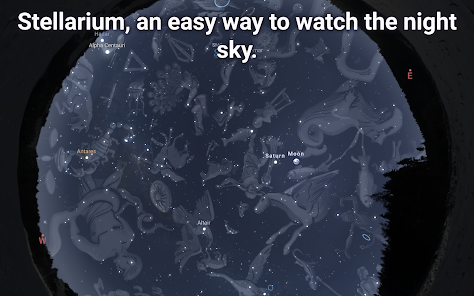
Stellarium Mobile is a planetarium for your phone. It shows the night sky in 3D, like you would see it through a telescope. point your device at the sky and have a look around. Stellarium Mobile will tell you all about what you are seeing.
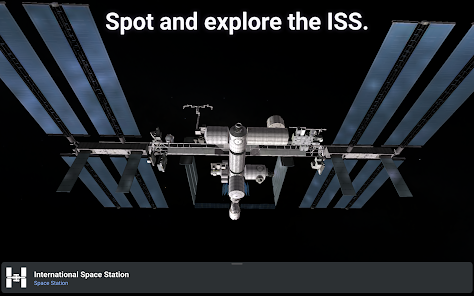
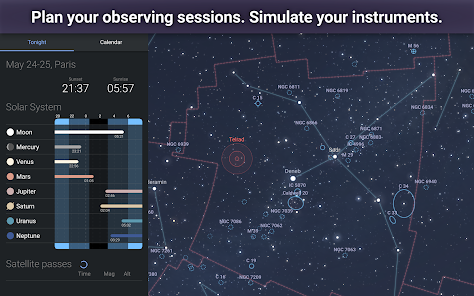
The app contains a comprehensive database of over 600,000 stars and 30,000 deep sky objects. You can use it to find out when the International Space Station will next fly overhead, or to plan your observing sessions with binoculars or a telescope.
Stellarium Mobile is based on the successful open source desktop planetarium software Stellarium, which has been downloaded over five million times since its release in 2005.
Stellarium Mobile is one of the most popular astronomy apps, and for good reason. It's packed with features that allow you to explore the night sky in ways that were previously only possible with a telescope. Assuming you have Stellarium Mobile installed on your device, open the app and you will be greeted with a view of the night sky. If it is daytime, the screen will be black. There are many reasons to love Stellarium Mobile, but there are also a few downsides. Let's start with the pros: Features and Functions
Here are just some of the things you can do with Stellarium Mobile:
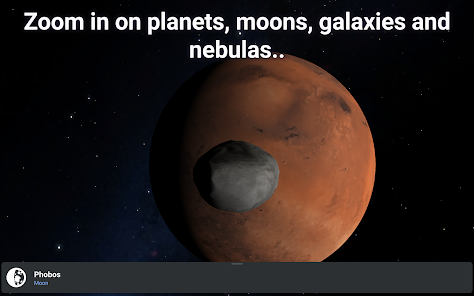
- Get an up-close look at over 600,000 stars, planets, and nebulae
- Use the Time Shift feature to see how the night sky will look at different times of the year
- Take a virtual tour of famous astronomical objects like the Orion Nebula and the Crab Nebula
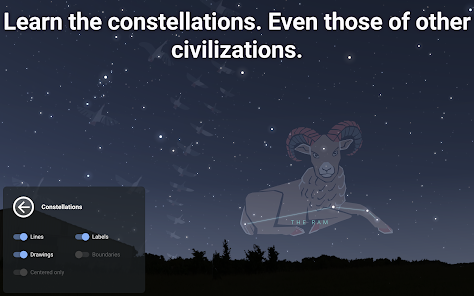
- Learn about constellations, asterisms, and deep-sky objects with detailed descriptions and illustrations
Whether you're an experienced astronomer or just getting started in learning about the night sky, Stellarium Mobile is an essential tool for your observing sessions.How to Use Stellarium Mobile - Star Map
To change your location, tap the menu icon in the top-left corner of the screen and select "Location." A window will pop up allowing you to search for your location by name or coordinates. Once you have found your location, tap on it and then tap the "Select" button. You should now see stars in the sky!
To identify a particular star or planet, tap on it and a label will appear. To get more information about that object, tap on the label and a new window will pop up with additional details.
There are many other features available in Stellarium Mobile. Explore the menus to learn more about what this powerful app can do!Pros & Cons
The app is free, and it doesn't require any in-app purchases.
The interface is clean and user-friendly.
The app includes a lot of information about the night sky, including constellation names and mythologies.
You can control the speed of time, so you can see how the night sky changes over hours, days, weeks, or even years.
Now for the cons:
The app doesn't work without an Internet connection. So if you're planning to use it while camping in the middle of nowhere, you're out of luck.
The ads can be annoying, although you can pay to remove them.
 Google Play
  App Store
 Stellarium Mobile is an astronomy app that provides a detailed star map, allowing users to explore celestial objects and phenomena in real-time. It offers interactive features for both casual stargazers and astronomy enthusiasts.
Yes, you can customize various settings, such as display options and information preferences, to create a personalized stargazing experience that suits your needs.
You can share your stargazing discoveries with friends through integrated social media options, allowing you to showcase your astronomical findings easily.
The app includes interactive features and guides that enhance learning about astronomy, making it engaging and informative for users of all ages.
You can download the Stellarium Mobile app from your device's app store, such as Google Play or the Apple App Store. Follow the prompts to install it on your device.