




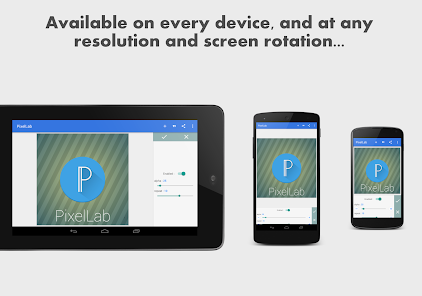
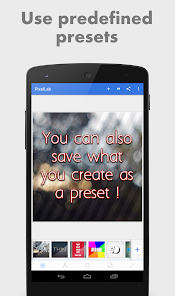
Pixel Lab photo editor: Adding stylish text, 3d text, shapes, stickers and drawing on top of your picture has never been easier. With a simple and clean interface that lets you focus on whatever you're doing, a wide selection of presets, fonts, stickers, backgrounds, more than 60 unique options that you can customize and of course your imagination, you'll be able to create stunning graphics and amaze your friends straight from your phone or tablet.
If you want to see the app in action, here is a YouTube playlist that contains some tutorials : https://www.youtube.com/playlist?list=PLj6ns9dBMhBL3jmB27sNEd5nTpDkWoEET
Features:
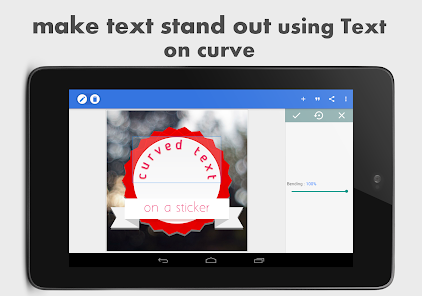
Text: add and customize as much text objects as you want…
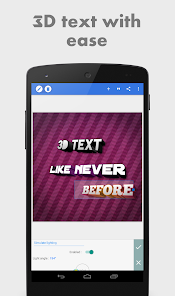
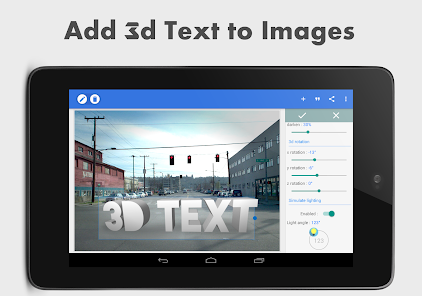
3D Text: create 3d texts and overlay them on top of your images, or have them stand on their own in a cool poster…
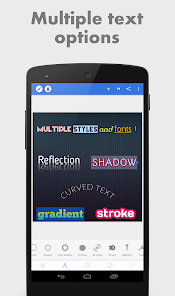
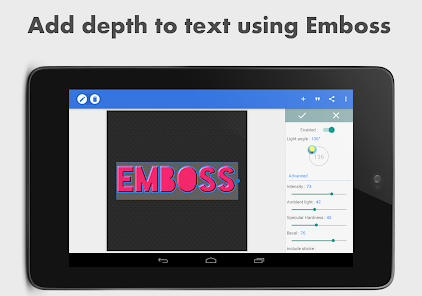
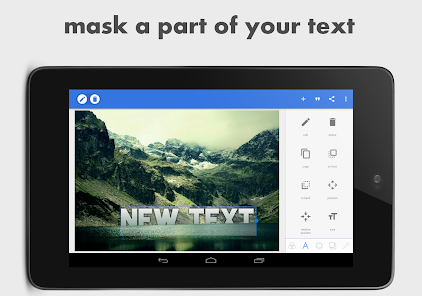
Text effects: make your text stand out with dozens of text effects like : Shadow, Inner Shadow, Stroke, Background, Reflection, Emboss, Mask, 3d text...
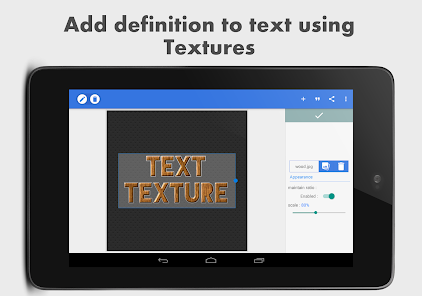
Text color: Set your text to any fill option you want, be it a simple color, a linear gradient, a radial gradient, or an image texture.
Text font: choose from 100+, hand picked fonts. Or use your own fonts !
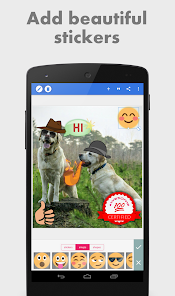
Stickers: add and customize as much stickers, emojis, shapes, as you want...
Import images: add your own images from gallery. This could come in handy when you have your own stickers, or you want to composite two images...
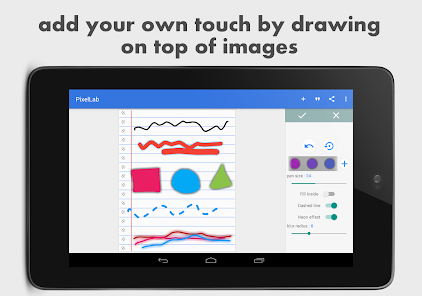
Draw: pick a pen size, a color, then draw anything you want. after that the drawing acts like a shape and you can resize it, rotate it, add shadow to it...
change the background: with the possibility of making it : a color, a gradient or an image.
Save as a project: you can save anything you do as a project. It'll be available for use even after closing the app!
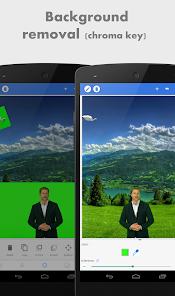
Remove the background: be it a green screen, a blue screen or simply a white background behind an object in an image that you found on Google images; PixelLab can make it transparent for you.
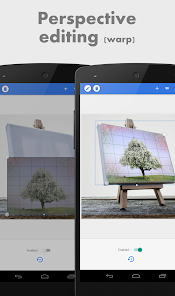
Edit image perspective: you can now perform perspective editing (warp). Handy for, replacing a monitor's content, changing a road sign's text, adding logos on boxes...
Image effects: enhance your pictures' look by applying some of the available effects, which include vignette, stripes, hue, saturation...
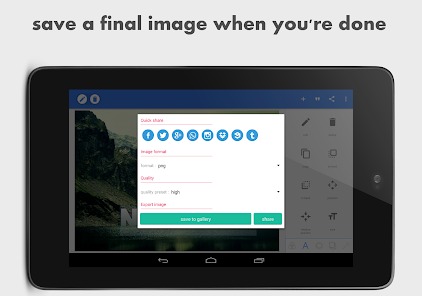
Export your Image: save or share at any format or resolution you want, For easy access you can use the Quick Share buttons to share the image to social media apps with a click of a button (ex : facebook,twitter, instagram...)
Create memes: using the provided meme preset, you can easily have your memes ready for sharing in matter seconds.
Browse quotes and insert anything you like, into what you're making !
If you have a suggestion, a question or you want to report a bug please use the provided feedback function or contact me directly via emails...

 Easily add stylish text to your images for enhanced creativity. User-friendly interface makes editing quick and intuitive for everyone. A variety of fonts and styles to suit any project or mood. Customizable text effects help your designs stand out from the crowd. Save and share your creations effortlessly across social media platforms.
 Limited design templates can restrict creative options for users. Performance may lag on older devices, affecting user experience. Export quality can be inconsistent, impacting professional use. Lacks advanced editing features found in more comprehensive graphic apps.
  Google Play
  App Store
 PixelLab - Text on pictures is designed with user privacy in mind and does not collect personal data unless permitted by the user for specific features. Always check the app's privacy policy for detailed information.
Yes, PixelLab - Text on pictures offers a free version with basic features, allowing users to explore its capabilities before deciding on a paid version with additional functionalities.
PixelLab - Text on pictures can be used offline, but some features may require an internet connection for accessing certain assets or updates.
You can contact support or send feedback through the app's official website or support email, where you can find assistance and resources for any inquiries or issues.
You can manage or cancel your subscription through your device's app store settings, where you can find options related to subscriptions for PixelLab - Text on pictures.
You can reach PixelLab customer service through the app's settings or by visiting their official website for support options.
Open the app and tap on the login option, then enter your credentials or sign up if you don't have an account.
PixelLab does not require activation; simply download and install the app to start using it.
PixelLab does not have a dedicated customer number; support is primarily available through their app and website.























