




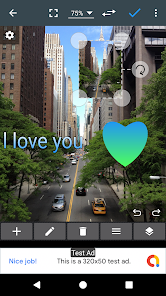
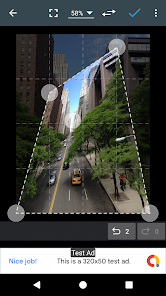
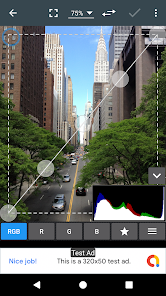
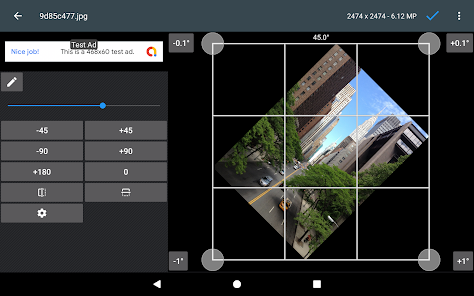
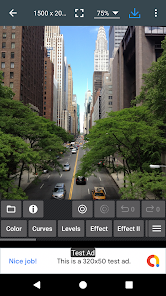
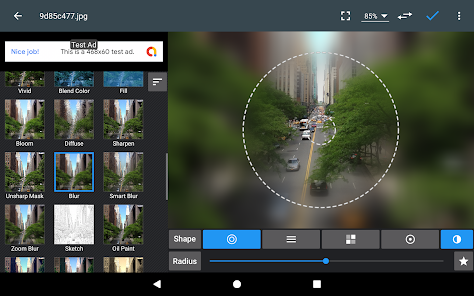
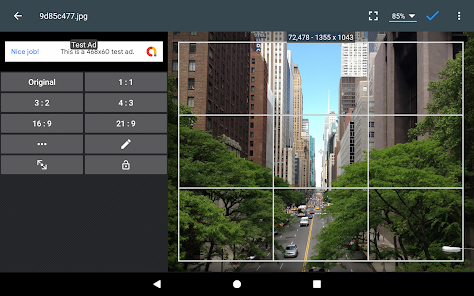
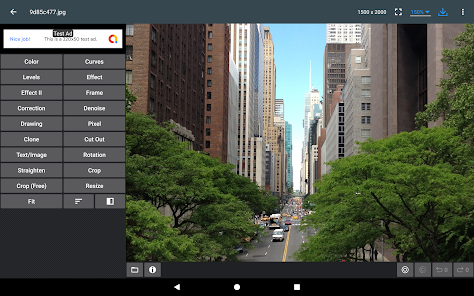
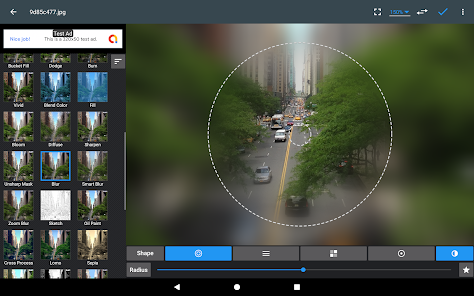
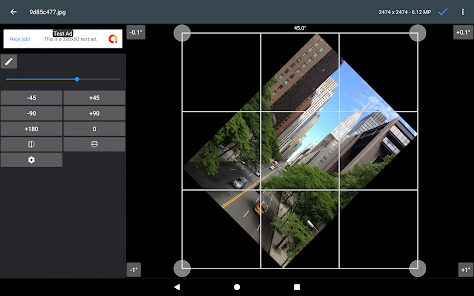
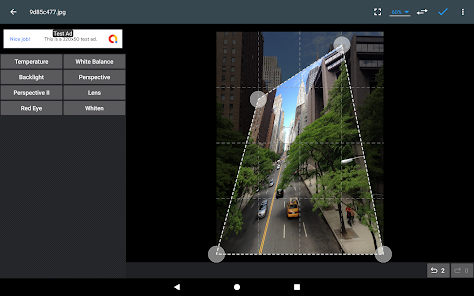
If you have some knowledge of photography, you can do a lot with Photo Editor.
Now use Photo Editor to edit photos on your mobile phone just like you would on a PC.
Features
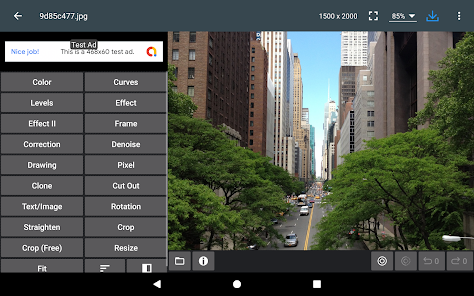
* Color : exposure, brightness, contrast, saturation, temperature, tint and hue
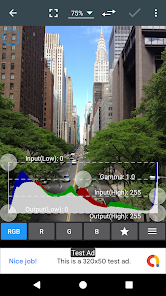
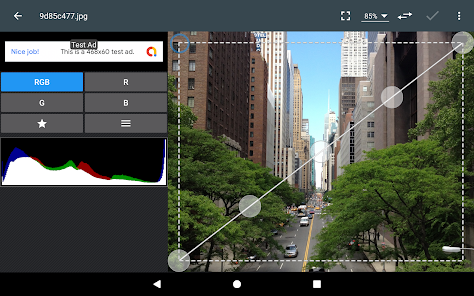
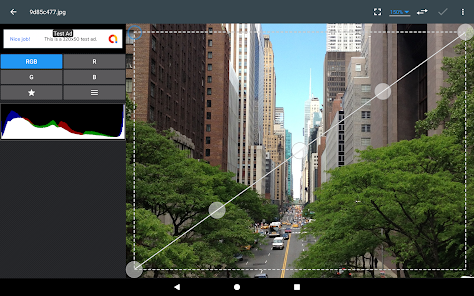
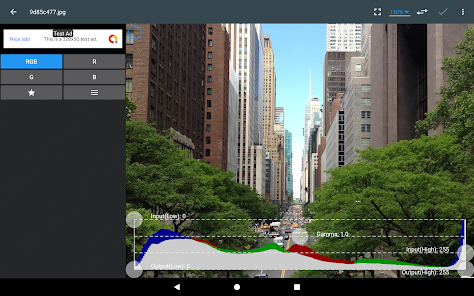
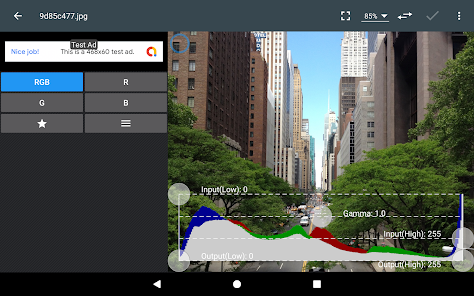
* Curves & Levels : fine-tuning of colors
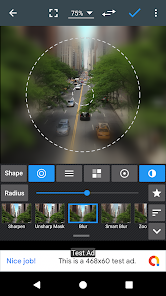
* Effects : gamma correction, auto contrast, auto tone, vibrance, blur, sharpen, oil paint, sketch, black & white high contrast, sepia, and more
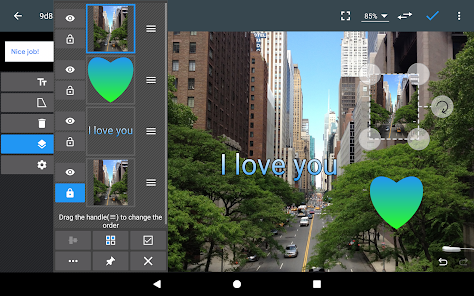
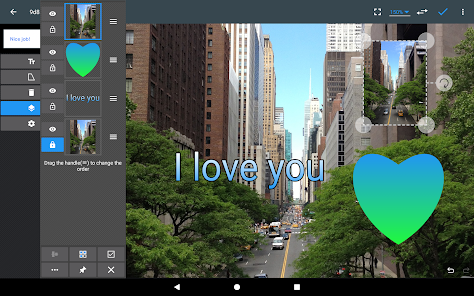
* Adding text, images or shapes
* Frame, Denoise, Drawing, Pixel, Clone, Cut Out
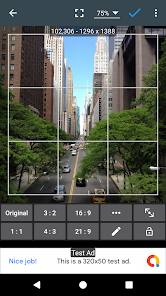
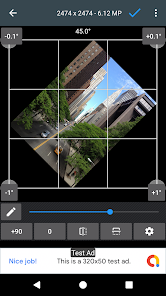
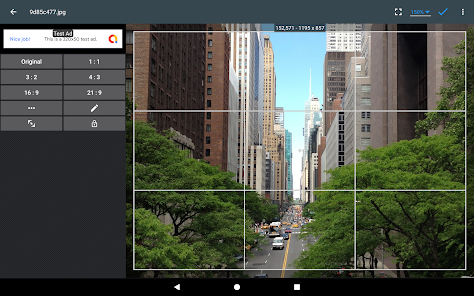
* Rotation, Straighten, Crop, Resize
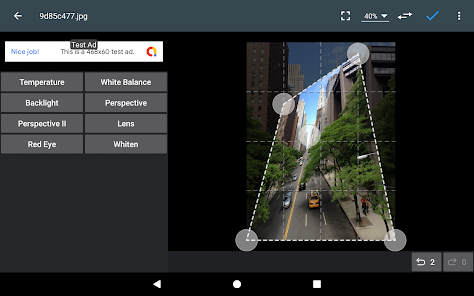
* Corrections : perspective, lens, red-eye, white balance and backlight
* Easily edit with the touch and pinch-to-zoom interface
* Save images in JPEG, PNG, GIF, WebP and PDF
* View, edit, or delete Metadata (EXIF, IPTC, XMP)
* Save your final result to your gallery, as wallpaper, or on your SD card
* Share photos with e-mail, SNS and more
* Batch, Crop(Puzzle), Compress to ZIP, Create PDF, Animated GIF
* Webpage Capture, Video Capture, PDF Capture
* Ad-free option is available (Settings > Purchase Items)
*** Links
Website: https://www.iudesk.com
Tutorials: https://www.iudesk.com/photoeditor/tutorial
*** PHOTO EDITOR IS NOT SPYWARE/VIRUS!!!
Photo Editor does not contain virus or malicious code.
https://www.iudesk.com/photoeditor/security

 Enhances image quality with advanced editing tools and filters User-friendly interface makes editing accessible for everyone Supports a wide range of file formats for versatility Quick sharing options streamline the publishing process Regular updates ensure access to the latest features and improvements
 Photo editing can be time-consuming, delaying project completion. It may require advanced skills for effective use. Software can be expensive, straining budgets for casual users. Over-editing can lead to unnatural and unrealistic images.
  Google Play
  App Store
 Photo Editor may collect certain personal data to improve user experience, but it adheres to strict privacy policies and allows users to manage their data preferences.
Yes, Photo Editor typically offers a free version with basic features, as well as a free trial for premium features, allowing users to explore its capabilities before committing.
Photo Editor can be used offline for most features, but some functionalities, such as accessing cloud storage or social media sharing, may require an internet connection.
You can contact support or send feedback for Photo Editor through the app's help section, by visiting the official website, or by reaching out via email or social media channels.
You can manage or cancel your Photo Editor subscription through your account settings within the app or via the platform's subscription management interface, depending on where you purchased it.
To activate your subscription, go to the app settings, select "Subscription," and follow the prompts to enter your payment details.
You can reach our customer service via the app's support section or email us at support
The customer number is located in the app settings under "About Us."
Ensure your credentials are correct. If issues persist, use the "Forgot Password" option to reset it.























