

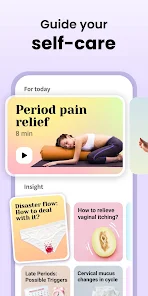
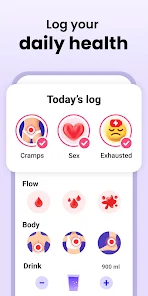
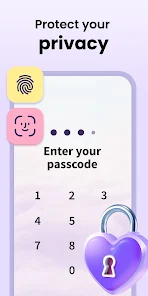
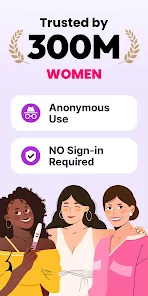
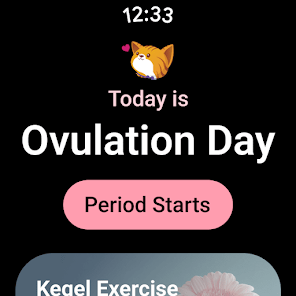
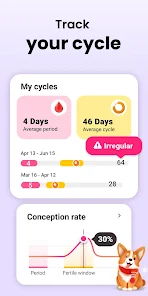
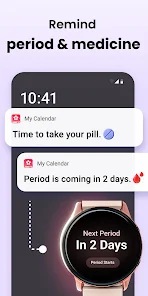
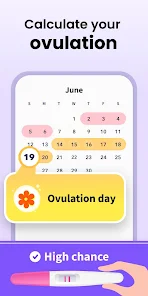
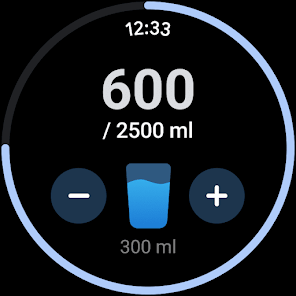
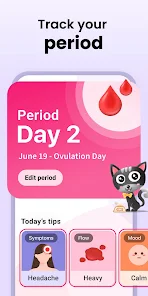
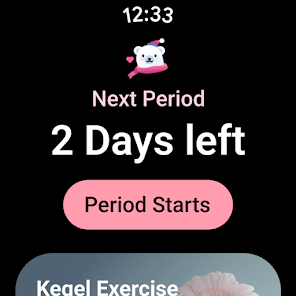
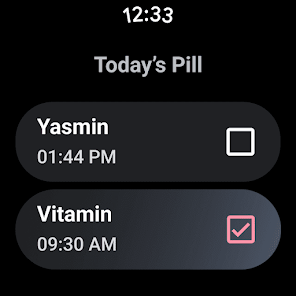
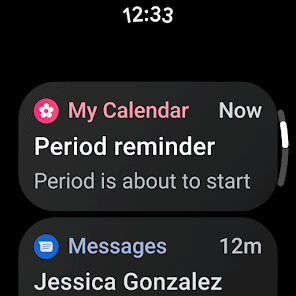
If you're looking for a period tracker app that is both comprehensive and user-friendly, Period Calendar is definitely worth considering. This app lets you track your periods, ovulation, and fertility, as well as log other important health information like moods, energy levels, and symptoms.You can also set up reminders for upcoming events like doctor's appointments or start taking new medication. Plus, the app features a handy calendar view so you can see your progress over time. And if you have any questions, the in-app chat function lets you get in touch with a certified OB/GYN.
Period Calendar is an app that helps you track your period, ovulation, and fertility. It also includes a period tracker, which allows you to input information about your cycle and log your period start date, days of bleeding, and flow. The app will then generate a calendar with your estimated period dates and ovulation days. Period Calendar is a free period tracker app for Android and iOS. The app trackers your period, cycles, and ovulation, and predicts when your next period will start. You can also log moods, symptoms, and medications. There are many reasons to use a period tracker. For some, it's a way to keep tabs on their cycle and be more in tune with their body. For others, it's a way to help predict when they're ovulating or when their next period is due. Some people even use period tracking as a form of contraception.Features
In addition to the period tracker, Period Calendar also includes a fertility calculator. This tool allows you to input information about your cycle length and luteal phase, and will calculate your estimated fertile days. The app also includes a pregnancy mode, which allows you to track your pregnancy progress and see how far along you are.
Period Calendar is a free app, but does include ads. There is also a premium version of the app available for $4.99/month or $19.99/year, which removes ads andincludes additional features such as custom period reminders and an extended fertility window calculation.How to use Period Calendar Period Tracker app?
To use the app, first download it from the Google Play Store or the App Store. Once it's installed, open the app and create an account. Then, enter your last period start date and cycle length. After that, you'll be able to track your period, cycles, and ovulation.
To get the most accurate prediction of your next period start date, make sure to update the app with any changes in your cycle (e.g., if you miss a period or have a shorter/longer cycle than usual). You can also set up reminders for when to take medications or log moods/symptoms.Pros & Cons
But like anything else, there are also some downsides to using a period tracker app. Here are some pros and cons to consider before you start using one:
PROS:
-Can help you better understand your cycle and your body
-Can help you predict when you ovulate or when your next period is due
-Can be used as a form of contraception
-Some apps offer additional features like fertility tracking, health tracking, etc.
CONS:
-May not be 100% accurate (but no method of contraception is)
-Requires you to input data regularly, which can be tedious for some users
-May cause anxiety if you start obsessing over the details

 Tracks menstrual cycles accurately and effortlessly Predicts ovulation and fertile days for planning Offers personalized insights and health tips User-friendly interface for easy navigation Secure data privacy for peace of mind
 Limited customization for tracking specific symptoms Data privacy concerns with personal information User interface can be confusing for new users May lack comprehensive educational resources on menstrual health
 Period Calendar Period Tracker may collect personal data, such as cycle information and usage statistics, but it adheres to privacy policies to protect user information. Users should review the app’s privacy policy for more details.
Yes, Period Calendar Period Tracker offers a free version with basic functionalities, as well as premium features that may require a subscription.
While Period Calendar Period Tracker can be used offline for basic features, an internet connection is required for syncing data across devices and accessing certain online features.
Users can contact support or send feedback through the app's settings menu, where they can find options for customer support and feedback submission. Alternatively, they may visit the official website for additional contact information.
You can manage or cancel your subscription through your account settings in the app or through the app store where you purchased the subscription. Follow the provided instructions for your specific platform.
You can reach customer service through the app's settings under "Help" or by visiting their official website for support options.
Features can be activated through in-app purchases or subscriptions, accessible in the settings menu under "Upgrade." Follow the instructions to complete the activation.
Open the app, select "Log In," and enter your registered email and password. Follow the prompts to access your account.
The customer number is typically found in the app's settings or on the official website under "Contact Us."






 Google Play
  App Store