This site uses cookies to enhance your user experience. By clicking any link on this site you are giving your consent to our cookie policy. Read more
Reject
Accept All

Advertiser and Editorial Disclosures

PBS KIDS Video

PBS KIDS Video

verified

PBS KIDS

4.4
Rating
10,000,000+ Downloads
5.1.4 Version
  • category

    Category: Education

  • price

    Price: free

  • age rating

    Age Rating: Everyone

  • rating

    Rating: 4.4

  • available on

    Available on: /

  • updated on

    Updated on: Jun 29, 2026

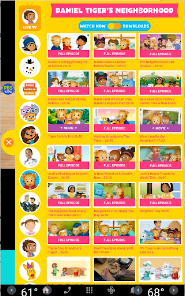
Screenshot 1
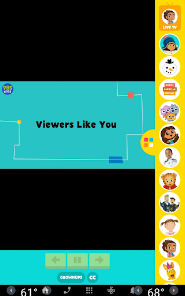
Screenshot 2
Screenshot 3
Screenshot 4
Screenshot 5
Screenshot 6
Screenshot 7
Screenshot 8
Screenshot 9
Screenshot 10
Screenshot 11
Screenshot 12
Screenshot 13
Screenshot 14
Screenshot 15
Screenshot 16
Screenshot 17
Screenshot 18
Screenshot 19
Screenshot 20
Screenshot 21
Screenshot 22
Screenshot 23
Screenshot 24
Screenshot 25
Screenshot 26
Screenshot 27
Screenshot 28
Screenshot 29
Screenshot 30
Screenshot 31
Screenshot 32
Screenshot 33
Screenshot 34
Screenshot 35
Screenshot 36
Screenshot 37
Screenshot 38
Screenshot 39
Advertisement

Features & Highlights

Curated Educational Content

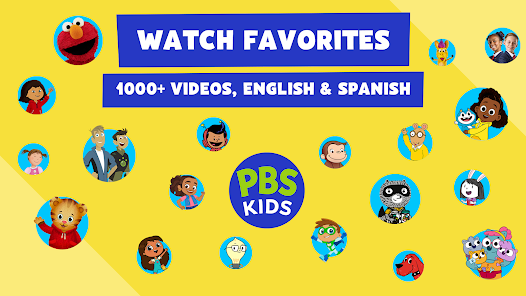
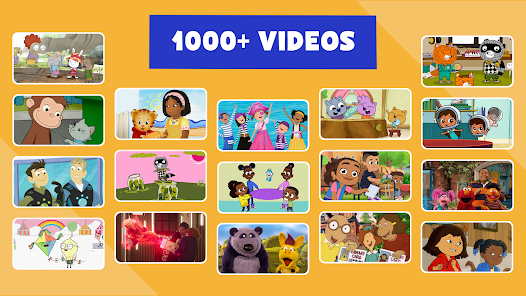
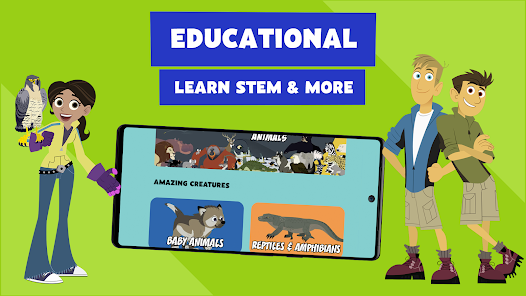
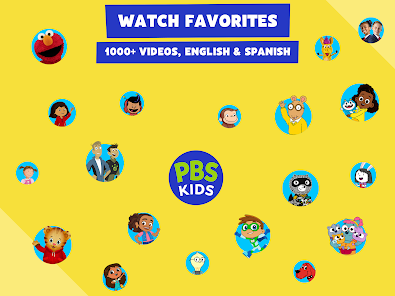
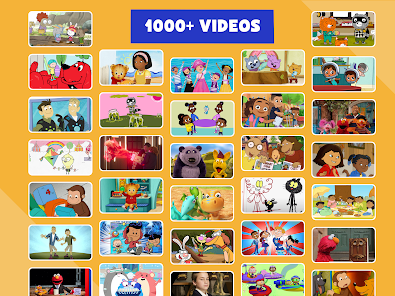
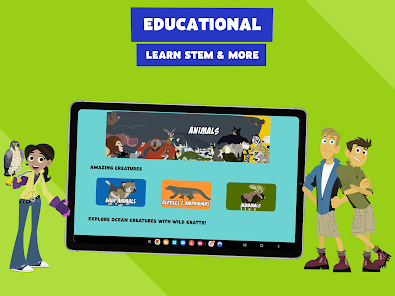
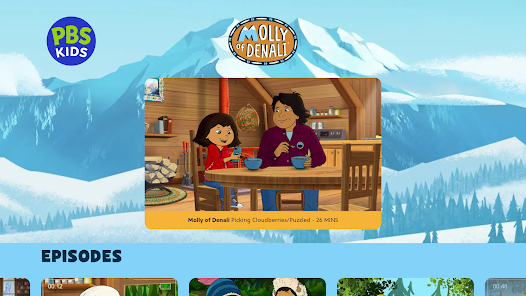
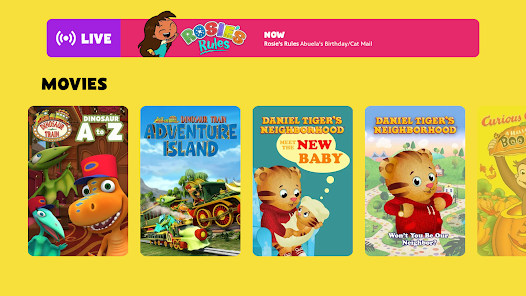
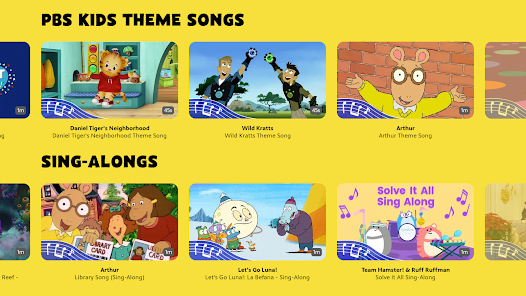
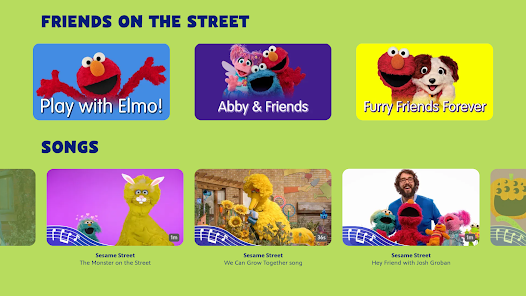
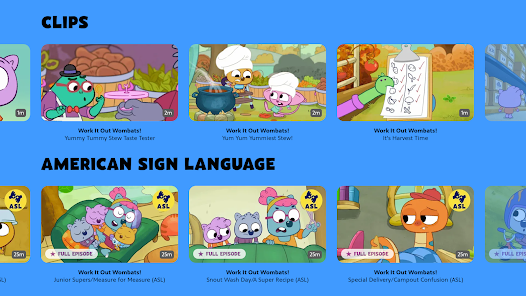
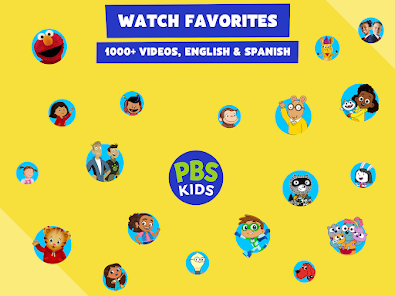
PBS KIDS Video offers a rich collection of high-quality, educational programming designed for young children. Each show is carefully selected to ensure that kids not only enjoy themselves but also learn valuable skills, from problem-solving to social interaction, making screen time both fun and beneficial.

Offline Viewing Options

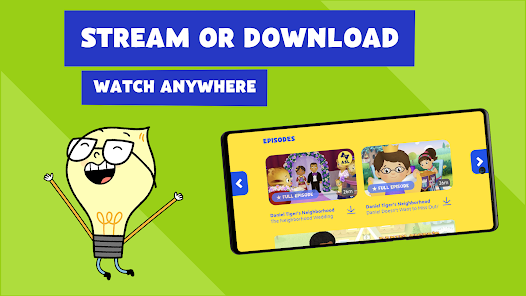
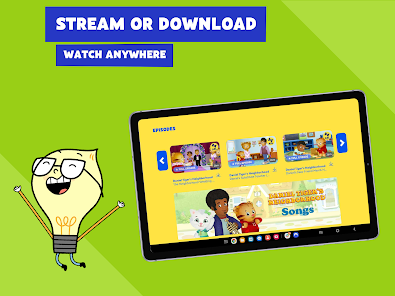
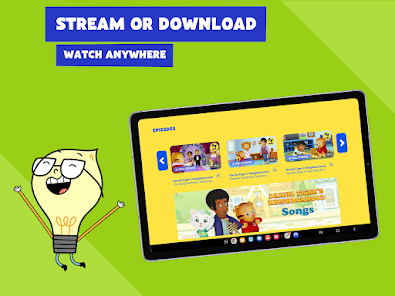
With PBS KIDS Video, users can download episodes for offline viewing, making it perfect for trips or times when internet access is limited. This feature allows children to enjoy their favorite educational shows anytime and anywhere, ensuring that learning never has to stop.

Personalized Recommendations

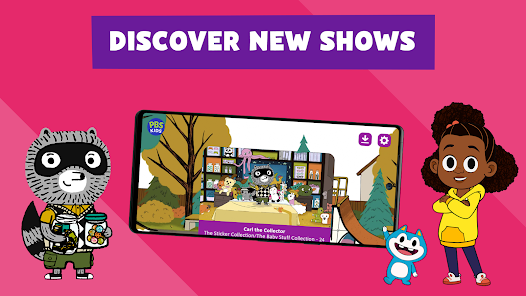
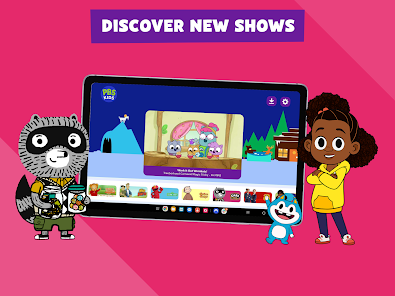
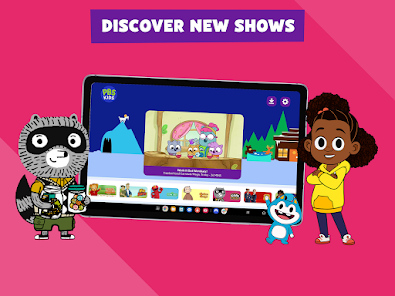
The app includes personalized recommendations based on kids' viewing habits, helping them discover new shows that match their interests. This tailored approach encourages exploration and keeps children engaged with fresh and exciting content that promotes continuous learning.

User-Friendly Interface

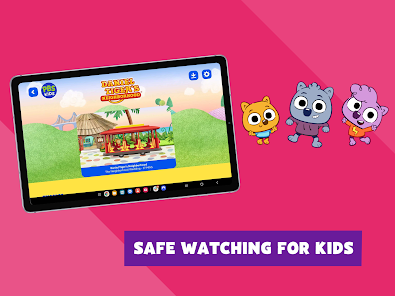
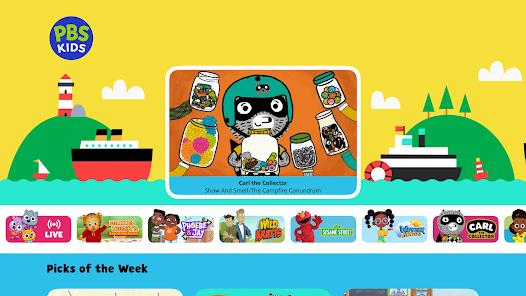
The app features a simple and intuitive interface that allows kids to navigate easily through their favorite shows and episodes. Parents will appreciate how straightforward it is to set up, ensuring that children can independently explore the vast library of content without frustration.

Advertisement

Pros & Cons

Pros
  • Access a vast library of educational shows for young children
  • Encourages interactive learning through engaging video content
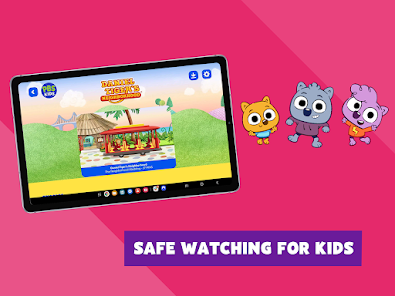
  • Safe, ad-free environment for uninterrupted viewing experience
  • Supports diverse learning styles with various topics and characters
  • Available on multiple devices for flexible viewing options
Cons
  • Limited content selection may not cater to all children's interests
  • Streaming issues can disrupt viewing experience at times
  • Ads may interrupt engagement with educational content

Real Experience Using PBS KIDS Video

Real Experience Application Scenarios

The PBS KIDS Video app is designed to cater to the diverse viewing needs of young children and their families. Ideal for car rides, waiting rooms, or cozy family movie nights, the app provides a plethora of educational and entertaining content that keeps young minds engaged. Whether it's a quick episode of "Arthur" during a short wait or a binge-watch of "Curious George" on a rainy afternoon, the app seamlessly adapts to various scenarios. Parents can easily access a wide variety of shows that promote learning through play, making it a perfect tool for both entertainment and education. The app is also useful in educational settings, where teachers can introduce PBS KIDS content to enhance lesson plans or provide a fun break during classroom activities.

User Experience

The user experience of the PBS KIDS Video app is designed with children in mind, featuring a bright and friendly interface that is easy to navigate. Young users can quickly find their favorite shows due to the intuitive layout that categorizes content by age and educational themes. The app also offers personalized recommendations based on viewing history, which enhances engagement and keeps children excited about learning. Streaming quality is generally high, with minimal interruptions, making for a smooth viewing experience. The parental controls are a strong point, allowing parents to restrict content and monitor viewing habits, thus ensuring a safe and age-appropriate environment for their kids. However, some users have reported occasional bugs or crashes, which can disrupt the experience.

Pricing

The PBS KIDS Video app is free to download and use, which is a significant advantage for families looking for quality content without the burden of subscription fees. While the app offers a wide range of free videos, it is important to note that certain premium features may require in-app purchases. However, the majority of the content is accessible without any financial commitment, making it a budget-friendly option for parents. This pricing model ensures that educational entertainment is available to everyone, regardless of their financial situation, aligning with PBS's mission to provide accessible learning resources for all children.

Updates & Support

The PBS KIDS Video app regularly receives updates that introduce new features, improve functionality, and fix bugs. The development team is responsive to user feedback, which helps to enhance the overall experience continually. Users can easily report issues or suggest improvements through the app's support section, where they can also find an FAQ to assist with common inquiries. The commitment to keeping the app updated and well-supported ensures that both children and parents can rely on it as a trusted source of educational entertainment. Overall, the PBS KIDS Video app combines accessibility, user-friendliness, and quality content, making it a valuable tool for families and educators alike.

verified Security & Privacy Review

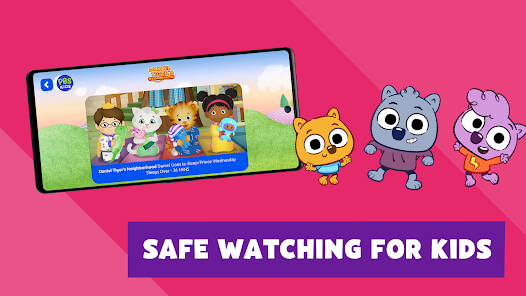
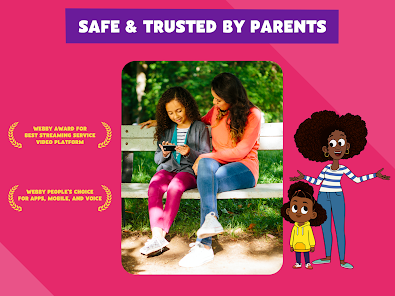
Security & Privacy Review The PBS KIDS Video app prioritizes user privacy and data security, adhering to stringent guidelines to protect children’s information. The app does not require personal information for access, reducing the risk of data exposure. However, users may need to provide limited data for account creation or parental controls, which is securely handled and encrypted. In terms of permissions, the app requests access to device features such as storage for caching videos and improving playback performance. Notably, it does not require access to sensitive information like location or contacts, minimizing potential privacy concerns. The app complies with COPPA (Children’s Online Privacy Protection Act), ensuring that any data collected is managed in a child-friendly manner. Furthermore, PBS KIDS Video does not engage in targeted advertising, which further protects users from unwanted data tracking. Overall, the app implements robust privacy practices, promoting a safe viewing environment for children while maintaining transparency in its data handling procedures.
Advertisement

User Reviews

  • A Google user
    2019/11/20

    This is a fantastic app and it's used a lot by our five year old. My only issue is the data usage. When we first started using it there was an option for lower quality video vs. HD to reduce data use when you were on your network plan. That option has been taken out (or maybe I just can't find it anymore) and the amount of data this app now uses is staggering. Make SURE you have a WIFI connection or unlimited data. Frustratingly, this app also has issues disconnecting when minimized (currently on Android KitKat, though this has been an issue for awhile now), so you can't be sure the app isn't drawing data unless you manually close it out of the tray. I still highly recommend it, but you might have to have some rules governing when it can/can't be used.

  • A Google user
    2019/12/30

    Very convenient app, but could use some work. First is the layout. Having it mandatory to use full screen doesn't make sense. Please allow portrait mode so that it's easier to cast. With that said, the casting will constantly disconnect from my phone. I just bought a Roku TV, and the app on it works a lot better than the Android version, so I guess I'll stick to that one. For those reviewing the Roku one, the Google Play store is not the avenue to do that. This is just for the Android version.

  • Genna Cockerham
    2021/03/12

    This app is wonderful and we love the content in our family. We cast to our tv and could not be happier. The only reason why this doesn't get 5 stars is because there is no way to set the app to turn off/end/stop casting at the end of an episode! It autoplays forever and I can't find any way to make it stop other than sit there and hope I can stop casting fast enough before the next episode starts and the meltdown begins. Please add the ability to turn off autoplay!!

  • Ryan Stirrup
    2024/10/02

    New app is much easier to navigate. You can actually manage downloads now. And the team quickly to my user feedback and moved the live feed back up front. New issue, the episode selection menu on Android TV doesn't show the episode title when you first select a show (the playing video pushes the episode selection menu down on the page). You have to move down the page and back up to actually read the episode titles.

  • M G
    2025/02/20

    Update 2.2025 review: It's easy to find shows, but son likes consistency and refuses to use. It continuously auto-plays from the start of a random episode. Right now trying to download episodes, it keeps repeating the intro of Lyla when I hit back. Two biggest issues, 1. it doesn't show how long the download is good for. Episodes just disappear randomly. 2. The Live TV feature gets stuck in loading or freezes, mostly on the smart TV app, but frequently in 2 separate Android devices also.

Review Source: Google Play store public user reviews.

FAQ

1

Can I submit suggestions or feedback to PBS KIDS Video?

Yes, users can submit suggestions or feedback through the app's contact support feature or by visiting the PBS KIDS website.

2

Does PBS KIDS Video collect my personal data?

PBS KIDS Video adheres to strict privacy policies and collects minimal personal data, primarily for account management and user experience improvement.

3

Does PBS KIDS Video support offline use?

Yes, PBS KIDS Video allows users to download select videos for offline viewing, making it convenient for travel or areas with limited internet connectivity.

4

How do I cancel my PBS KIDS Video subscription?

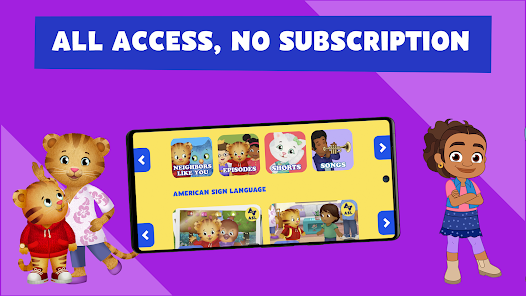
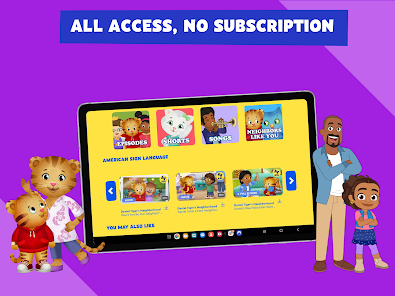
Since PBS KIDS Video is a free app with no subscription, there is no cancellation process required. Users can simply stop using the app at any time.

5

How much does a subscription to PBS KIDS Video cost?

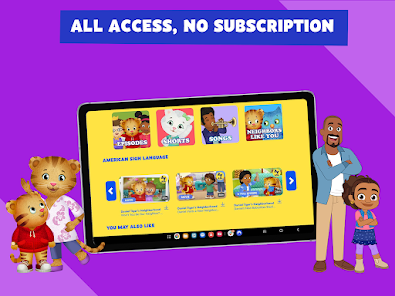
PBS KIDS Video does not require a subscription fee; all content is available for free to users.

How to use PBS KIDS Video

1

Can I change my customer number?

Customer numbers are typically assigned and cannot be changed. For specific inquiries, please contact customer service.

2

Can I log in using social media accounts?

Yes, you can log in using your social media accounts if you linked them during registration. Just select the appropriate option on the login page.

3

How can I log in to my PBS KIDS Video account?

To log in, open the app or website and enter your email and password in the designated fields.

4

How do I activate my PBS KIDS Video subscription?

To activate your subscription, log in to your account and follow the prompts to complete the activation process.

5

How do I contact customer service for PBS KIDS Video?
You can reach customer service via the help section on the PBS KIDS Video app or website for assistance.

What's New

- Bug fixes

Editor's Choice