
This site uses cookies to enhance your user experience. By clicking any link on this site you are giving your consent to our cookie policy. Read more
Reject
Accept All
Fast Downloader - Video Player

Fast Downloader - Video Player

4.6
Advertisement

Information

  • Category: Video Playback
  • Price: Free
  • Age Rating: Teen
  • Rating:
    4.6
  • Developer: Readerland
  • Version: 1.2.2
Advertisement
Screenshot 1
Screenshot 2
Screenshot 3
Screenshot 4
Screenshot 5
Screenshot 6
Screenshot 7
Screenshot 8
Screenshot 9
0

0

Advertisement
Get Installation Details
google play Google Play app store App Store

FAQ

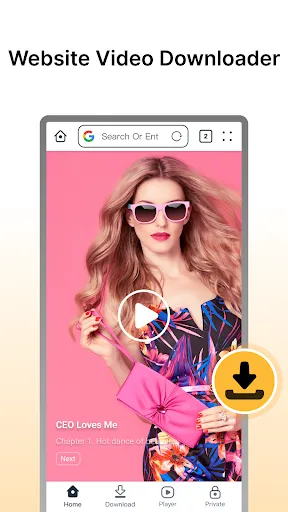
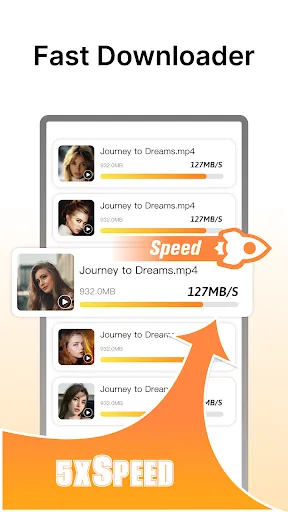
Browse or search for videos you want to download.

Use the search bar or browse categories to find videos that interest you, making it easy to discover new content.

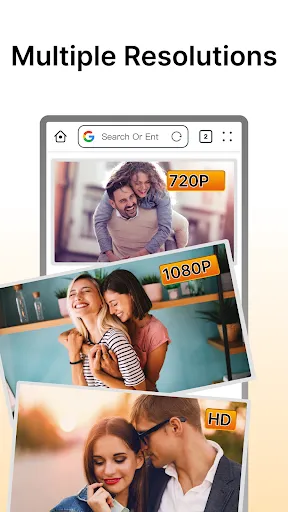
Choose your preferred video quality before downloading.

Before the download starts, select your desired video resolution, ensuring the best balance between quality and file size.

Download "Fast Downloader - Video Player" from your app store.

Locate the app in your device's app store, either Google Play or Apple App Store, and tap 'Download' to install it.

Explore settings to customize your app experience.

Access the settings menu to adjust preferences such as download location, video quality defaults, and notification settings for a personalized experience.

Fast Downloader - Video Player

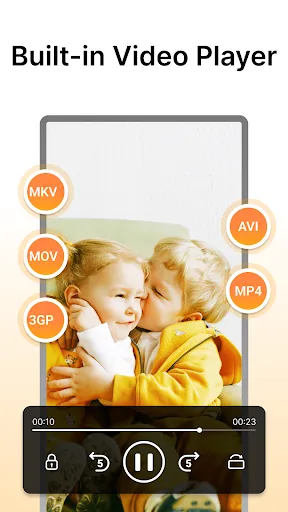
A versatile app designed for downloading and playing videos seamlessly. It supports various formats and offers a user-friendly interface for easy navigation.


Advertisement