This site uses cookies to enhance your user experience. By clicking any link on this site you are giving your consent to our cookie policy. Read more
Reject
Accept All

Advertiser and Editorial Disclosures

Weather & Radar

Weather & Radar

verified

WetterOnline GmbH

4.5
Rating
/ Downloads
45604 Version
  • category

    Category: Weather

  • price

    Price: /

  • age rating

    Age Rating: /

  • rating

    Rating: 4.5

  • available on

    Available on: /

  • updated on

    Updated on: /

Screenshot 1
Screenshot 2
Screenshot 3
Screenshot 4
Screenshot 5
Screenshot 6
Screenshot 7
Screenshot 8
Screenshot 9
Screenshot 10
Screenshot 11
Screenshot 12
Screenshot 13
Screenshot 14
Screenshot 15
Screenshot 16
Screenshot 17
Screenshot 18
Screenshot 19
Screenshot 20
Screenshot 21
Screenshot 22
Screenshot 23
Screenshot 24
Advertisement

Features & Highlights

Customizable Widgets

Personalize your home screen with customizable weather widgets that display the information most important to you. Choose from various sizes and styles to suit your preferences, ensuring you have quick access to the latest weather updates at a glance.

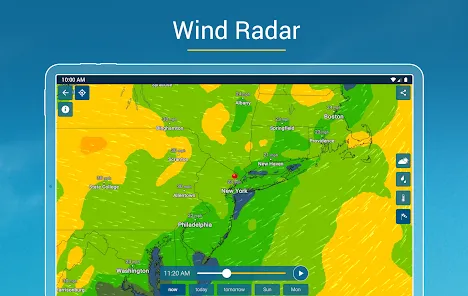
Interactive Weather Maps

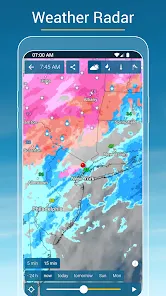
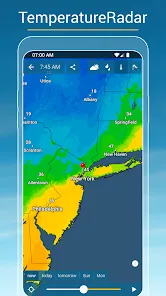
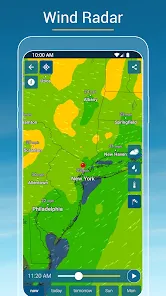
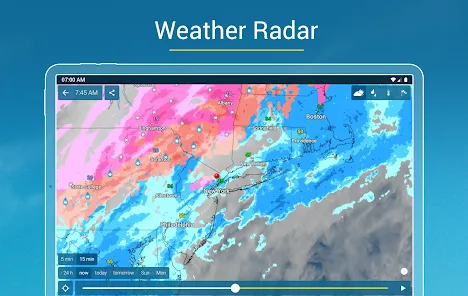
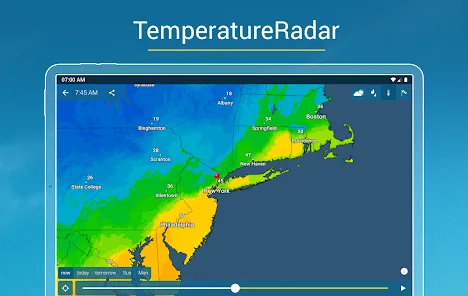
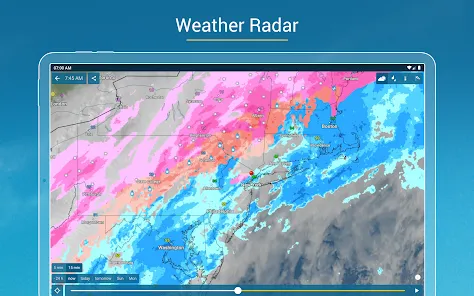
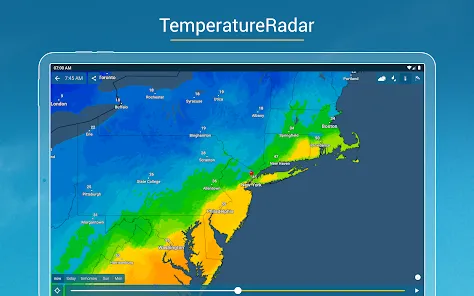
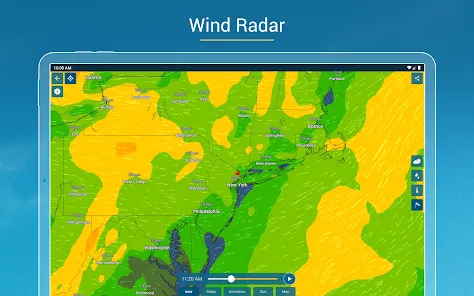
Explore detailed interactive maps that showcase everything from precipitation to temperature variations. Zoom in on your area or scroll across the globe to see weather conditions at a glance, making it easy to track storms and weather patterns as they develop.

Real-Time Weather Updates

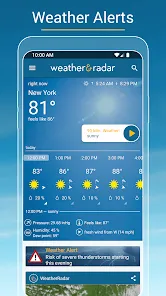
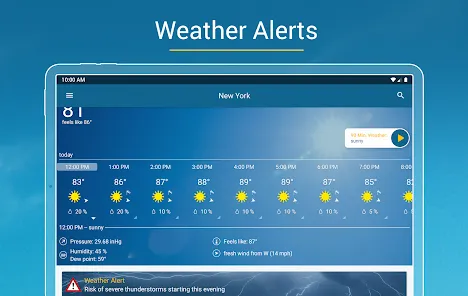
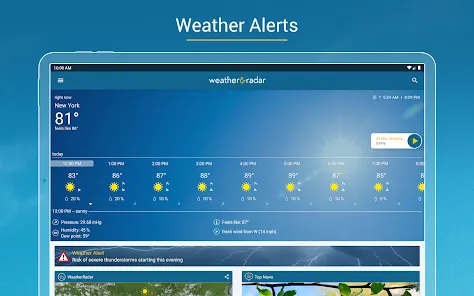
Stay informed with real-time weather alerts and updates, ensuring you always know what to expect. Whether it's rain, snow, or sunshine, the app provides accurate forecasts tailored to your location so you can plan your day accordingly.

Severe Weather Alerts

Be proactive with severe weather alerts that notify you of impending storms or hazardous conditions. The app prioritizes your safety by delivering timely warnings, allowing you to take necessary precautions and stay informed about local emergencies.

Advertisement

Pros & Cons

Pros
  • Real-time weather updates for accurate planning
  • Detailed radar imagery for severe weather tracking
  • Customizable alerts for personalized notifications
  • User-friendly interface for easy navigation
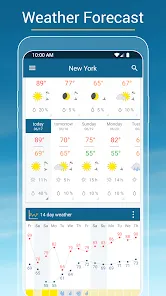
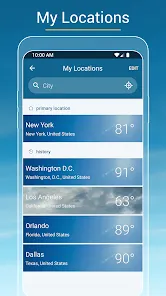
  • Comprehensive forecasts for multiple locations at once
Cons
  • Limited regional coverage in some areas
  • Accuracy can vary significantly
  • User interface may be confusing for some
  • Frequent ads disrupt user experience

Real Experience Using Weather & Radar

Application Scenarios

The Weather & Radar app is designed to cater to a variety of user needs, making it an essential tool for anyone who relies on accurate weather information. Whether you're planning a weekend getaway, preparing for a daily commute, or organizing an outdoor event, this app provides real-time data that can significantly influence your decisions. For outdoor enthusiasts like hikers, cyclists, or runners, the app offers detailed forecasts, including temperature, precipitation, and wind conditions, ensuring you are well-prepared for your activities. Additionally, travelers can benefit from its global coverage, as it provides reliable weather updates regardless of location. The radar feature allows users to track storms and severe weather warnings, making it invaluable for those in areas prone to extreme conditions.

User Experience

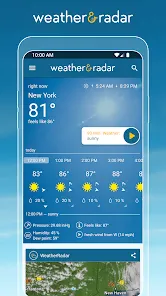
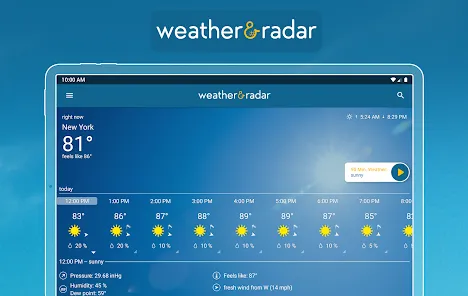
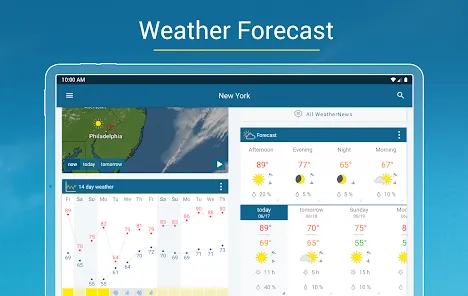
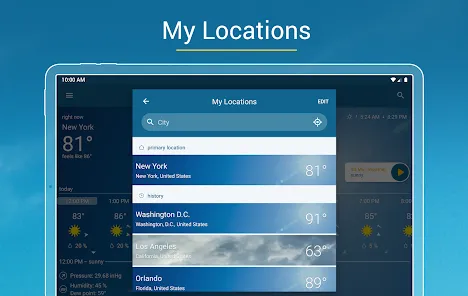
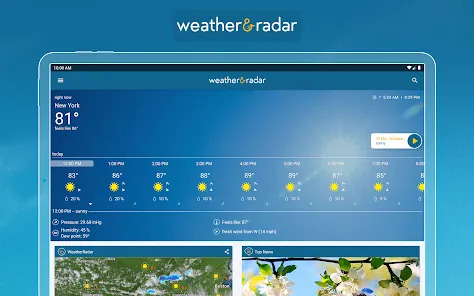
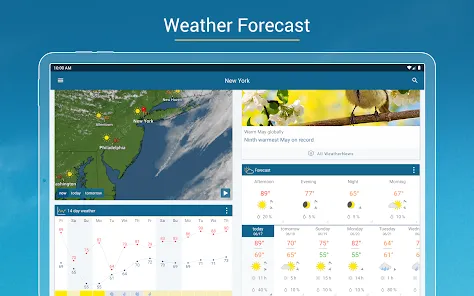
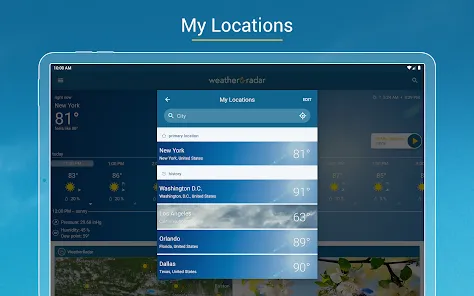
User experience is a critical aspect of the Weather & Radar app, and it excels in this regard. The interface is user-friendly, with a clean design that makes navigation intuitive. Users can easily switch between different views, such as hourly forecasts, daily summaries, and radar maps. The app's customization options are another highlight; users can set their preferred locations and notifications for severe weather alerts, ensuring that they receive timely updates tailored to their needs. The accuracy of the weather predictions is commendable, with many users reporting that it rivals other leading weather applications. Additionally, the app offers a feature that allows users to view air quality indices, pollen levels, and UV exposure, providing a comprehensive weather overview.

Pricing

Updates & Support The app regularly receives updates that enhance its functionality and user experience. These updates often include new features, bug fixes, and performance improvements based on user feedback. The developers are committed to maintaining the app’s relevance in the rapidly evolving tech landscape. Customer support is easily accessible through the app, with a dedicated FAQ section and a responsive support team ready to assist with any queries or issues. This commitment to ongoing improvement and user satisfaction further solidifies Weather & Radar’s reputation as a reliable weather application.

verified Security & Privacy Review

The Weather & Radar app prioritizes user security and privacy through a transparent approach to data handling. The app collects location data to provide accurate weather forecasts, which users can opt to share or disable based on their preferences. It employs encryption protocols to safeguard user information, ensuring that sensitive data remains protected during transmission. In terms of permissions, the app requests access to location services, which is essential for delivering localized weather updates. Users are encouraged to review these permissions regularly and can manage them through their device settings. Additionally, the app adheres to data minimization principles, collecting only the information necessary for its functionality. The privacy policy outlines how user data is utilized, assuring users that personal information is not sold to third parties. Aggregate data may be used for analytics and improving services, but individual identifiers are not shared. Overall, Weather & Radar demonstrates a commitment to maintaining user trust through responsible data practices and robust security measures.
Advertisement

Compare APP

FAQ

1

Does Weather & Radar collect my personal data?

Weather & Radar may collect personal data to enhance user experience, provide personalized services, and improve app functionality, but it adheres to privacy policies to protect user information.

2

Does Weather & Radar offer a free trial or free version?

Yes, Weather & Radar offers a free version with basic features, as well as a subscription plan that provides additional features and functionalities.

3

Does Weather & Radar require an internet connection?

Yes, Weather & Radar requires an internet connection to access real-time data and updates, although some features may work offline with previously cached information.

4

How can I contact support or send feedback for Weather & Radar?

You can contact Weather & Radar support or send feedback through the app's help section, their official website, or by reaching out to their customer support email.

5

How do I manage or cancel my Weather & Radar subscription?

You can manage or cancel your Weather & Radar subscription through the app's settings or the app store where you purchased it, following the specific instructions provided for each platform.

How to use Weather & Radar

1

How can I contact customer service for the Weather & Radar app?

You can reach customer service through the app's settings or visit their official website for support options.
2

How do I activate the premium features in the Weather & Radar app?

To activate premium features, purchase a subscription through the app, then follow the on-screen instructions to complete the activation.

3

How do I find the customer number for the Weather & Radar app?

The customer number is typically found in the app's settings under 'Help' or 'About'.

4

How do I log in to the Weather & Radar app?

Open the app, select ‘Log In’, and enter your credentials. If you don’t have an account, you can create one.

Editor's Choice