This site uses cookies to enhance your user experience. By clicking any link on this site you are giving your consent to our cookie policy. Read more
Reject
Accept All

Advertiser and Editorial Disclosures

MyRadar Weather Radar

MyRadar Weather Radar

verified

ACME AtronOmatic LLC

4.8
Rating
10,000,000+ Downloads
8.61.1 Version
  • category

    Category: Weather

  • price

    Price: free

  • age rating

    Age Rating: Everyone

  • rating

    Rating: 4.8

  • available on

    Available on: /

  • updated on

    Updated on: Jul 1, 2026

Screenshot 1
Screenshot 2
Screenshot 3
Screenshot 4
Screenshot 5
Screenshot 6
Screenshot 7
Screenshot 8
Screenshot 9
Screenshot 10
Screenshot 11
Screenshot 12
Screenshot 13
Screenshot 14
Screenshot 15
Screenshot 16
Screenshot 17
Screenshot 18
Screenshot 19
Screenshot 20
Screenshot 21
Screenshot 22
Screenshot 23
Screenshot 24
Screenshot 25
Screenshot 26
Screenshot 27
Screenshot 28
Screenshot 29
Advertisement

Features & Highlights

Forecasts & Predictions

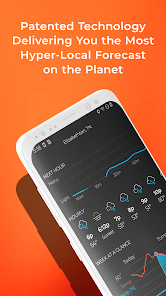
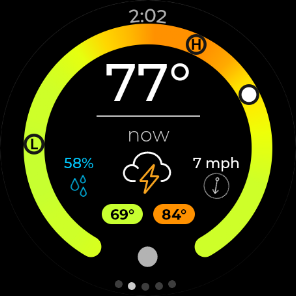
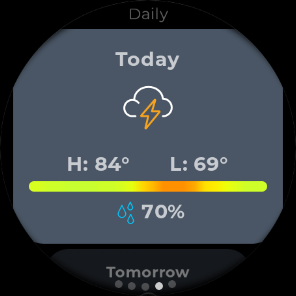
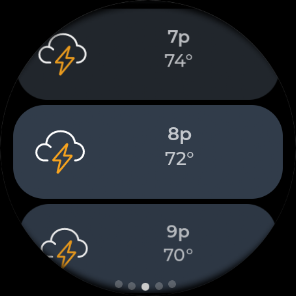
The app provides accurate, detailed weather forecasts for up to 7 days, giving you insights into temperature, humidity, wind speed, and more. With these forecasts, you can plan your week ahead with confidence, whether you're scheduling a picnic or a road trip.

Interactive Weather Maps

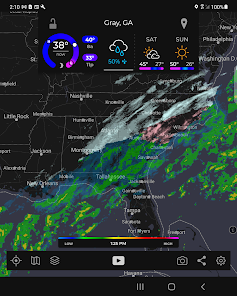
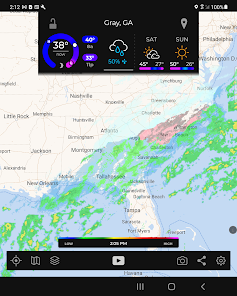
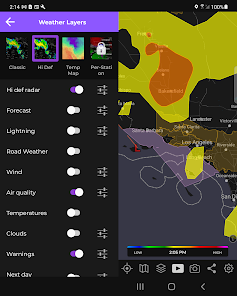
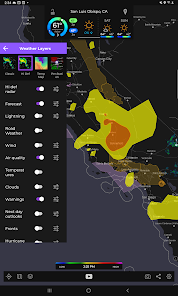
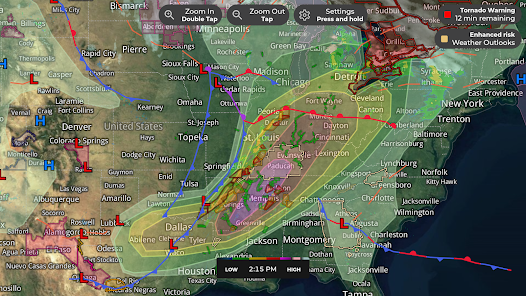
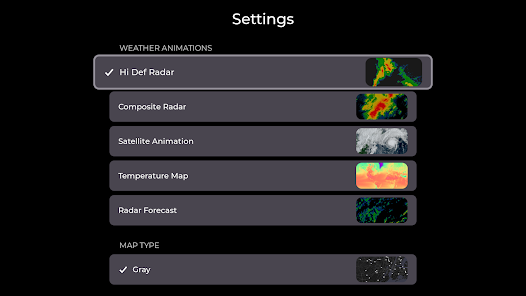
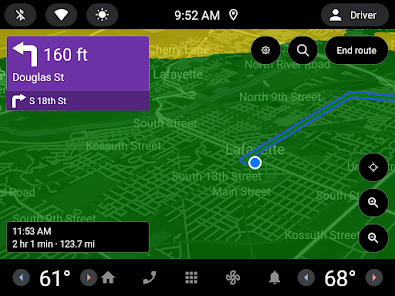
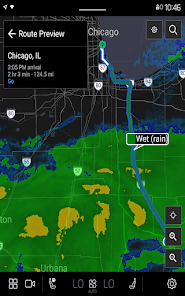
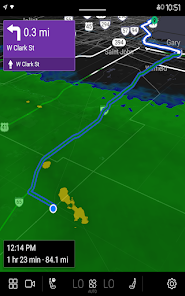
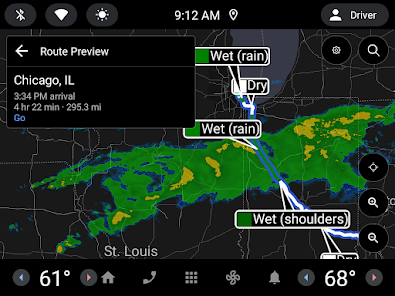
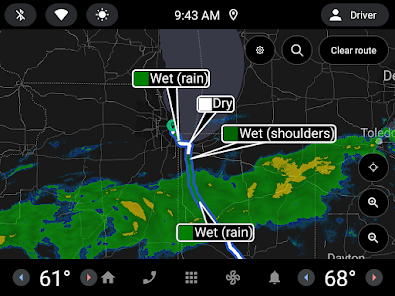
MyRadar features interactive maps that allow you to explore various weather layers, including satellite imagery and temperature overlays. This functionality provides a comprehensive view of the current weather conditions, making it easier to understand the bigger picture and plan accordingly.

Real-Time Weather Radar

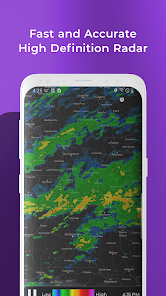
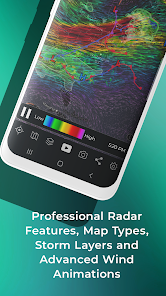
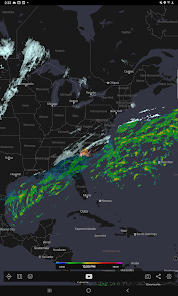
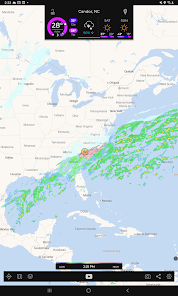
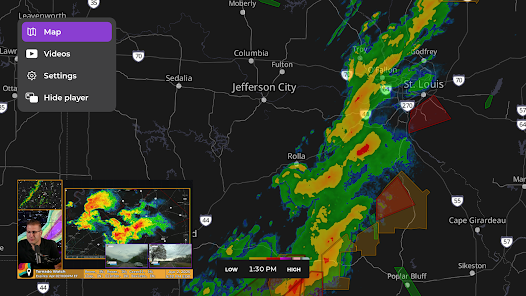
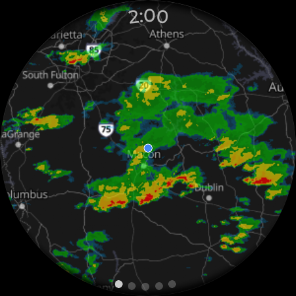
MyRadar offers stunning, high-resolution radar imagery that updates in real-time, allowing you to track storms and precipitation as they happen. With this feature, you can easily see weather patterns moving in your area, helping you make informed decisions about your outdoor plans.

Severe Weather Alerts

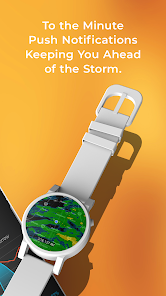
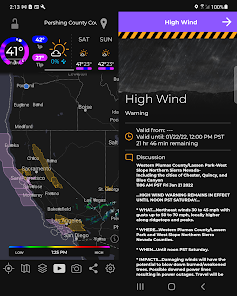
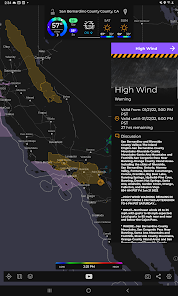
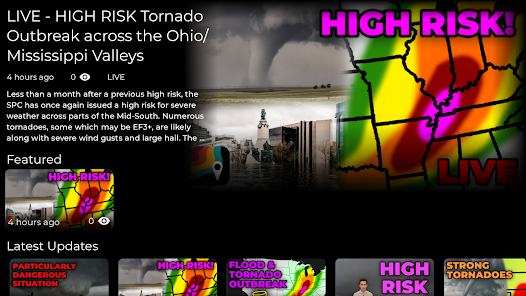
Stay safe with MyRadar's customizable severe weather alerts, which notify you of impending storms, tornadoes, and other weather-related dangers. These alerts are tailored to your location, ensuring you get the most relevant information when you need it most, allowing you to take action quickly.

Advertisement

Pros & Cons

Pros
  • Real-time weather updates for informed decisions
  • User-friendly interface for easy navigation
  • Detailed radar imagery for precise tracking
  • Custom alerts tailored to your preferences
  • Severe weather warnings to ensure safety
Cons
  • Limited detailed forecasts available for specific locations
  • User interface can be cluttered and confusing
  • Ads may disrupt user experience and navigation
  • Some features require a paid subscription for access

Real Experience Using MyRadar Weather Radar

Application Scenarios

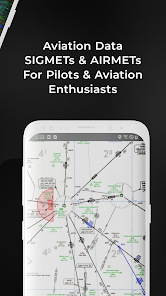
MyRadar Weather Radar is designed for a variety of weather-related scenarios, making it suitable for both casual users and professionals. Whether you're planning a weekend getaway, scheduling outdoor activities, or monitoring severe weather conditions, this app provides real-time data to help you make informed decisions. For instance, hikers and campers can utilize the radar to check for incoming storms, while farmers can track precipitation patterns that may affect their crops. The app is particularly valuable for pilots and maritime users who require precise weather information for safe navigation. With its intuitive interface, users can swiftly view animated radar images, temperature maps, and storm tracking, ensuring they are always prepared for whatever nature has in store.

User Experience

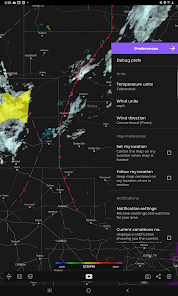
The user experience of MyRadar Weather Radar is commendable, characterized by a clean and user-friendly interface. Upon launching the app, users are greeted with a visually appealing radar display that offers a wealth of information at their fingertips. The app allows for easy navigation between various weather layers, including temperature, wind speed, and precipitation forecasts, all of which can be toggled on and off based on user preferences. Additionally, the app supports location-based services, delivering localized weather alerts and updates, which enhances its relevance. Users have reported that the app's push notifications for severe weather warnings are timely and accurate, providing peace of mind during unpredictable weather events. Overall, the seamless integration of features contributes to a satisfying user experience that keeps users returning for daily weather checks.

Pricing

MyRadar Weather Radar is available for free, offering a comprehensive suite of features without any upfront costs. However, users can opt for a Pro version that unlocks additional functionalities, such as enhanced weather layers, ad-free usage, and advanced data analytics. The Pro subscription is offered on a monthly or annual basis, making it flexible for users who may want to try it out without a long-term commitment. Overall, the pricing model is competitive, offering good value for both casual users and those who rely heavily on detailed weather information.

Updates & Support

The development team behind MyRadar Weather Radar is committed to providing regular updates to enhance functionality and user experience. Users can expect periodic improvements, bug fixes, and new features, reflecting the developers' responsiveness to user feedback. Support options are readily available through the app, where users can access FAQs, report issues, and submit feature requests. The presence of an active user community also contributes to a collaborative environment where users can share tips and tricks to maximize the app’s effectiveness. Overall, the combination of consistent updates and robust support ensures that MyRadar remains a top choice for weather enthusiasts.

verified Security & Privacy Review

The MyRadar Weather Radar app takes user privacy and data security seriously. Upon installation, the app requests several permissions, including location access, which is essential for providing accurate weather forecasts. Users have the option to grant location permissions only while using the app, enhancing privacy. The app utilizes secure data transmission protocols to protect user information during communication. MyRadar does not sell personal data to third parties, ensuring that user information remains confidential. However, users should be aware that aggregated data may be used for analytics and improving services. Privacy policies are clearly outlined, providing transparency regarding data collection practices. Users can manage their privacy settings within the app, allowing for tailored control over what information is shared. Regular updates indicate a commitment to maintaining robust security measures and addressing any potential vulnerabilities. Overall, MyRadar Weather Radar demonstrates a solid approach to security and privacy, making it a reliable choice for users concerned about their data safety while accessing weather information.
Advertisement

Compare APP

User Reviews

  • Jasen Gibson
    2026/05/06

    The most useful weather app I've used. I don't care so much about seeing forecasts for a week out, but i want to see conditions nearby or approaching. I keep the fronts, wind, lightning layers on with the composite map and i can see everything i need. The wind direction/speed on the map is nice, I've never seen that before, and then being able to switch it to the jetstream is just cool. Seeing where cold fronts are, and exactly where lightning strikes are occurring is more nerd fun.

  • Aaron Stewart
    2026/04/30

    I've used MyRadar for years. I have paid for a few of the upgrades. For me, they are worth it. The accurate radar combined with solid information from the forecast makes this a winning app. There are plenty of features to play with and pick and choose what you need or like the most. I haven't found a weather app or forecaster that has achieved 100% accuracy.... but the people at MyRadar, they do a great job. Thank you for a great product, keep it up.

  • Neil Puckett
    2024/11/18

    I have the paid version of the app. I really enjoyed it for a year and a half and was impressed with it's accuracy. Unfortunately, over the last 6 months it's quality and accuracy has notably dropped. Temperatures are wrong, the app seems to follow the "model" by default rather than actual weather conditions, and when the weather is unpredictable it cannot handle the change. Right now, the temperature is in the high 50/low 60s but the app is insisting it is mid-70s despite multiple restarts.

  • Tommy Trussell
    2025/05/06

    One of the best weather apps I have tried. Very good for daily and minute to minute forecasts, including alerts like "rain in 10 minutes." The radar layers are comprehensive and adjustable. Severe weather alerts and plots manageable with extra adjustments. I have not responded to the "invest in our company" advertising, but I can understand why it might be compelling.

  • Erik Scott
    2025/05/02

    Love this app! So much so that I got the paid version to support the creators. I live in South Florida and it's important to know where the random storms are. A few times during our hurricane season, this app was the first to alert me that we were in the "cone of concern". They are quick to fix problems that come up when Android releases new versions and that can be rare these days. I installed it on all my family's devices and they're loving it too. All my thanks to this team!

Review Source: Google Play store public user reviews.

FAQ

1

Does MyRadar Weather Radar collect my personal data?

MyRadar Weather Radar may collect some personal data to enhance user experience, but it is committed to user privacy and provides details in its privacy policy regarding data collection and usage.

2

Does MyRadar Weather Radar offer a free trial or free version?

Yes, MyRadar Weather Radar offers a free version with basic features, as well as premium subscription options that provide additional functionality and features.

3

Does MyRadar Weather Radar require an internet connection?

Yes, MyRadar Weather Radar requires an internet connection to access real-time data and updates, as it relies on online sources for weather information.

4

How can I contact support or send feedback for MyRadar Weather Radar?

You can contact support or send feedback for MyRadar Weather Radar through the app's support section, via email, or by visiting their official website for additional resources and assistance.

5

How do I manage or cancel my MyRadar Weather Radar subscription?

You can manage or cancel your MyRadar Weather Radar subscription through the settings in the app or via the app store where you initially subscribed, following the provided instructions.

How to use MyRadar Weather Radar

1

Can I access customer support via email for MyRadar?

Yes, you can email customer support using the contact information provided on their website.

2

How can I contact customer service for the MyRadar Weather Radar app?
You can contact customer service through the app's settings or by visiting their official website's support page.
3

How do I find the customer support number for MyRadar?

The customer support number can usually be found in the app's settings under the "Help" section or on their official website.

4

How do I log in to my MyRadar account?

Open the app, tap on the account icon, and enter your credentials to log in.

5

How do I update my MyRadar account information?

Log in to your account in the app, go to settings, and update your information as needed.

What's New

- Fix issue causing missing purchases for some users.- Fix issue where the hurricane feature would disable itself between launches.
Editor's Choice