This site uses cookies to enhance your user experience. By clicking any link on this site you are giving your consent to our cookie policy. Read more
Reject
Accept All

Advertiser and Editorial Disclosures

Weather Forecast: Live Weather

Weather Forecast: Live Weather

verified

Weather Forecast - WaiWao Studio

4.8
Rating
/ Downloads
1.114.0 Version
  • category

    Category: Weather

  • price

    Price: 0

  • age rating

    Age Rating: Everyone

  • rating

    Rating: 4.8

  • available on

    Available on: /

  • updated on

    Updated on: Oct 23, 2025

Screenshot 1
Screenshot 2
Screenshot 3
Screenshot 4
Screenshot 5
Screenshot 6
Screenshot 7
Advertisement

Features & Highlights

Interactive Radar Maps

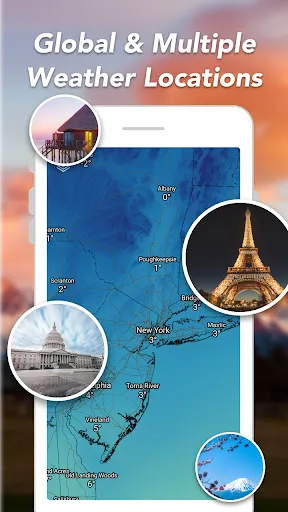
Explore interactive radar maps that provide a visual representation of weather patterns in your area. With easy-to-navigate features, you can zoom in and out to see everything from local showers to severe storm warnings, allowing you to stay ahead of changing conditions.

Personalized Alerts

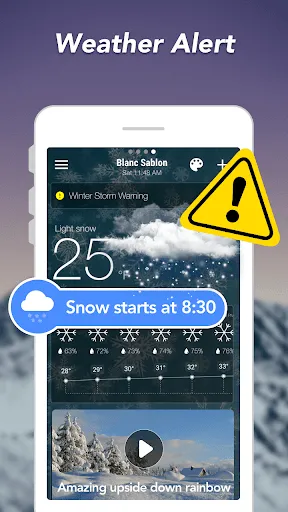
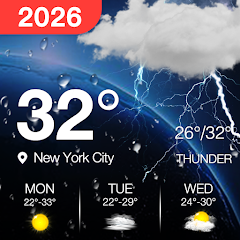
Customize your weather alerts to receive notifications tailored to your preferences. Whether it’s severe weather warnings or daily forecasts, you can set alerts for specific conditions, ensuring you never get caught off guard by unexpected weather changes.

Real-Time Updates

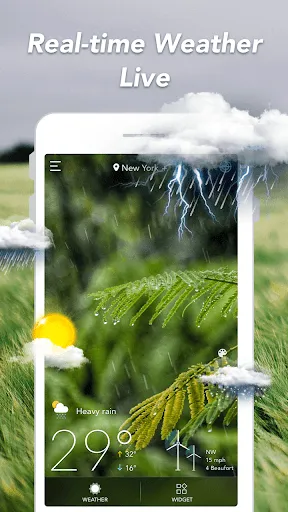
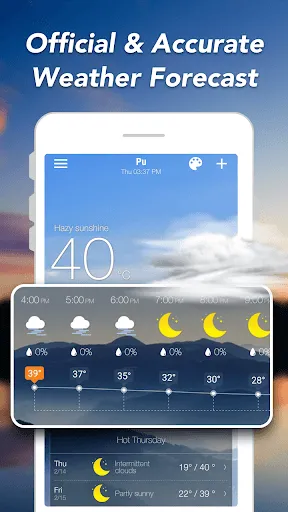
Stay informed with real-time weather updates that keep you in the loop, no matter where you are. With accurate data sourced from reliable meteorological services, you can trust that you're getting the latest information on current conditions and forecasts, making planning your day a breeze.

User-Friendly Interface

Navigate effortlessly through a user-friendly interface designed for all ages. With a clean layout and intuitive design, finding the information you need is simple and quick, making it easy to access the weather data that matters most to you.

Advertisement

Pros & Cons

Pros
  • Accurate real-time weather updates enhance planning.
  • User-friendly interface makes navigation effortless.
  • Customizable alerts keep you informed instantly.
  • Comprehensive forecasts for any location worldwide.
  • Visual maps provide clear weather patterns at a glance.
Cons
  • Inaccurate predictions can lead to poor planning
  • Limited coverage in remote areas affects reliability
  • Frequent updates may overwhelm users with notifications
  • Interface may be cluttered and hard to navigate

Real Experience Using Weather Forecast: Live Weather

Application Scenarios

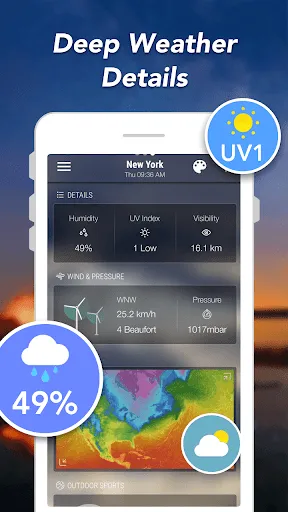
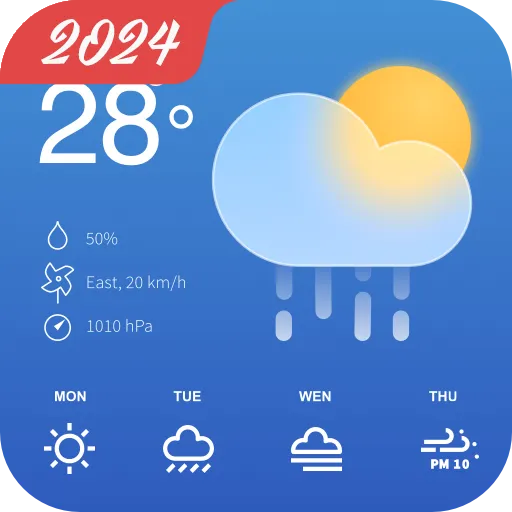
The Weather Forecast: Live Weather app is versatile, catering to a wide range of users. Whether you are planning a weekend getaway, commuting to work, or organizing an outdoor event, this app provides real-time weather updates that are crucial for making informed decisions. The app excels in offering localized forecasts, allowing users to check the weather for specific locations, including remote areas. Additionally, for those who enjoy outdoor activities like hiking or cycling, the app provides detailed insights into wind speed, humidity, and air pressure, all of which can significantly impact your plans. Moreover, with its severe weather alerts, users are promptly notified about unexpected weather changes, making it a reliable companion during stormy conditions.

User Experience

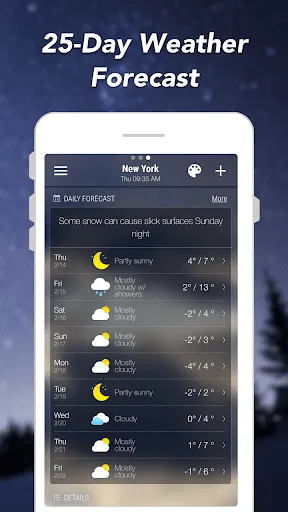
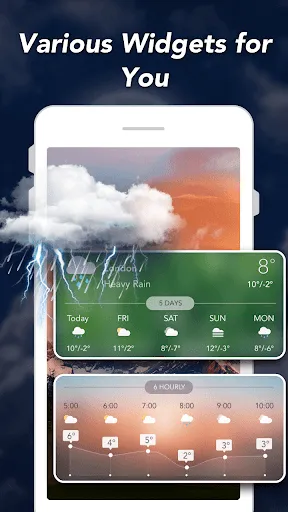
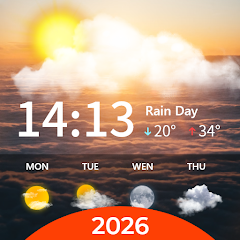
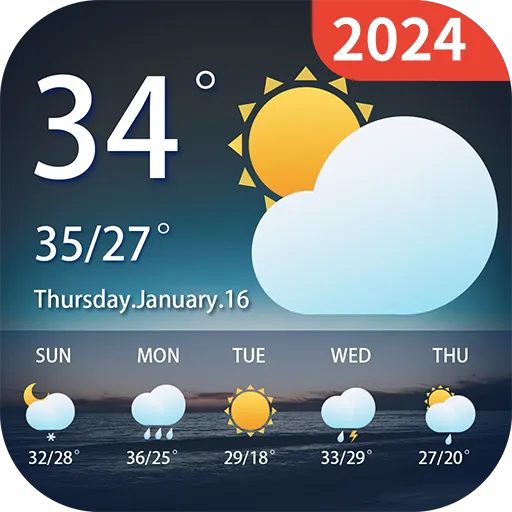
User experience is at the heart of the Weather Forecast app. The interface is clean and intuitive, making it easy for users of all ages to navigate through various features. The home screen displays essential information, such as temperature, precipitation probability, and sunrise/sunset times, in a visually appealing format. Users can swipe through hourly forecasts and weekly predictions with ease, allowing for quick access to detailed information. One standout feature is the interactive map that shows real-time radar images of weather systems, giving users a visual perspective of approaching storms or clear skies. Furthermore, the app is responsive and loads updates swiftly, ensuring that users receive the latest data without delays.

Pricing

The Weather Forecast app offers a free version with basic functionality, making it accessible to a broad audience. However, for users looking for an enhanced experience, a premium subscription is available at a reasonable monthly or annual fee. The premium version unlocks advanced features such as ad-free browsing, extended forecasts, and access to exclusive weather data. Users often find this investment worthwhile, especially those who rely heavily on accurate weather information for their daily routines or activities.

Updates & Support

The developers of the Weather Forecast app are committed to providing regular updates, ensuring that users benefit from the latest technological advancements and feature enhancements. The app frequently receives bug fixes and performance improvements, which contribute to its overall reliability. Additionally, the support team is responsive and knowledgeable, offering assistance through various channels, including email and in-app messaging. Users can also access a comprehensive FAQ section that addresses common inquiries, further enhancing the overall user experience. This dedication to support and updates reflects the developers' commitment to maintaining a high-quality product that meets the evolving needs of its users.

verified Security & Privacy Review

The "Weather Forecast: Live Weather" app prioritizes user security and privacy, implementing robust measures to protect sensitive information. The app clearly outlines its data collection practices in the privacy policy, ensuring transparency regarding what data is gathered and how it is utilized. Users can expect to share location data for accurate weather updates, but the app allows for granular control over permissions, enabling users to customize their experience based on comfort levels. In terms of data handling, the app employs encryption protocols to safeguard user data both in transit and at rest, mitigating risks associated with unauthorized access. Additionally, the app does not sell or share personal information with third parties, reinforcing its commitment to user privacy. Regular updates help address potential vulnerabilities, and users are encouraged to keep the app updated to benefit from the latest security enhancements. Overall, "Weather Forecast: Live Weather" demonstrates a strong commitment to data security and user privacy, making it a reliable choice for those seeking weather information without compromising personal information.
Advertisement

Compare APP

User Reviews

  • Kate Fotopoulos
    2025/07/09

    Lots of useful information. Only downside for me is that when I look at my home screen, the widget shows the correct time, but the temperature displayed is whatever the temperature was the last time I *opened* the app, so I might see 101 degrees at midnight when it's actually 82. I don't know whether that was intentional (forcing me to open the app and probably see another ad), but I much preferred being able to check the temperature at a glance.

  • A Google user
    2019/08/28

    This is the best weather app I have installed yet! Today I received a severe weather alert for my area! I like having the daily temperature in the left hand corner of the home screen. Also, it features the 10-day and hourly forecasts, wind pressure, air quality, humidity, dewpoint visibility, radar, and sun and moon. The best part is no pop-up ads!

  • A Google user
    2019/05/27

    I am very pleased with this weather app. I have tried most of them, including the paid versions, and they all lack something. I personally like the look of this app and the way information is presented, though it may not suit everyone. My one complaint (with every weather app) is that humidity is not included in the info for the long-range forecast. When you live in the south, humidity is just as important as temperature - a 90° day with low humidity is better than an 80° day with high humidity.

  • Jacqueline Weber
    2025/06/26

    This app has great features & is very customizable. The graphics are nice. There is a glitch that I can't fix & it is that it won't change the unit of measurement to inches from cm. It doesn't matter how many times I change the setting or restart my phone. I've un-installed the app, then reinstalled it. Nothing works. I would've given five stars, but that really annoys me. As of 6-20-25, the widgets stopped automatically updating the temperature. The refresh on the widget doesn't work.

  • Melissa Inman
    2022/07/06

    Accurate, easy to use, & customizable which is great! There are a few ads but it's a free app, and you can close right out of them anyway so they don't bother me too much. I've been using this app for a little while now in comparison to a couple others and the "others" are about to be deleted/uninstalled. I've found the one I like.

Review Source: Google Play store public user reviews.

FAQ

1

Does Weather Forecast: Live Weather collect my personal data?

Weather Forecast: Live Weather may collect certain personal data to enhance user experience and provide personalized services. Users should review the app's privacy policy for detailed information on data collection and usage.

2

Does Weather Forecast: Live Weather offer a free trial or free version?

Yes, Weather Forecast: Live Weather typically offers a free version with basic features, and users may have the option to try a premium version through a free trial for a limited time.

3

Does Weather Forecast: Live Weather require an internet connection?

Yes, Weather Forecast: Live Weather requires an internet connection to retrieve real-time data and updates. However, some features may be available offline if previously downloaded.

4

How can I contact support or send feedback for Weather Forecast: Live Weather?

To contact support or send feedback for Weather Forecast: Live Weather, you can typically use the in-app support feature or visit the app's official website, where you can find contact information and support resources.

5

How do I manage or cancel my Weather Forecast: Live Weather subscription?

You can manage or cancel your Weather Forecast: Live Weather subscription through your device's app store settings. Detailed instructions are usually provided in the app's help section or on the subscription management page.

How to use Weather Forecast: Live Weather

1

How do I contact Customer Service for the Live Weather app?

You can reach Customer Service by emailing support

2

How do I log in to the Live Weather app?

Open the app and tap 'Log In' on the welcome screen, then enter your registered email and password.

3

Is there a way to activate the Live Weather app after download?

Typically, the app is activated automatically upon login; just create an account or log in with your existing credentials.

4

What is the Customer Number for Live Weather app support?

The Customer Number is usually found within the app under Settings > Help & Support.

Editor's Choice