

Advanced open-source SNES emulator based on Snes9x with a minimalist UI and a focus on low audio/video latency, supporting a wide variety of devices from the original Xperia Play to modern devices like the Nvidia Shield and Pixel phones.
Features include:
* Supports .smc and .sfc file formats, optionally compressed with ZIP, RAR, or 7Z
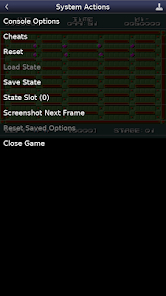
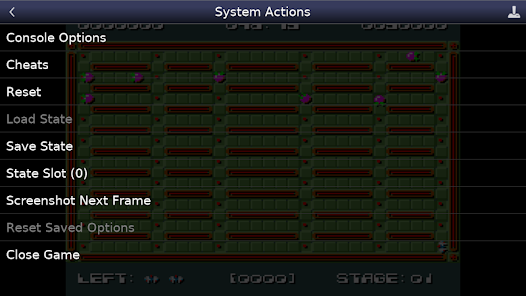
* Cheat code support using .cht file format
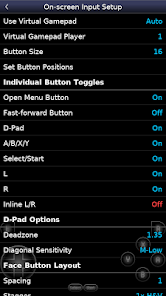
* Configurable on-screen controls
* Bluetooth/USB gamepad & keyboard support compatible with any HID device recognized by the OS like Xbox and PS4 controllers
No ROMs are included with this app and must be supplied by the user. It supports Android's storage access framework for opening files on both internal and external storage (SD cards, USB drives, etc.).
View the full update changelog:
https://www.explusalpha.com/contents/emuex/updates
Follow development of my apps on GitHub and report issues:
https://github.com/Rakashazi/emu-ex-plus-alpha
Please report any crashes or device-specific problems via email (include your device name and OS version) or GitHub so future updates continue to run on as many devices as possible.
 Google Play
  App Store
 Access the settings menu to customize graphics and audio options for an optimal gaming experience.
To get started, find the Snes9x EX+ app in your device's app store, download it, and follow the installation prompts.
With Snes9x EX+, you can play your favorite SNES games on the go, providing entertainment anytime, anywhere.
The app offers various settings for further customization, including control layouts and display options.
To resume your game, navigate to the saved states menu and select your previously saved progress.