

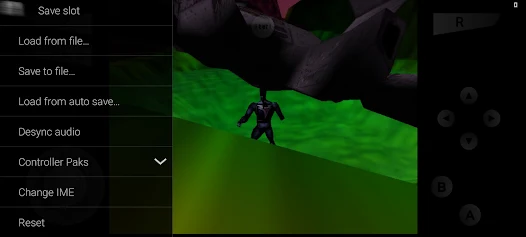
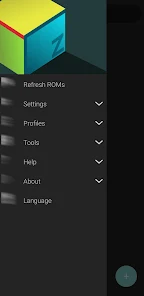
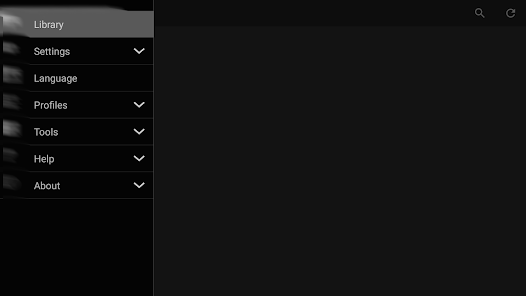
All necessary cores and plugins are included. There are many caveats though.
* There will be issues with specific games or devices.
* Not all games work, but most do.
* For games that do work, you may have to try different video plugins
* Not all video plugins will work with every device, and there could be glitches.
The netplay server is only supported in the pro version. To play games over the internet, it requires a router with UPnP and being connected to the router. No UPnP is required to play games locally in the same WiFi network.
For support, please go to either: /r/EmulationOnAndroid or www.paulscode.com
Here is a great guide: https://paulscode.com/t/mupen64plus-ae-fz-support/79
 Google Play
  App Store
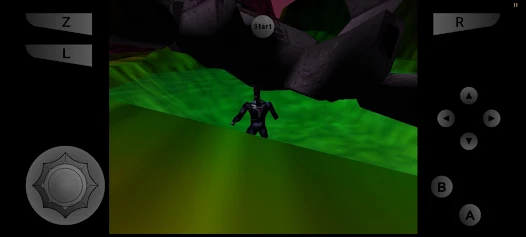
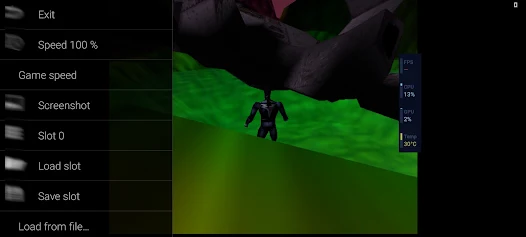
 Customize the emulator settings to enhance graphics and control responsiveness. This can improve your overall gaming experience.
To get started, download the M64Plus FZ Emulator from a trusted source. Follow the installation instructions specific to your device to ensure proper setup.
With everything set up, dive into your favorite Nintendo 64 games and enjoy a nostalgic gaming experience with smooth performance.
It's important to use ROM files that you own legally. Check compatibility with the emulator to ensure smooth gameplay.
The emulator offers various settings for audio, video, and controls. Experiment with these options to tailor your gaming experience to your preferences.