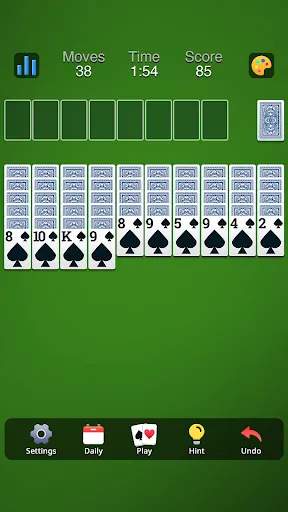
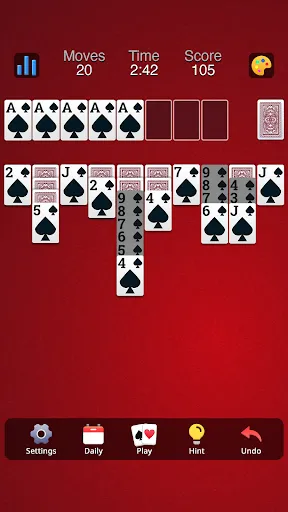
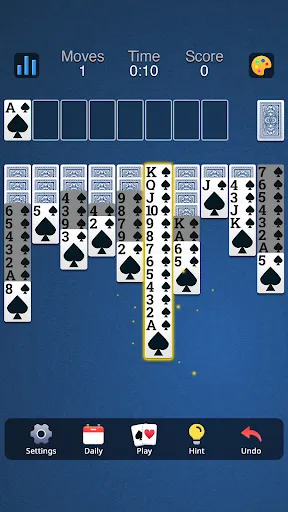
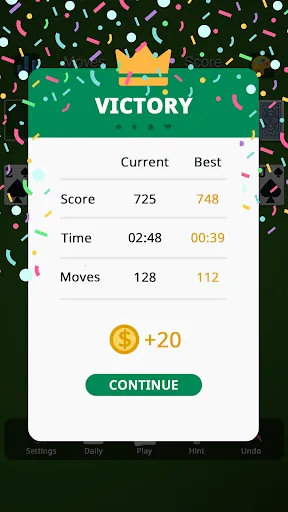
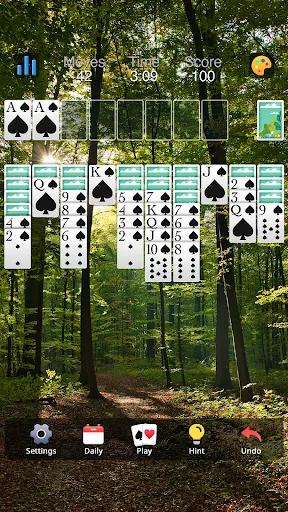
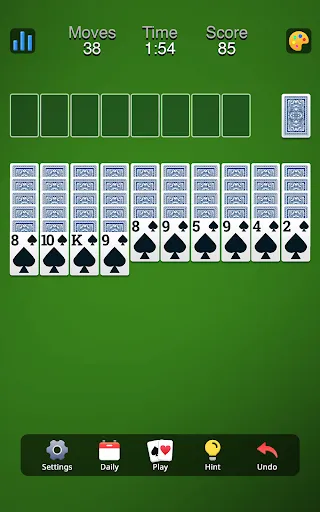
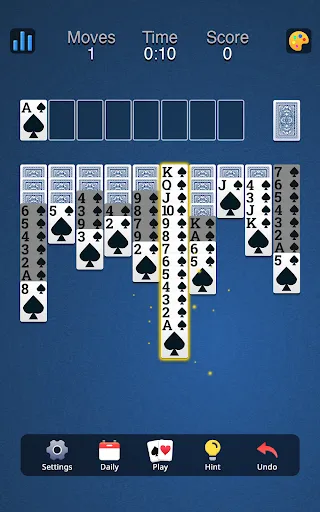
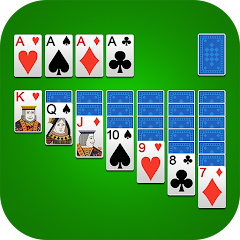
Spider Solitaire is a captivating card game that offers a range of features designed to enhance player experience. One of the most notable features is the multiple difficulty levels, which include one, two, and four suits. This allows players of varying skill levels to enjoy the game, from beginners to seasoned experts. The game also provides an intuitive user interface, making it easy to navigate through the game and understand the rules quickly. Another key feature is the option for hints, which can guide players on possible moves, helping them strategize better. Additionally, players can undo moves, allowing them to backtrack if they make an error or want to explore a different strategy. The game also includes a scoring system that adds a competitive edge, motivating players to improve their skills over time. Finally, Spider Solitaire often includes beautiful graphics and animations that make the gameplay visually appealing, enhancing the overall gaming experience. Using Spider Solitaire is a straightforward process, making it accessible for players of all ages. To begin, players must first select their desired difficulty level, choosing from one, two, or four suits. Once the game starts, the objective is to build complete stacks of cards from King to Ace in descending order, with cards of the same suit placed together. Players can move cards between columns and to the foundation piles, following the rules of the game. Players can draw cards from the deck to help in forming stacks and strategy. If a column becomes empty, any card can be placed in that space, providing strategic opportunities. Throughout the game, players can use the hint feature if they are unsure of their next move. It’s essential to plan ahead and think critically about each move, as the game can become more complex with fewer cards available. Once a player successfully organizes all cards into the foundation piles, they win the game. Regular play can help improve skills and strategies over time. Spider Solitaire comes with its own set of advantages and disadvantages that players should consider. On the positive side, the game is excellent for enhancing strategic thinking and problem-solving skills. It encourages players to think ahead, as planning is crucial for success. The variety of difficulty levels also means that it can accommodate a wide range of players, from casual gamers to those seeking a more challenging experience. Moreover, the game can be played alone, making it a great option for solitary entertainment. On the downside, some players may find Spider Solitaire to be frustrating, especially when faced with particularly challenging layouts that seem unwinnable. The game requires patience and a strategic mindset, which can be off-putting for those looking for a more relaxed gaming experience. Additionally, while the game can be immensely rewarding when completed, it may also lead to prolonged periods of gameplay that some might consider tedious. Lastly, the reliance on computer-based versions could deter those who prefer traditional card games. Despite these cons, Spider Solitaire remains a beloved classic for many card game enthusiasts.Features of Spider Solitaire: Card Game
How to Use Spider Solitaire: Card Game
Pros & Cons of Spider Solitaire: Card Game
Yes, users can submit suggestions or feedback through the app's support options or official website, where developers welcome input to improve the game.
The app may collect certain data to enhance user experience, but it is committed to user privacy and adheres to data protection regulations.
Yes, Spider Solitaire: Card Game can be played offline, allowing users to enjoy the game without an internet connection.
Subscriptions can be canceled through the app store settings on your device, where you can manage your subscriptions and select the option to cancel.
Subscription prices may vary, but generally, they offer monthly and yearly plans for enhanced gameplay features and an ad-free experience.
Unfortunately, the app does not display your customer number. Please refer to your registration email or contact customer service for retrieval.
You can reach our customer service via the support section in the app or through our website's contact form.
If you didn't receive the email, check your spam folder. If it's not there, please contact customer service for a new activation link.
To log in, open the app and enter your registered email and password. If you encounter issues, ensure your credentials are correct.
You can contact customer service through the help section in the app or send an email to our support team for quick assistance.