



0

 Compact and lightweight for easy portability Tracks items in real-time for peace of mind Long-lasting battery ensures reliable use Customizable alerts to prevent losing belongings Works seamlessly with Galaxy devices for convenience
 Limited range for tracking devices Lacks built-in GPS functionality Requires a smartphone for full features Battery life is relatively short
  Google Play
  App Store
 Galaxy SmartTag prioritizes user privacy and does not collect personal data without consent; it primarily tracks the location of the tagged items.
Galaxy SmartTag does not offer a free trial or free version, as it is a hardware device that is purchased outright.
No, Galaxy SmartTag does not require an internet connection to function; it uses Bluetooth to connect to your device for tracking purposes.
You can contact support for Galaxy SmartTag through the Samsung website or the SmartThings app, where you can also send feedback and receive assistance.
Since Galaxy SmartTag does not have a subscription model, there is no need to manage or cancel a subscription. However, you can manage your connected devices through the SmartThings app.
You can reach customer service through the Samsung support website or by calling their dedicated customer service number available in your region.
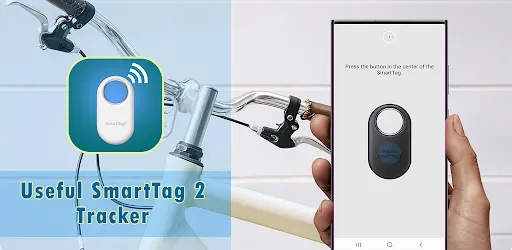
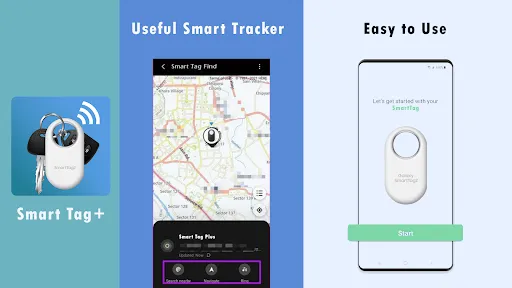
To activate, press the button on the SmartTag and pair it with your smartphone via the Galaxy SmartTag app, following the on-screen instructions.
Open the app and enter your Samsung account credentials. If you don't have an account, you can create one directly in the app.
The customer number varies by region; please check the Samsung support site for the correct number in your area.
























