This site uses cookies to enhance your user experience. By clicking any link on this site you are giving your consent to our cookie policy. Read more
Reject
Accept All

Advertiser and Editorial Disclosures

Bebefinn Town: Kids House Game

Bebefinn Town: Kids House Game

verified

The Pinkfong Company

3.8
Rating
50,000+ Downloads
1.6 Version
  • category

    Category: Educational

  • price

    Price: free

  • age rating

    Age Rating: Everyone

  • rating

    Rating: 3.8

  • available on

    Available on: Android, Windows*

  • updated on

    Updated on: Jun 21, 2026

Screenshot 1
Screenshot 2
Screenshot 3
Screenshot 4
Screenshot 5
Screenshot 6
Screenshot 7
Screenshot 8
Screenshot 9
Screenshot 10
Screenshot 11
Screenshot 12
Screenshot 13
Screenshot 14
Screenshot 15
Screenshot 16
Screenshot 17
Screenshot 18
Screenshot 19
Screenshot 20
Screenshot 21
Screenshot 22
Screenshot 23
Screenshot 24
Advertisement

Features & Highlights

Customization Options

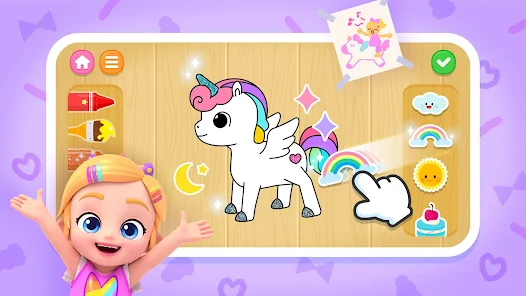
Give your child the power to personalize their experience with a variety of customization options. Kids can choose furniture, decorations, and outfits, allowing them to express their unique style and preferences while enhancing their sense of ownership within the game.

Interactive Play Areas

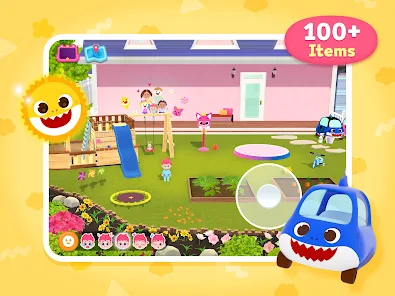
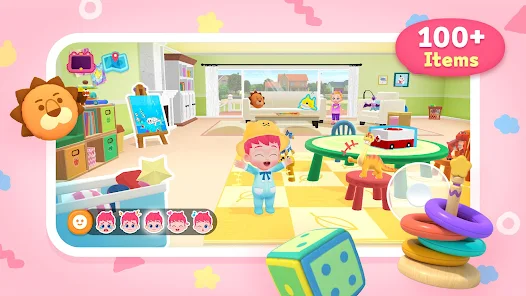
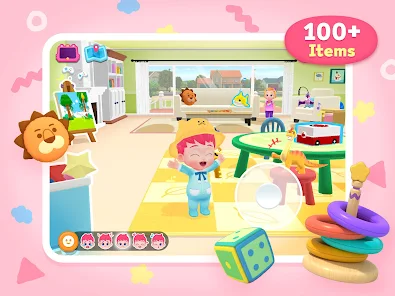
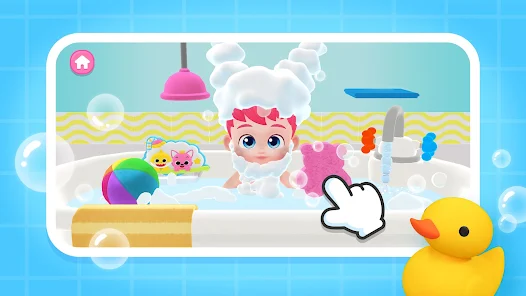
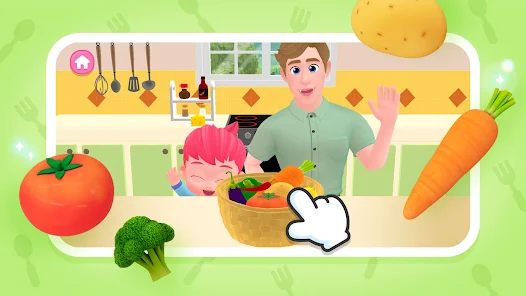
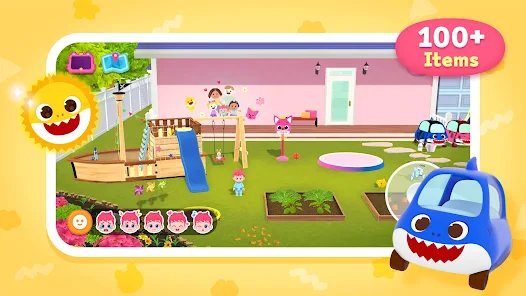
Explore a vibrant world filled with diverse play areas, from cozy bedrooms to lively kitchens. Each space is designed to spark imagination and creativity, encouraging kids to engage in role-playing activities that mimic real-life scenarios, fostering both fun and learning.

Mini-Games Galore

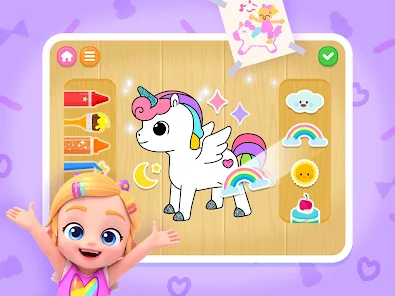
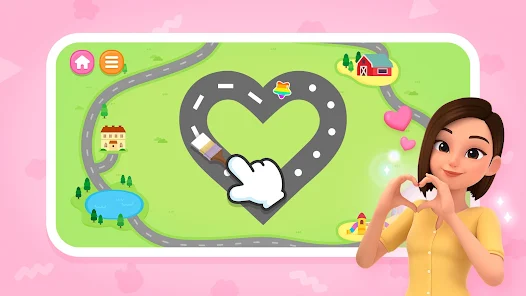
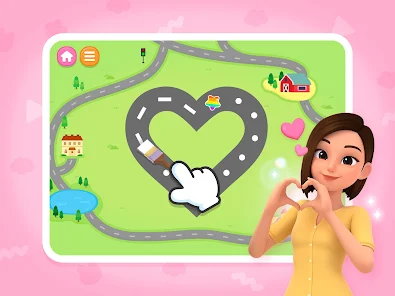
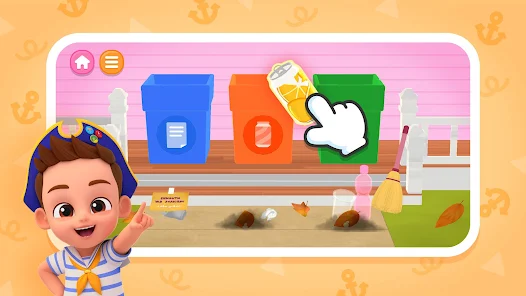
Enjoy a selection of entertaining mini-games that can sharpen skills while providing endless fun. These engaging activities range from puzzles to memory games, ensuring that kids stay challenged and entertained as they navigate through the town's diverse offerings.

Social Interaction Features

Foster connections with friends through exciting social interaction features. Kids can invite friends to their virtual homes, collaborate on tasks, and share experiences, which not only enhances gameplay but also teaches valuable lessons about teamwork and friendship.

Advertisement

Pros & Cons

Pros
  • Explore vibrant play areas!
  • Engage in fun mini-games!
  • Encourage creativity and fun!
  • Safe environment for kids!
  • Learn through interactive play!
Cons
  • Limited educational value
  • Repetitive gameplay experience
  • In-app purchases can add up
  • Graphics may seem outdated

Real Experience Using Bebefinn Town: Kids House Game

Real Experience Application Scenarios

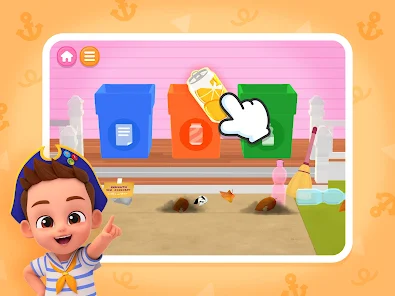
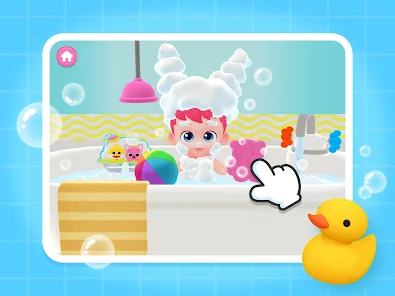
Bebefinn Town: Kids House Game is designed to immerse children in a vibrant and interactive virtual world where they can explore, create, and play. This app is perfect for various scenarios, such as during family gatherings, road trips, or quiet afternoons at home. It offers a safe space for kids to engage in imaginative play, encouraging creativity and problem-solving skills. Parents can use the app as an educational tool, introducing their children to everyday activities, such as cooking, cleaning, and social interactions. The game is also ideal for playdates, allowing multiple children to collaborate and engage in group activities, fostering teamwork and communication. The app's design supports various age groups, making it suitable for toddlers and younger children, ensuring that they can enjoy its features while learning essential life skills.

User Experience

The user experience in Bebefinn Town is designed with children in mind. The interface is colorful, intuitive, and easy to navigate, allowing even the youngest users to explore without frustration. The variety of mini-games and activities, such as shopping, decorating, and role-playing, keeps children engaged for hours. The animations are smooth, and the sound effects add a delightful layer of immersion. Additionally, the app promotes social interaction through features that allow kids to visit friends’ houses and share their creations. Parents appreciate the absence of advertisements, providing peace of mind while their children play. However, some users have noted that the app could benefit from more diverse character customization options, which would enhance the experience further by allowing children to identify with their avatars more closely.

Pricing

Bebefinn Town operates on a freemium model, offering a free version with limited access to features and content. This allows parents to try the app without any financial commitment, making it a great option for families hesitant to invest upfront. For those seeking a more comprehensive experience, the premium version unlocks additional activities, characters, and customization options for a reasonable subscription fee. Many parents find this pricing model fair, as it provides flexibility based on their child's interests and engagement level. The app also occasionally offers promotional discounts, making it accessible for families on a budget.

Updates & Support

The developers of Bebefinn Town are committed to regularly updating the app to enhance user experience and introduce new content. Recent updates have included new themed events and additional mini-games, keeping the gameplay fresh and exciting. The support team is responsive and available to assist with any issues or inquiries, ensuring that parents and children can enjoy a seamless experience. Feedback from users is actively sought, which helps guide future updates and features. Overall, the combination of consistent updates and reliable support contributes to a positive long-term user experience.

verified Security & Privacy Review

Security & Privacy Review Bebefinn Town: Kids House Game prioritizes user security and privacy, implementing various measures to safeguard data. The app adheres to strict data protection regulations, ensuring that personal information is collected and processed transparently. The permissions required by the app are minimal and primarily focused on enhancing user experience. Users are informed about the necessary permissions during the installation process, allowing for informed consent. The app does not request access to sensitive data such as location or contacts, which helps mitigate privacy concerns. Bebefinn Town has a clear privacy policy that outlines how user data is handled, including details on data storage, usage, and sharing practices. The developers commit to not selling personal information to third parties, reinforcing trust among users and parents. Overall, Bebefinn Town: Kids House Game demonstrates a responsible approach to security and privacy, making it a suitable choice for children and their families.
Advertisement

User Reviews

  • Precious Kaye Cabug Verano
    2026/04/25

    great for kids,and honestly it's friendly and great

  • Ember Baker
    2026/02/09

    Next game is fun

  • reni octora
    2026/06/03

    I prefer all

  • Rhonda Renee Lawrence Morales
    2026/05/16

    I love it

  • nur dalili
    2026/04/04

    best

Review Source: Google Play store public user reviews.

FAQ

1

Are there any safety features for kids while using the app?

Bebefinn Town includes safety features such as age-appropriate content filtering and parental controls that allow parents to manage their child's app usage. Additionally, the app is designed to create a safe environment for children to play and explore without exposure to inappropriate content.

2

Are there in-app purchases in Bebefinn Town?

Yes, Bebefinn Town may offer in-app purchases for additional content, features, or upgrades. Parents can disable in-app purchases through their device settings to prevent unintended charges. Always check the app store description for the latest information on pricing and features.

3

Can I customize my child's character in the game?

Yes, Bebefinn Town allows players to customize their characters with various outfits, accessories, and hairstyles. This feature enhances the gaming experience, enabling children to express their individuality and creativity while playing.

4

Can multiple users play on the same device?

Yes, multiple users can play Bebefinn Town on the same device. The app allows for different profiles, enabling each child to have their own personalized experience and save their progress separately. This feature helps maintain individual gameplay without overwriting each other's achievements.

5

How can I report an issue or provide feedback about the app?

If you experience any issues or wish to provide feedback about Bebefinn Town, you can usually do so through the app's settings or help section. Additionally, you may contact the app's support team via their official website or the app store page for assistance. Your feedback is valuable for improving the app.

How to use Bebefinn Town: Kids House Game

1

Do I need to activate my account for Bebefinn Town?

Yes, you may need to activate your account via a confirmation email sent during registration. Check your inbox.

2

How can I contact Customer Service for Bebefinn Town?

You can contact Customer Service through the app's support section or via the official website's contact form.

3

How can I reset my password for Bebefinn Town?

Use the "Forgot Password?" link on the login page to receive a reset link via email.

4

How do I change my account settings in Bebefinn Town?

Open the app, go to the settings menu, and select the options you wish to change.

5

How do I log in to my account in Bebefinn Town?

To log in, open the app and enter your registered email and password on the login screen.

What's New

Explore Bebefinn home & world!

Editor's Choice