This site uses cookies to enhance your user experience. By clicking any link on this site you are giving your consent to our cookie policy. Read more
Reject
Accept All

Advertiser and Editorial Disclosures

Anima Color - Paint by Number

Anima Color - Paint by Number

verified

Candy Mobile

4.6
Rating
1,000,000+ Downloads
1.9.5 Version
  • category

    Category: Board

  • price

    Price: free

  • age rating

    Age Rating: Everyone

  • rating

    Rating: 4.6

  • available on

    Available on: Android, Windows

  • updated on

    Updated on: Mar 26, 2026

Screenshot 1
Screenshot 2
Screenshot 3
Screenshot 4
Screenshot 5
Screenshot 6
Screenshot 7
Screenshot 8
Screenshot 9
Screenshot 10
Screenshot 11
Screenshot 12
Screenshot 13
Screenshot 14
Screenshot 15
Screenshot 16
Screenshot 17
Screenshot 18
Screenshot 19
Screenshot 20
Screenshot 21
Screenshot 22
Screenshot 23
Screenshot 24
Advertisement

Features & Highlights

Diverse Artwork Collection

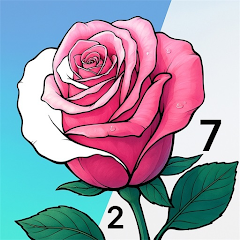
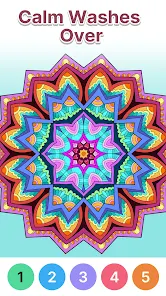
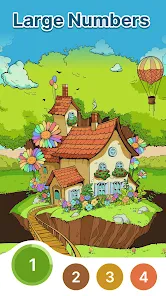
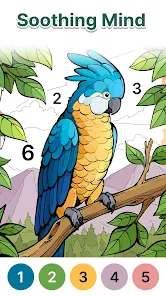
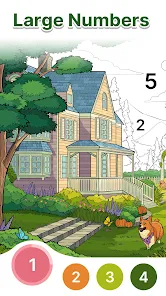
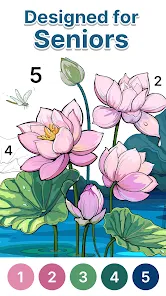
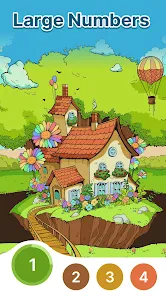
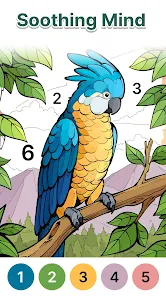
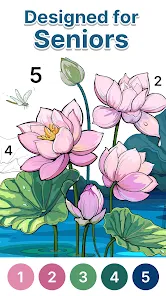
Explore a vast collection of beautiful images across various categories, from nature to abstract art. Anima Color keeps your creativity flowing with fresh content, allowing you to discover new themes and styles that inspire you to paint your next masterpiece.

Relaxing Experience

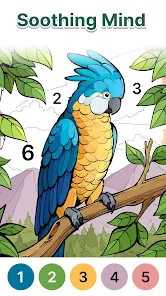
Painting by number is not just about creating art; it's also a wonderful way to unwind and destress. With Anima Color, you can immerse yourself in a calming environment, allowing you to escape from the hustle and bustle of daily life as you focus on your colorful creations.

User-Friendly Interface

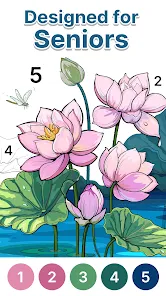
The app boasts an intuitive user interface designed for artists of all skill levels. Whether you're a seasoned painter or a beginner, you'll find it easy to navigate through the various features, making the painting experience enjoyable and stress-free.

Vibrant Color Palette

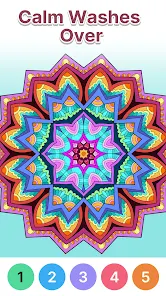
Anima Color - Paint by Number offers a stunning range of vibrant colors that bring your artwork to life. With carefully curated shades, you can easily find the perfect hues to match your creative vision, ensuring every piece is as expressive and captivating as you imagine.

Advertisement

Pros & Cons

Pros
  • Anima Color offers relaxation
  • Explore a vast art collection
  • Easy-to-use paint by number
  • Perfect for all skill levels
  • Share your artwork with friends
Cons
  • Limited color palette choices
  • Ads can disrupt user flow
  • In-app purchases can add up
  • Complex designs may frustrate

Real Experience Using Anima Color - Paint by Number

Application Scenarios

Anima Color - Paint by Number is designed for art enthusiasts of all ages, providing a relaxing and creative outlet that can be enjoyed in various scenarios. Whether you're unwinding after a long day, seeking a mindful activity during your commute, or looking for a fun way to engage kids during a family gathering, this app fits seamlessly into different contexts. The intuitive interface allows users to pick a number and fill in corresponding colors, making it perfect for beginners who may feel intimidated by traditional painting methods. Additionally, its vast library of images ranges from simple designs suitable for children to intricate patterns that challenge adult users, making it an ideal choice for family bonding or solo relaxation.

User Experience

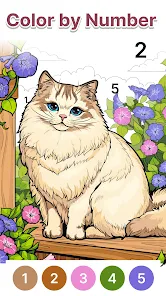
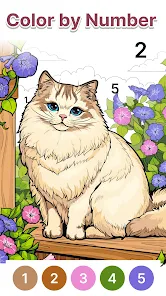
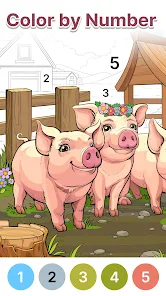
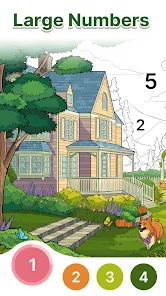
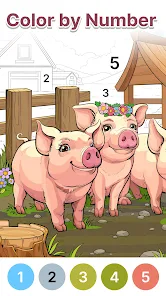
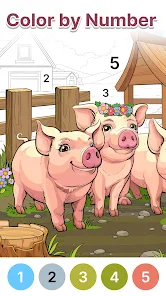
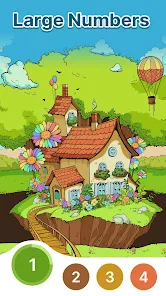
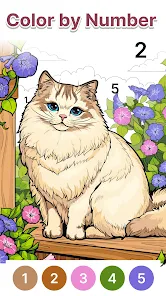
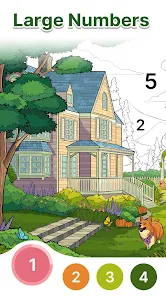
The user experience in Anima Color is streamlined and user-friendly, allowing even the most technologically challenged individuals to navigate the app with ease. The layout is clean, with a straightforward color palette that users can access quickly. Each image is numbered, which simplifies the coloring process, reducing frustration and enhancing enjoyment. The app also features a zoom function, enabling users to work on fine details without losing track of the overall design. Many users appreciate the satisfying sound effects that accompany each color fill, adding an engaging sensory element to the painting process. Furthermore, the ability to share completed artworks on social media directly from the app encourages community interaction and inspires others to join in the fun.

Pricing

Anima Color offers a freemium model, allowing users to download and start using the app at no cost. The free version provides access to a limited selection of images and features, which is a great introduction for new users. For those seeking a more extensive experience, the premium subscription unlocks a wider array of images, special coloring tools, and ad-free usage. The pricing is competitive compared to similar apps, with a monthly and annual subscription option, making it accessible for casual users as well as dedicated artists. Overall, the pricing structure is transparent, ensuring users know exactly what they’re getting for their investment.

Updates & Support

Anima Color is regularly updated, with new images and features added frequently to keep the content fresh and engaging. The developers actively listen to user feedback, implementing requested features and making improvements based on community suggestions. Customer support is responsive, with a dedicated help center that addresses common queries and technical issues. Users can also reach out through social media channels for quicker assistance. The commitment to continuous improvement and user satisfaction ensures that Anima Color remains a top choice for digital painting enthusiasts, fostering a loyal and engaged user base.

verified Security & Privacy Review

Security & Privacy Review Anima Color - Paint by Number prioritizes user security and privacy through a comprehensive approach to data handling. The app implements robust encryption protocols to protect user data during transmission and storage. This ensures that personal information remains secure from unauthorized access. Regarding permissions, Anima Color requires minimal access to device features, primarily asking for storage permissions to save and load artwork. Users are informed about these permissions during installation, allowing for informed consent. The app does not request access to sensitive data such as contacts or location, which enhances user privacy. Furthermore, Anima Color adheres to strict data retention policies, only collecting information necessary for app functionality and user experience improvement. Users can manage their data preferences within the app settings, including options to delete their accounts and associated data. Overall, Anima Color - Paint by Number demonstrates a strong commitment to safeguarding user privacy while providing an enjoyable painting experience.
Advertisement

User Reviews

  • K O
    2026/02/18

    I have not had any thoughts about looking into these different Color by Number apps. Today, I looked at several, & downloaded one of them, (not this one yet), but while/after coloring one picture, I was astonished. I'll explain... While coloring that first picture, I clearly noticed my blood pressure going down, followed by my anxiety levels diminish! I loved the relaxation it gave me.. doesn't happen easily. I have been coloring for the past few hours! ZEN! Thank you!! 😊

  • Kim Blackstone
    2024/12/04

    Love this coloring experience. Very relaxing. Colors are vivid. The assortment of pictures are varied to suit different interests. You can zoom in and out. Ads are non-intrusive and very short. The symbols at the bottom of the page make it easy to navigate the different categories of pictures. The painter's tray symbol in the bottom right corner shows pictures that you have started but still need to finish. This is the best coloring app I've come across. I've stopped looking for better.

  • Joan M Alexander
    2025/03/08

    Some challenges with the really tiny places, but slow searching reveals it. That makes it difficult for those with poorer vision n. However, moving forward with the coloring will eventually make it easier to find. It's frustrating, and puts a bit of strain on seniors who don't see as well. So, enlarge the picture with your fingers and slowly move the picture until you find it, or skip to the next color Devs, you might want to consider changing this a little so it's not too hard to find. Thx

  • Kimberly Francis
    2025/01/05

    It was Good at first and as you color more pictures and watch more ads to get more hints I'm finding it hard to tap the color to color it in and have to tap several times on just one cell. Now the ads that pop up after I finish a picture are the same ads over and over and over and over and over again... So annoying. I wouldn't mind it so much if the ads were different each time...So much for a stress free experience...very disappointing

  • Liz
    2025/01/25

    I've just started playing the paint by color games. I enjoy them but it happens that when I'm into a game, it suddenly goes off screen. I've searched for those I've started, but they're nowhere to be found! Two times, I was painting one with small cells. The first one, I was almost finished, and then it disappeared. The second one, I was into it for about five minutes, and it disappeared! Is there a way to retrieve partially finished work?

Review Source: Google Play store public user reviews.

FAQ

1

Are there any age restrictions for using Anima Color?

Anima Color is designed to be family-friendly and can be enjoyed by users of all ages. However, parental guidance is recommended for younger children to ensure they navigate the app safely and responsibly.

2

Can I save my progress in Anima Color?

Yes, Anima Color allows users to save their progress while painting. If you need to take a break or switch to another project, your work will be saved, and you can return to it anytime without losing your progress.

3

Can I use my own images in Anima Color?

Currently, Anima Color focuses on providing a curated selection of images within the app. Users cannot upload their own images for painting, but the app offers a wide variety of artwork to choose from, ensuring there's something for everyone.

4

How do I get started with Anima Color?

To get started with Anima Color, simply download the app from your device's app store, create an account or log in, and select an image you’d like to paint. Follow the numbered sections and use the color palette to fill in the areas as indicated. It's user-friendly and designed for all ages!

5

How often are new images added to Anima Color?

The developers of Anima Color regularly update the app with new images and content to keep the painting experience fresh and exciting. Users can look forward to new themes and seasonal artwork being added frequently!

How to use Anima Color - Paint by Number

1

How can I contact customer service for the Anima Color app?

You can reach customer service by emailing support

2

How do I activate my Anima Color app?

If activation is required, follow the prompt during the initial setup or check your email for an activation link.

3

How do I log in to my Anima Color account?

Open the app, tap on the login button, and enter your registered email and password.

4

What is the customer number for Anima Color?

The customer number varies by user; please check your account settings or contact support for assistance.

What's New

Bug fixes and performance improvements.

Editor's Choice